
Guide · Comparison
AI vs manual photo restoration
We sell the AI kind, so read this knowing that — and also knowing we'll tell you plainly where a human professional beats us. Both sides have real wins; your photo decides.
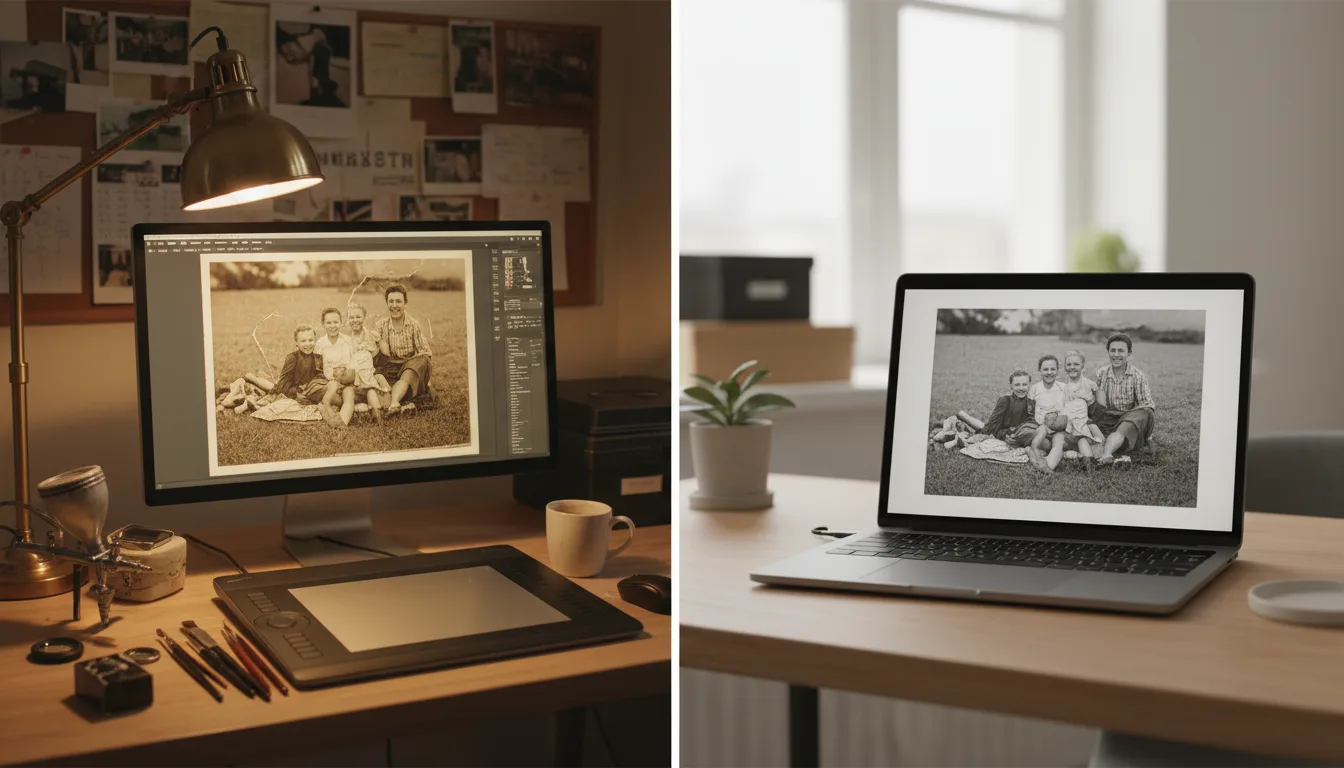
Manual restoration is a craftsperson rebuilding your photo in an editor, hour by hour. AI restoration is a model trained on millions of photos doing it in seconds. Different tools, different sweet spots.
The scorecard
Speed: AI, decisively — seconds versus days-to-weeks of queue and craft.
Cost: AI — free here, versus tens-to-hundreds per photo professionally. At archive scale this isn’t a comparison; it’s a category difference.
Common damage (fading, casts, scratches, creases, blur): AI wins on consistency and has seen millions more damaged photos than any human ever will.
Severe reconstruction (missing regions, heavy compound damage): Human professionals win. Inventing a missing half-face plausibly is artistry plus family consultation — judgment calls AI shouldn’t make alone.
Identity fidelity: Depends on the tool, not the category. Careless AI smooths faces into strangers; careless humans do too. Tools and pros alike should be judged on whether the person stays themselves — it’s our first principle.
Physical conservation: Humans, by definition. Stuck prints, mold, brittle daguerreotypes — no upload fixes an object.
Iteration and accountability: A hired professional gives you a person to talk to and revisions to request. AI gives you instant, unlimited re-runs — a different kind of iteration that suits different temperaments.
The decision, compressed
Ordinary damage or a whole archive → AI first, always (it’s free — there is no scenario where skipping the free pass is rational). Irreplaceable single image with severe damage → AI pass, then professional for whatever remains. Physical rescue → conservator, before anything digital. The comparison isn’t a rivalry; it’s a triage order — and step one is the same in every branch.
Tips for the best result
- Run the free AI pass first in every case — it either solves the job or precisely reveals what remains for a professional.
- Judge AI results at 100% zoom on faces; that's where quality differences live.
- Hiring a pro? Bring them the scan, not the original, unless physical conservation is the point.
- For archives, split the work: AI for the collection, human attention for the two hardest treasures.