
Guide · Restoration
How to restore old photos
From a faded, cracked print to a clear, vivid photo — this guide walks through the full restoration process and links to focused how-tos for each kind of damage.
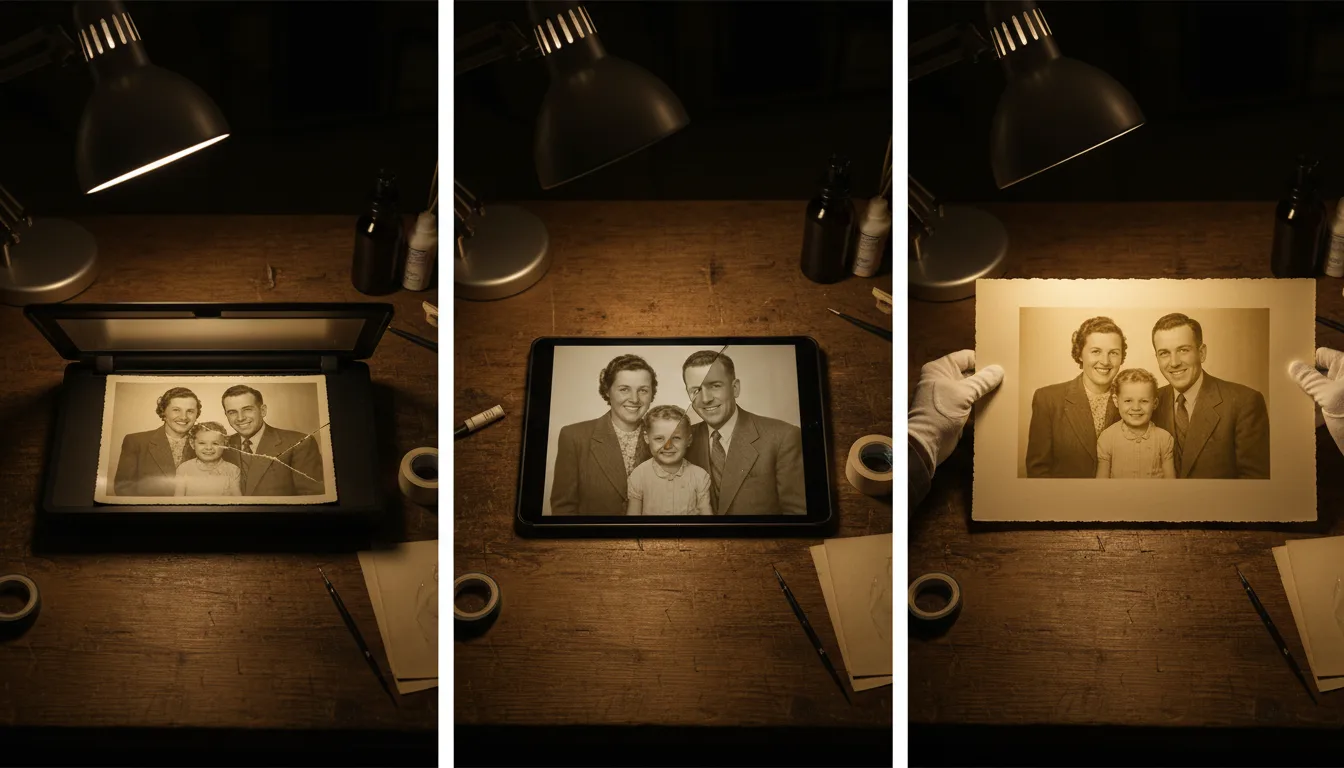
In this guide series
How to fix faded photosRecover washed-out color and contrast.How to repair torn photosRejoin rips and rebuild missing pieces.Remove scratches from photosClear scratch lines, dust, and specks.Fix water-damaged photosLift stains, blooms, and discoloration.Restore old photos freeHow to restore without spending a cent.
Photo restoration used to mean hours in an editor or a costly pro service. AI has changed that — but good results still come from following the right order. Here's the process, plus dedicated guides for specific damage.
The restoration process, step by step
- Start with a clean scan. Everything depends on your digital copy. Follow how to scan old photos for a sharp, glare-free capture.
- Repair structural damage. Fix tears, scratches, and creases first, so later steps work on a whole image.
- Correct fading and color. Rebuild lost contrast and even out faded, washed-out tones and any yellow or water-caused color casts.
- Sharpen and enhance. Recover focus and detail, especially in faces.
- Colorize (optional). Add natural color to black-and-white photos.
- Animate (optional). Bring the photo to life as a gentle video.
Let AI do the heavy lifting
With FotoRipple, most of these steps happen automatically. Upload a damaged print and it repairs fading, scratches, and tears in one pass — then you can choose to colorize and animate. The one principle throughout: repair the damage, keep the person. A restored face should look like your relative, never a smoothed-over stranger.
Focused guides by damage type
- Fix faded photos
- Repair torn photos
- Remove scratches from photos
- Fix water-damaged photos
- Restore old photos free
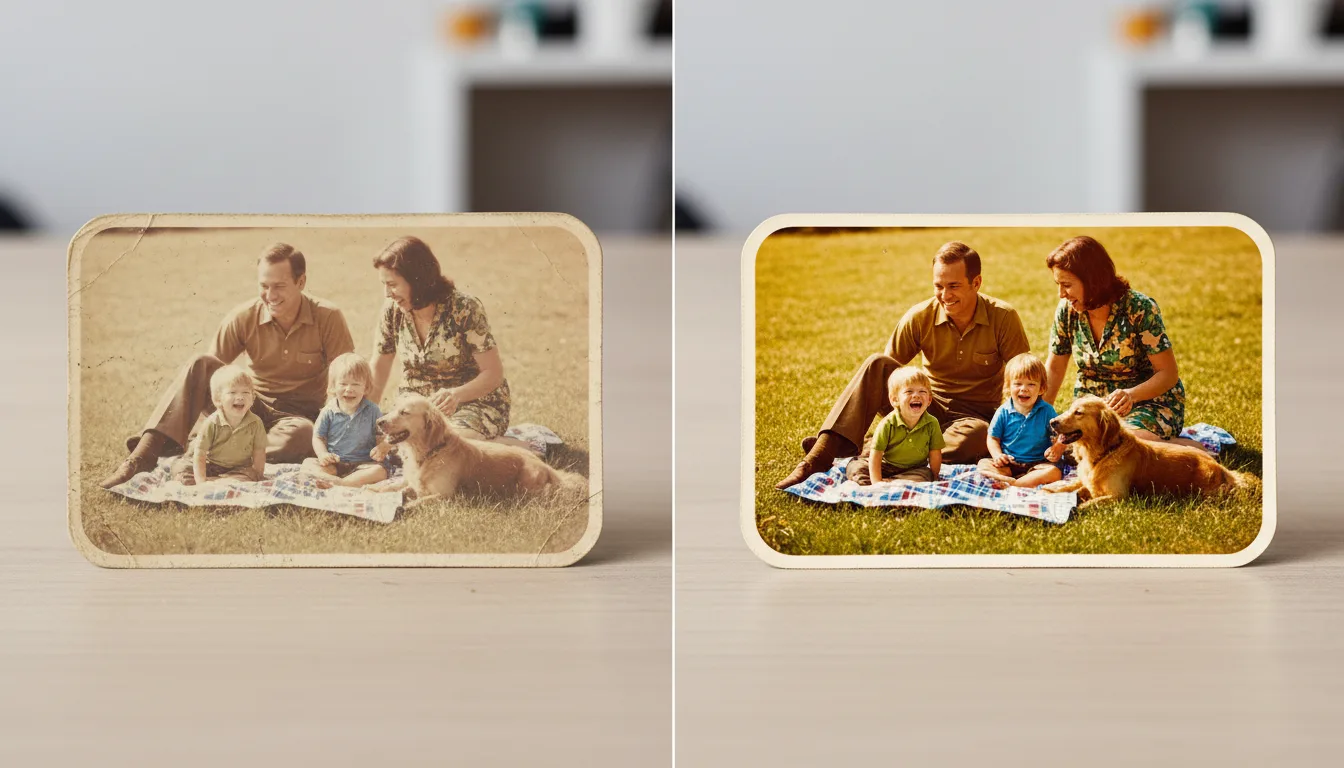
Tips for the best result
- Scan once, well — a sharp, glare-free capture makes every later step better.
- Keep the raw scan alongside the restored version; archives want both.
- Batch the whole box: restoration is free, so triage after repairing, not before.
- Check restored faces against your memory of the person — identity preservation is the quality bar.
Frequently asked questions
What's the best order to restore a photo?
Scan cleanly, repair structural damage (tears, scratches), even out fading and color, then optionally sharpen, colorize, and animate. Doing it in this order gives each step a cleaner image to work from.
Can AI really restore badly damaged photos?
Yes. Modern AI reconstructs fading, scratches, tears, and water damage convincingly. FotoRipple is tuned to repair damage while keeping the real person intact — see our approach.
Do I need Photoshop skills?
No. FotoRipple restores automatically from an upload — no editing skills required, and restoration is free.
How much does restoration cost?
With FotoRipple, nothing — restoration and colorization are free; credits only apply to animation. For the wider market's prices, see photo restoration cost.