
Guide · Restoration
How to restore old photos for free
You don't need expensive software or a pro service to bring an old photo back. Here's how to restore your photos free — and what to expect from free tools.
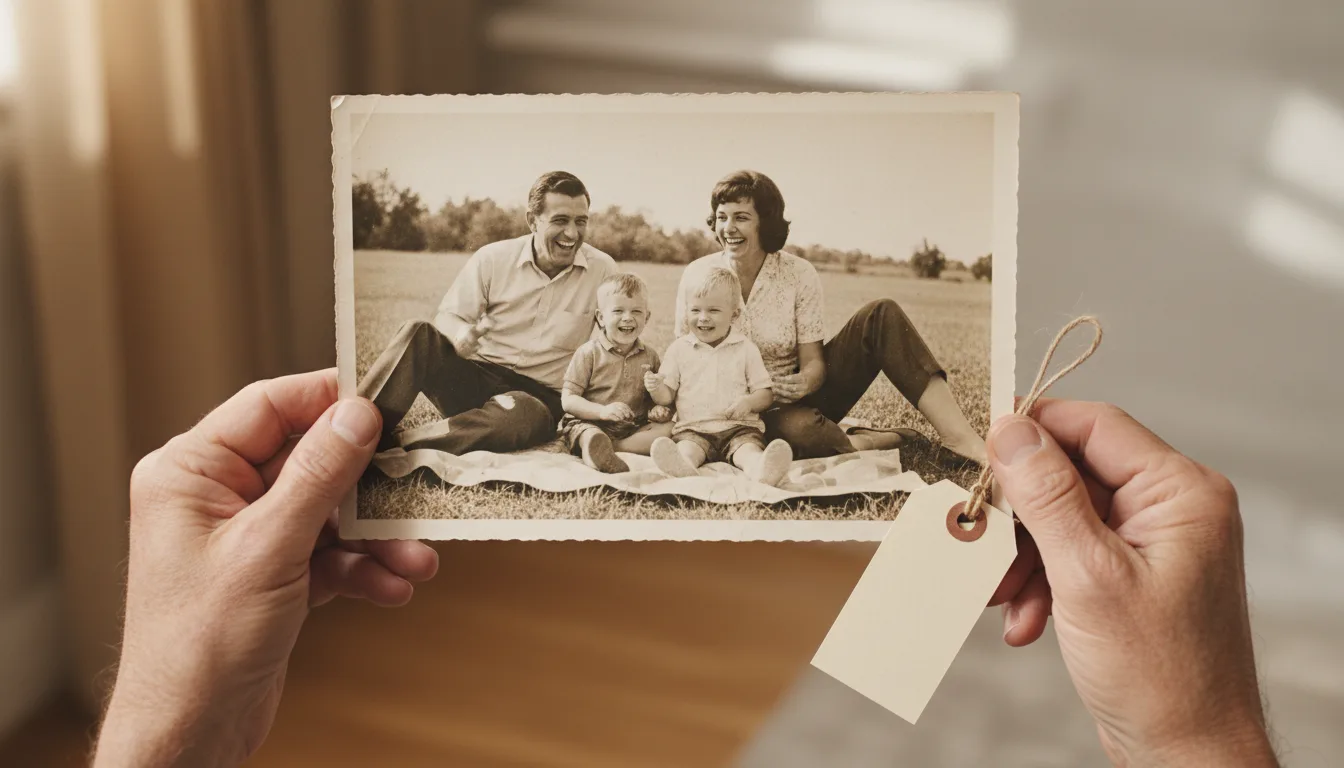
Free photo restoration used to mean hours of manual editing. AI has made it genuinely free and instant to revive a photo — here's how to do it and where the limits are.
Free restoration, step by step
- Scan your photo well. A clean, sharp, glare-free capture is the single biggest factor in a good free result — see how to scan old photos.
- Upload it to restore old photos. Your first photo is free, with no account required.
- Let AI do the work. Fading, scratches, and damage are repaired automatically — no editing skills needed.
- Download and keep it. Save the restored image to print, share, or animate.
What to expect from free tools
Free AI restoration is genuinely impressive today — but results depend heavily on your source image. Garbage in, garbage out: a dark, blurry, glary phone snap restores poorly, while a clean scan restores beautifully. Spend your effort on the scan.
Watch for hidden costs
Some “free” tools restore your photo, then watermark or shrink it and charge to unlock the full version. FotoRipple’s first photo is free and yours to keep. If you have many photos, pay-as-you-go credits keep costs low with no subscription.
Go beyond restoration
Once your photo is restored, you can also colorize and animate it — turning a free restoration into a living keepsake.
Tips for the best result
- Because it's free, restore the whole box — triage after repair, not before.
- Your scan quality is the only 'cost': capture well once and every free restoration improves.
- Watch for other tools' watermark/resolution traps; free should mean keepable.
- The restored photos feed free colorization too — the paid step is only animation.