
Colorize
Colorize old photos
See your family's black-and-white world in color. FotoRipple adds natural, believable color to old and monochrome photos in seconds — skin tones, skies, and surroundings that feel real.
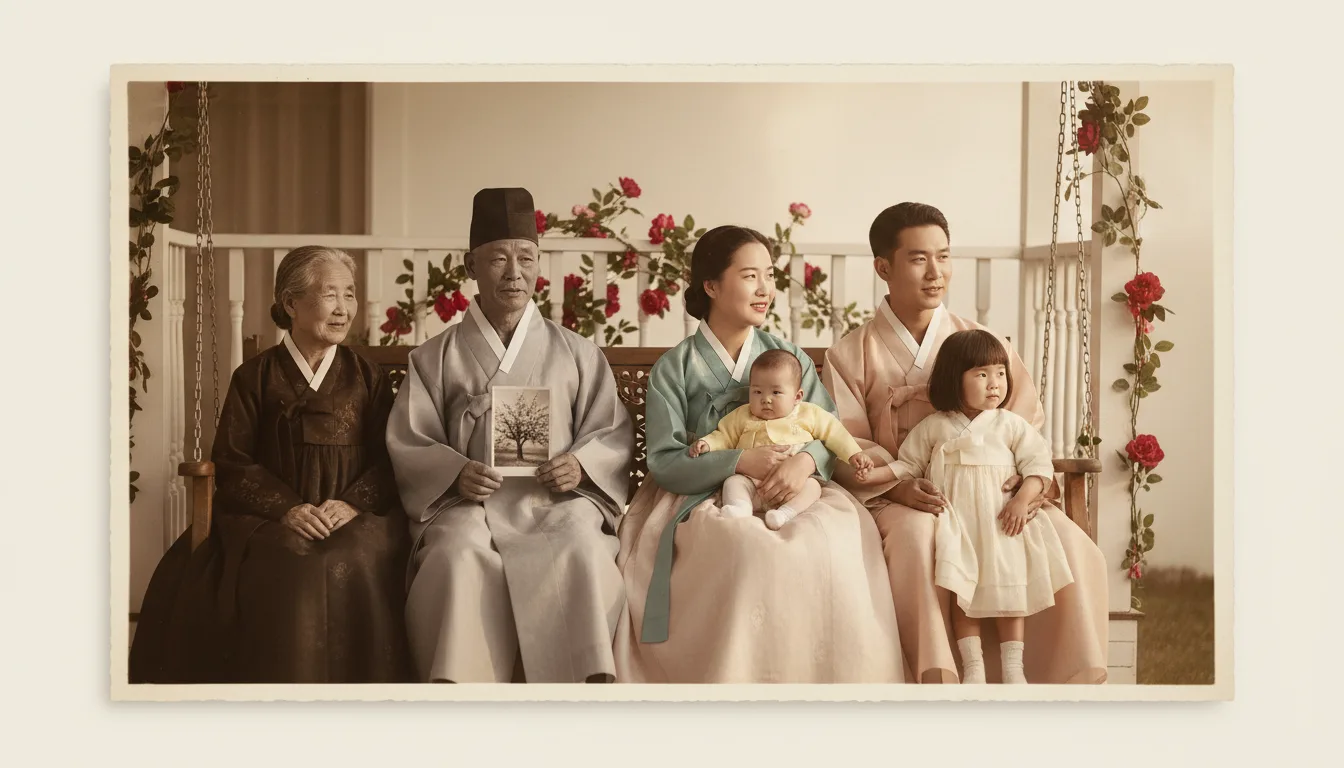
Colorizing an old photo can be startling — suddenly a distant ancestor feels present and alive. FotoRipple adds natural color that respects the real scene, without the cartoonish look older tools produced.
From black and white to lifelike color
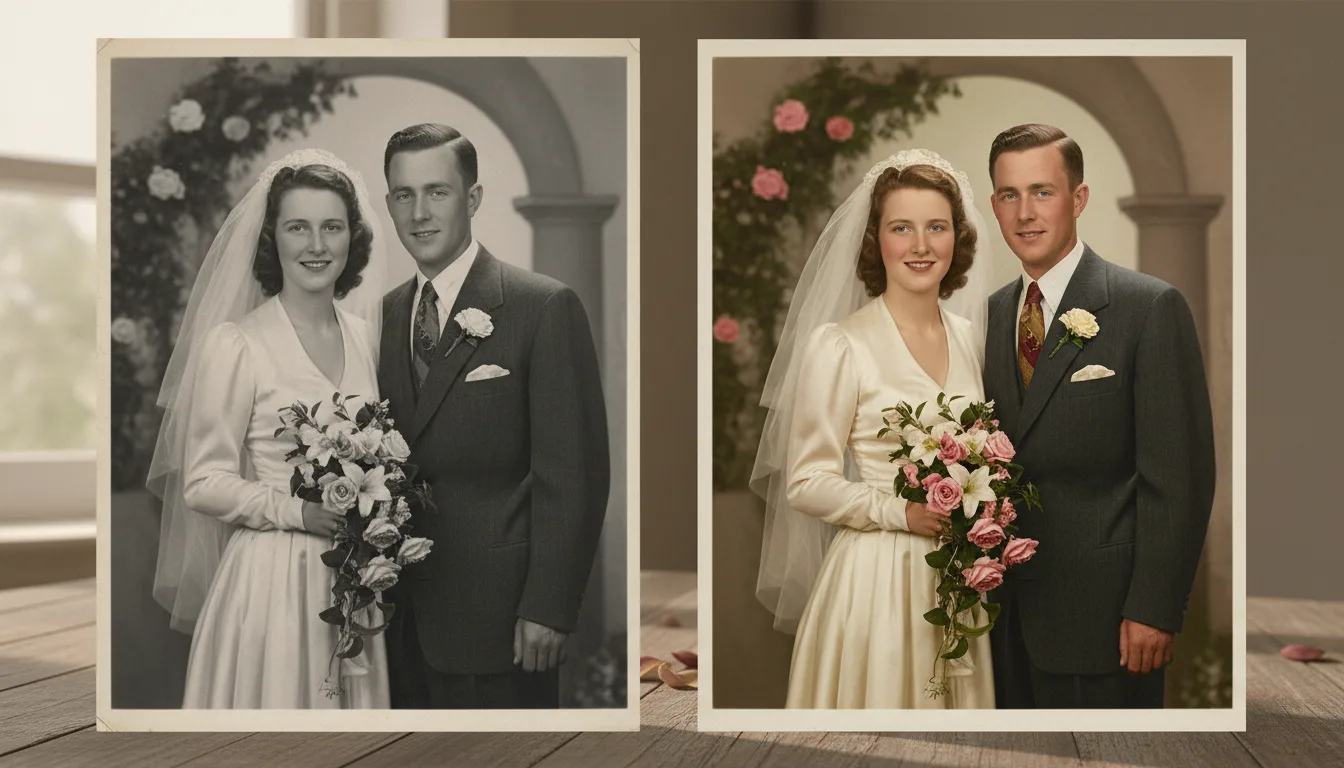
For most of us, our oldest relatives exist only in black and white. Colorization changes that. Adding natural color to a monochrome photo does something emotional — it collapses the distance of time and makes a scene feel like it happened in a world as real and colorful as our own.
FotoRipple’s colorization is trained to produce natural, plausible color: believable skin tones, correctly colored skies and foliage, and clothing that reads as real fabric. It’s a world apart from the flat, obviously-guessed colors of early colorizers.
Get the best colorization
- Restore first. Removing spots, scratches, and fading gives the colorizer a clean image and produces more accurate color.
- Colorize the cleaned photo here.
- Animate the color result for a moving keepsake — colorized, living portraits are among the most powerful gifts you can give.
For a full walkthrough, see how to colorize old photos.
How it works
- 1Upload a black-and-white or faded photo. Any monochrome or washed-out print works.
- 2AI adds natural color. Skin, clothing, foliage, and sky are colored to look believable and lifelike.
- 3Save or animate. Download the colorized image or bring it to life as a video.
Believable, natural tones
Modern AI colorization produces realistic skin tones and surroundings — not the flat, guessed colors of early tools.
Best on a clean image
For the sharpest result, restore the photo first to remove damage, then colorize.
Restore, colorize, animate
Colorization is one step in FotoRipple's journey from damaged print to living video keepsake.
Example: the street where they grew up
Take a 1954 street scene outside a grandparents' first house — monochrome, slightly faded. Colorized, the brick turns out warm red, the awning green, the summer light believable — and relatives who lived there start narrating details no one had asked about in years. Color doesn't just decorate a photo; it unlocks the people looking at it.
A hypothetical example of colorization's effect.
Tips for the best result
- Restore first, colorize second — damage confuses color placement, and both steps are free.
- Photos with clear skin, sky, and foliage colorize most convincingly; those anchors guide everything else.
- If a known color matters (a red front door, a uniform), check the result against family memory — plausible isn't the same as documented.
- Colorizing for a video? Keep the whole set either colorized or monochrome so the final video feels consistent.