
Guide · Colorize
How to colorize old photos
Adding color to a black-and-white photo can make a distant ancestor feel present again. This guide shows how modern AI colorization works and how to get the most natural result.
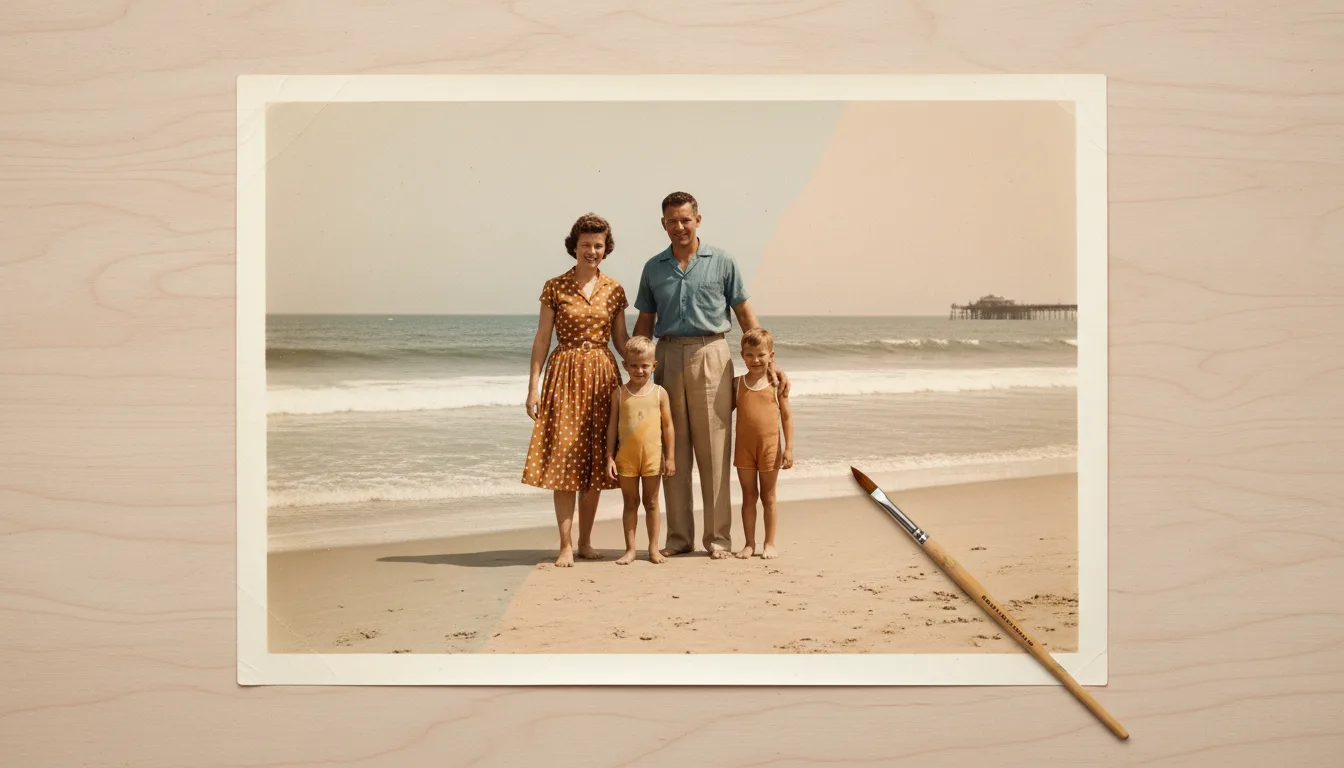
Colorization has come a long way from the flat, obviously-guessed tones of early tools. Today's AI produces believable skin, sky, and fabric — here's how to use it well.
How AI colorization works
Modern colorizers are trained on millions of color photographs. From that, they learn what things tend to look like — skin tones, skies, grass, wood, common fabrics — and apply believable color to a grayscale image based on the shapes and textures they recognize. The result is natural and lifelike, a world away from the crude tints of older tools.
Get the most natural result
- Restore first. Clean up spots, scratches, and fading so the colorizer reads a clear image.
- Colorize. FotoRipple adds natural color automatically.
- Compare versions. Re-run if you want to see alternatives and pick the most believable.
A note on accuracy
Colorization is an educated, believable interpretation — not a historical record of exact colors, which are unknowable for most old photos. That’s part of its charm: it lets you see a plausible, living version of a scene your family only ever knew in black and white.
Then bring it to life
A colorized portrait is the perfect candidate to animate — colorized, moving faces are among the most powerful keepsakes you can create. Explore the focused guides: colorize black & white photos, colorize photos free, and best photo colorizers.
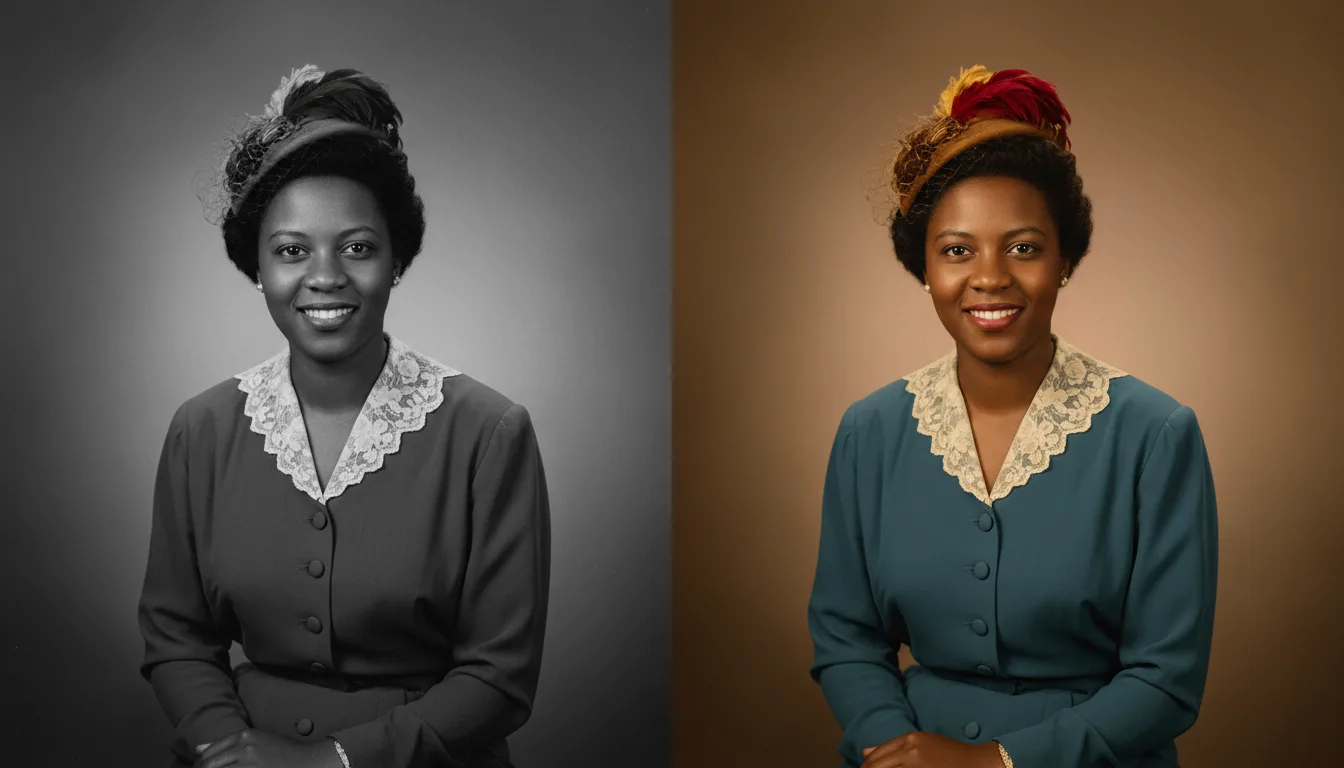
Tips for the best result
- Photos with recognizable anchors — skin, sky, foliage — colorize most convincingly.
- Restore first; damage misleads color placement, and both steps are free.
- Check colors that matter (a known dress, a uniform) against family memory before treating them as fact.
- Keep the monochrome version too — some photos are better in each.