
Guide · Colorize
How to colorize photos for free
You can add lifelike color to a black-and-white photo for free. Here's how — plus what to watch for with 'free' colorizers that watermark or shrink the result.
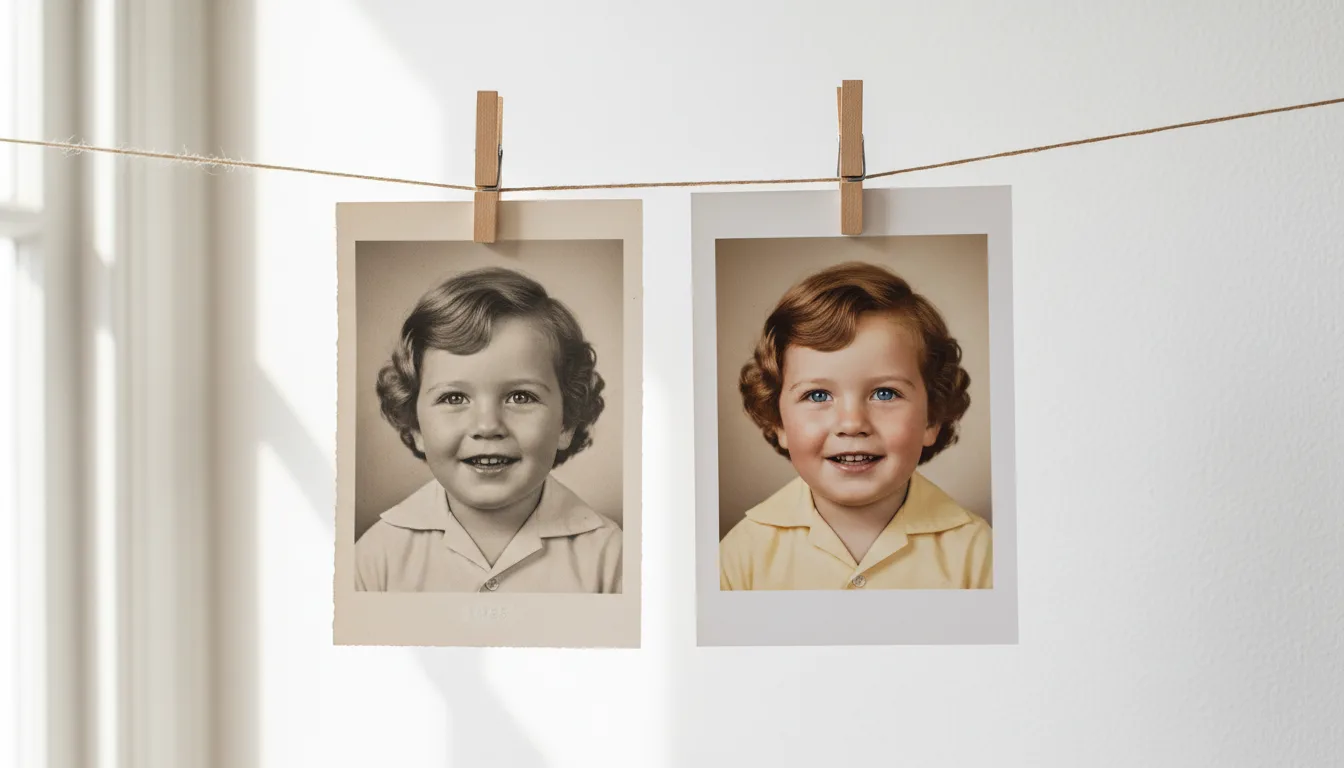
AI has made colorization free and instant. The quality depends mostly on your source image and the tool's honesty about what 'free' includes.
Free colorization, step by step
- Prepare a clean source. Scan carefully and restore the photo first — this matters more than the tool.
- Upload to colorize old photos. Your first photo is free.
- Download and keep it at full quality — no watermark.
The truth about “free” colorizers
A lot of tools advertise free colorization, then stamp a watermark across the result or drop it to a tiny resolution, charging to unlock the real file. Read what “free” actually includes before you invest time. FotoRipple gives you a genuinely free first photo to keep.
Free, then affordable at scale
Colorizing one photo is free. If you have a whole album to bring to life, pay-as-you-go credits keep it inexpensive without any subscription. Compare options in best photo colorizers.
Beyond color
Once colorized, animate your photo to turn it into a living keepsake — a beautiful, low-cost gift.
Tips for the best result
- Colorization here is free without limit — do the whole monochrome layer of your archive.
- Restore first (also free); clean images colorize far more accurately.
- Keep both versions of every photo — monochrome for the record, color for the connection.
- Compare tools on skin tones, the fastest tell of colorizer quality.