
Restore · Black & white
Restore black & white photos
Clean up your oldest black-and-white prints — removing spots, scratches, and fading — and, if you like, add natural color to see your family's world as they lived it.
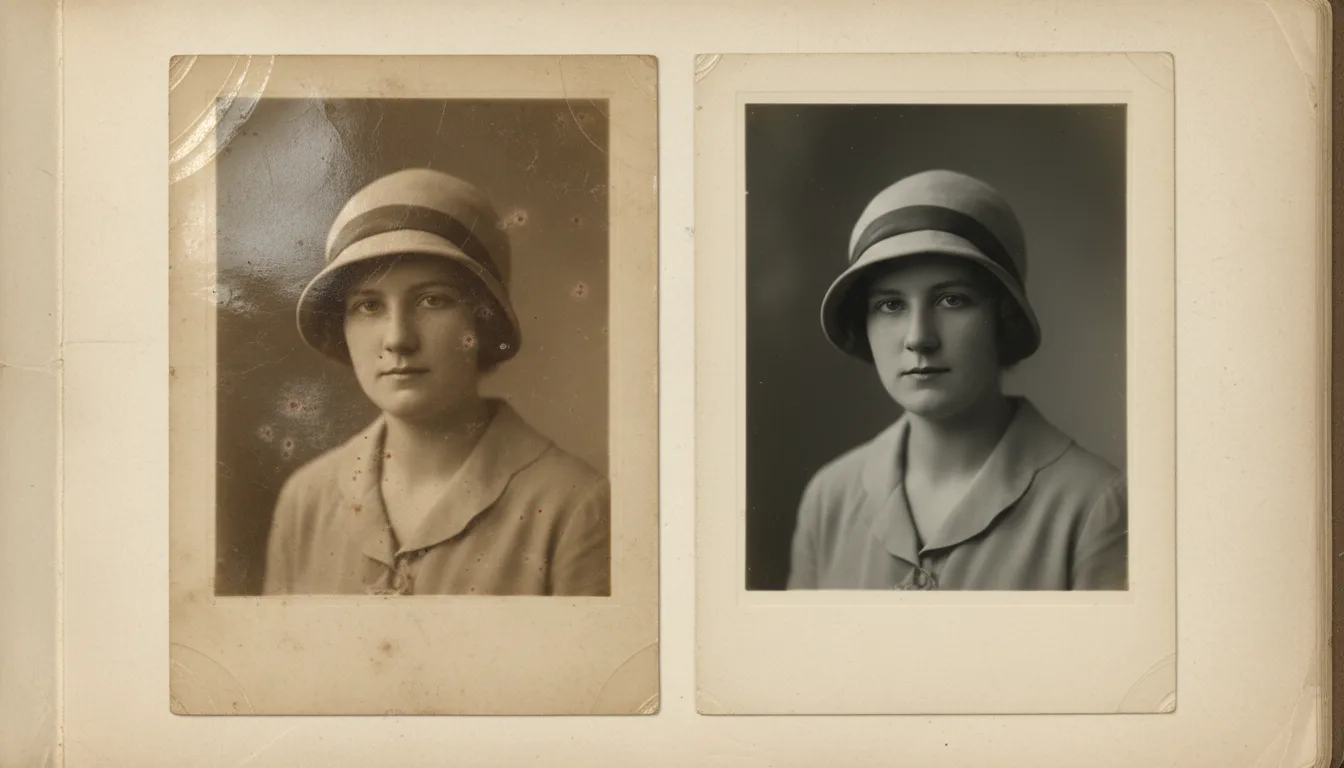
Black-and-white photos are usually the oldest — and most damaged — in a family archive. FotoRipple restores their clarity and detail, and can optionally colorize them for a striking, lifelike result.
The oldest photos deserve the most care
Black-and-white prints are usually the earliest photographs in a family — and the ones that have survived the most decades of handling, humidity, and light. They tend to show silvering (a metallic sheen), spotting, contrast loss, and surface scratches.
FotoRipple restores these gently, recovering the tonal depth and detail of the original exposure while removing the damage that time has added.
Restore first, then colorize
Colorization works best on a clean image, so the ideal order is:
- Restore the black-and-white print here — remove spots, scratches, and fading.
- Colorize the cleaned image for natural, lifelike color.
- Animate it into a short, gentle video — a moving keepsake of an ancestor most of the family only knows in black and white.
Want a walkthrough? Read how to colorize old photos.
How it works
- 1Upload the black-and-white print. Old, spotted, or faded B&W photos all work.
- 2AI cleans and restores. Spots, scratches, and fading are removed and detail is recovered.
- 3Optionally colorize. Add natural color with the colorize tool, then animate it.
Restores aged B&W prints
Spotting, silvering, scratches, and contrast loss common in very old prints are cleaned up.
Optional realistic color
Turn a monochrome photo into a natural color image with believable skin tones and surroundings.
Keeps history intact
Restoration and colorization preserve the real scene and the real people — no invented features.
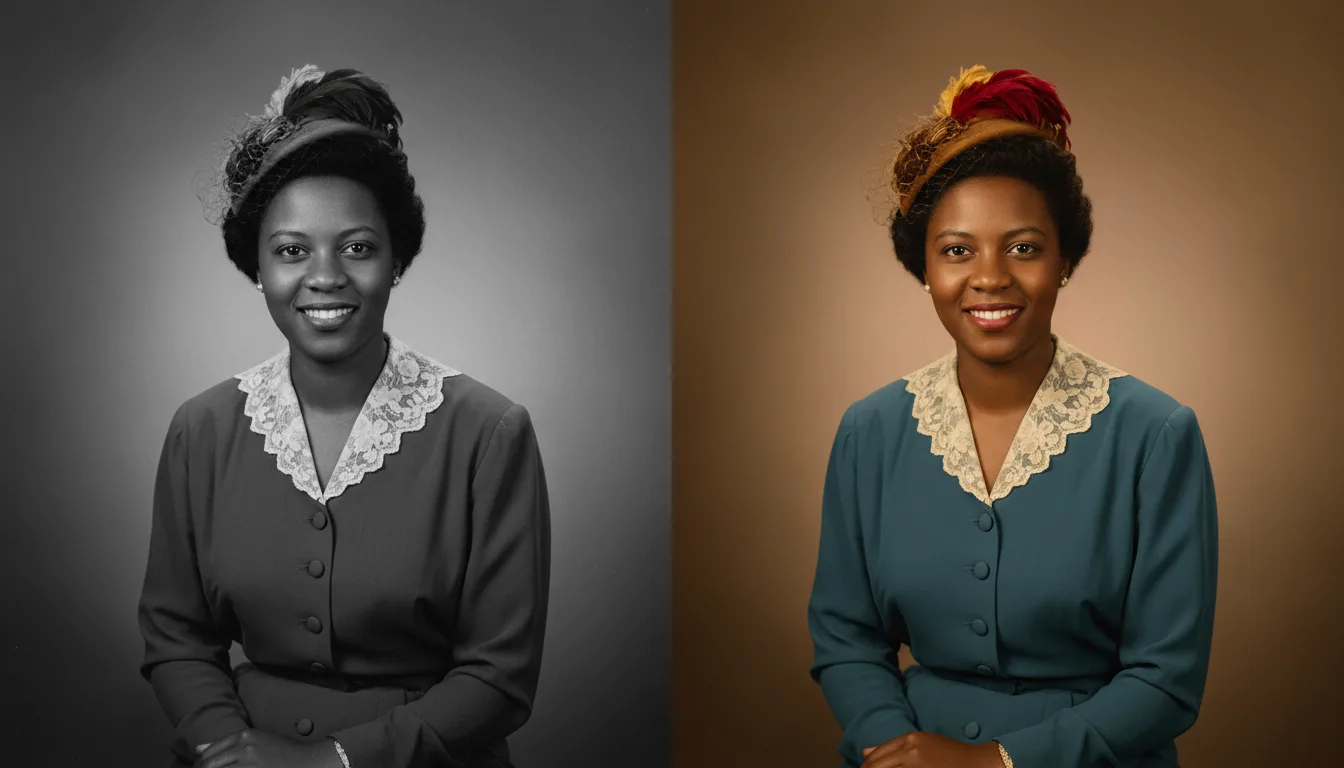
Example: the studio portrait from 1931
Consider a 1931 studio portrait of a great-grandmother: silvered at the corners, spotted across the dress, contrast almost gone. Restored, the tonal depth returns and her face reads clearly for the first time in decades. The family keeps two versions — the clean monochrome for the wall, and a colorized copy that makes her feel startlingly present.
A hypothetical example of a common restoration.
Tips for the best result
- Scan B&W prints in color mode — the scanner captures the yellowing and silvering, which helps restoration remove them.
- Restore before deciding on color; a clean monochrome image makes the keep-or-colorize choice easier.
- Very early prints (pre-1930) often have soft focus by design — expect improvement, not modern sharpness.
- Planning to animate? Restoration is the step that most improves the motion.