
Animate · Photo to video
Turn photos into video
Give still photos a few seconds of life. FotoRipple adds gentle, natural movement — a soft smile, a turn of the head, a breath — then joins your clips with music into one video worth keeping.
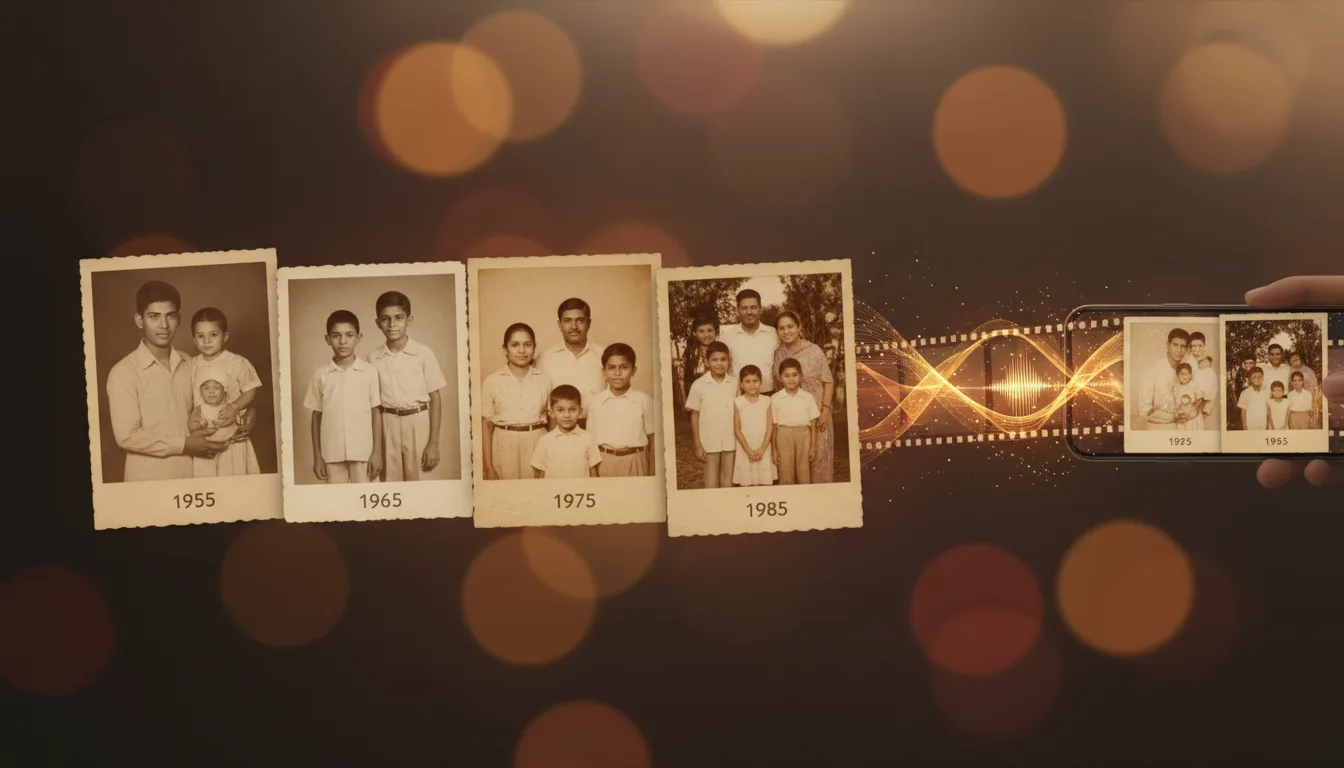
A photo captures a moment; a video lets you relive it. FotoRipple animates old and new photos into short, respectful clips — and adds music to make a keepsake worth sharing.
A photograph you can watch
There’s a moment, the first time you see an old photo move, that’s hard to describe. A face you’ve only ever known as still suddenly breathes, shifts, almost looks back at you. FotoRipple was built for that moment.
The animation is deliberately gentle and natural — a few seconds of subtle, lifelike movement rather than a dramatic effect. That restraint is what makes it feel real and respectful, especially for photos of people who are no longer with us.
The full journey
Photo-to-video is the final, most emotional step in FotoRipple’s workflow:
- Restore the damage and fading — free.
- Colorize for lifelike color — free.
- Animate each photo into a living clip.
- Add music and share the finished film in HD.
The result is a keepsake — and one of the most meaningful gifts you can give a parent or grandparent. Learn the craft in our guide to turning photos into video.
How it works
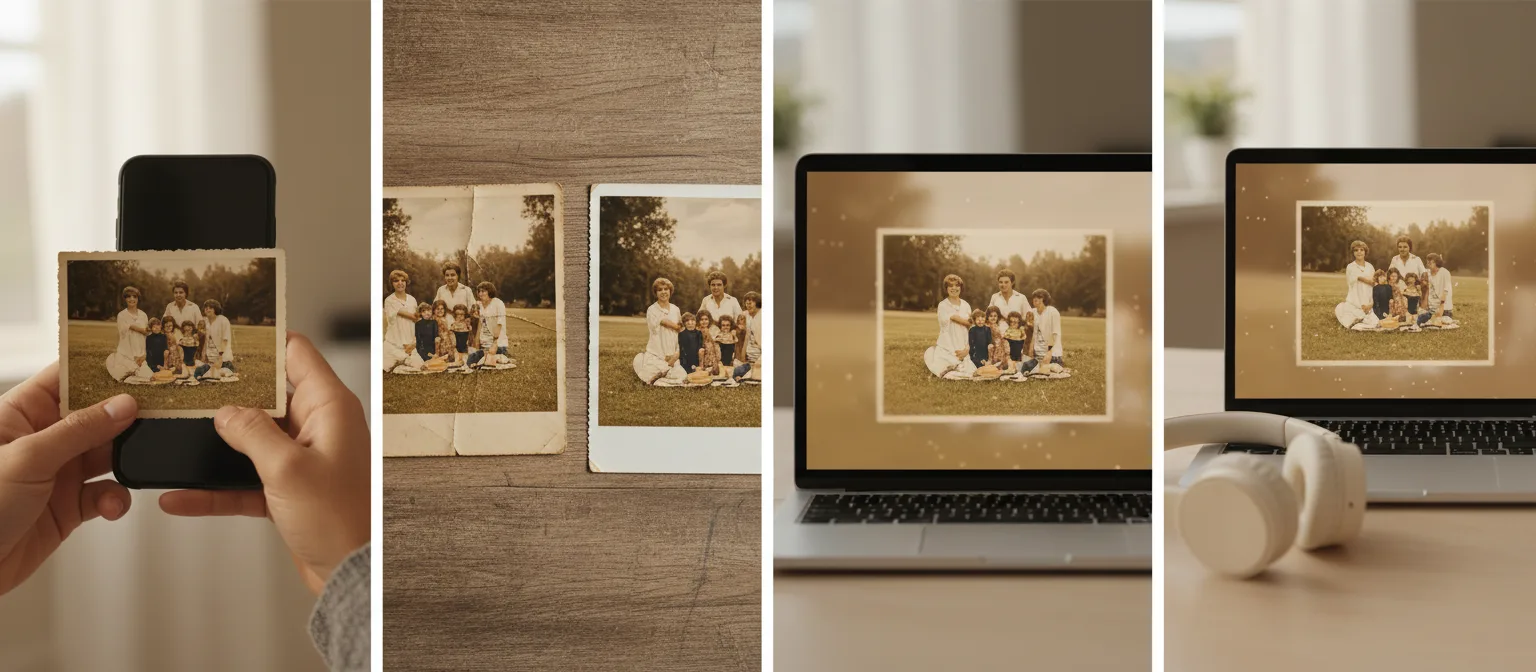
- 1Upload 3–10 photos. Old prints benefit from free restoration and colorization first.
- 2AI animates each photo. Natural, subtle motion brings each subject to life — regenerate any clip you want to refine.
- 3Add music. One soundtrack turns separate clips into a single film.
- 4Download and share in HD. Send it as a link, play it at the party, keep it forever.
Motion inside the photo
Slideshow apps pan across a still image. FotoRipple moves the people in it — that difference is everything.
Restoration built in, free
Damaged and faded originals are repaired and colorized at no cost before animation.
No editing software
No timelines, no exports that fail at 2 a.m. The founder built FotoRipple after days lost in editing software — so you'd need minutes.
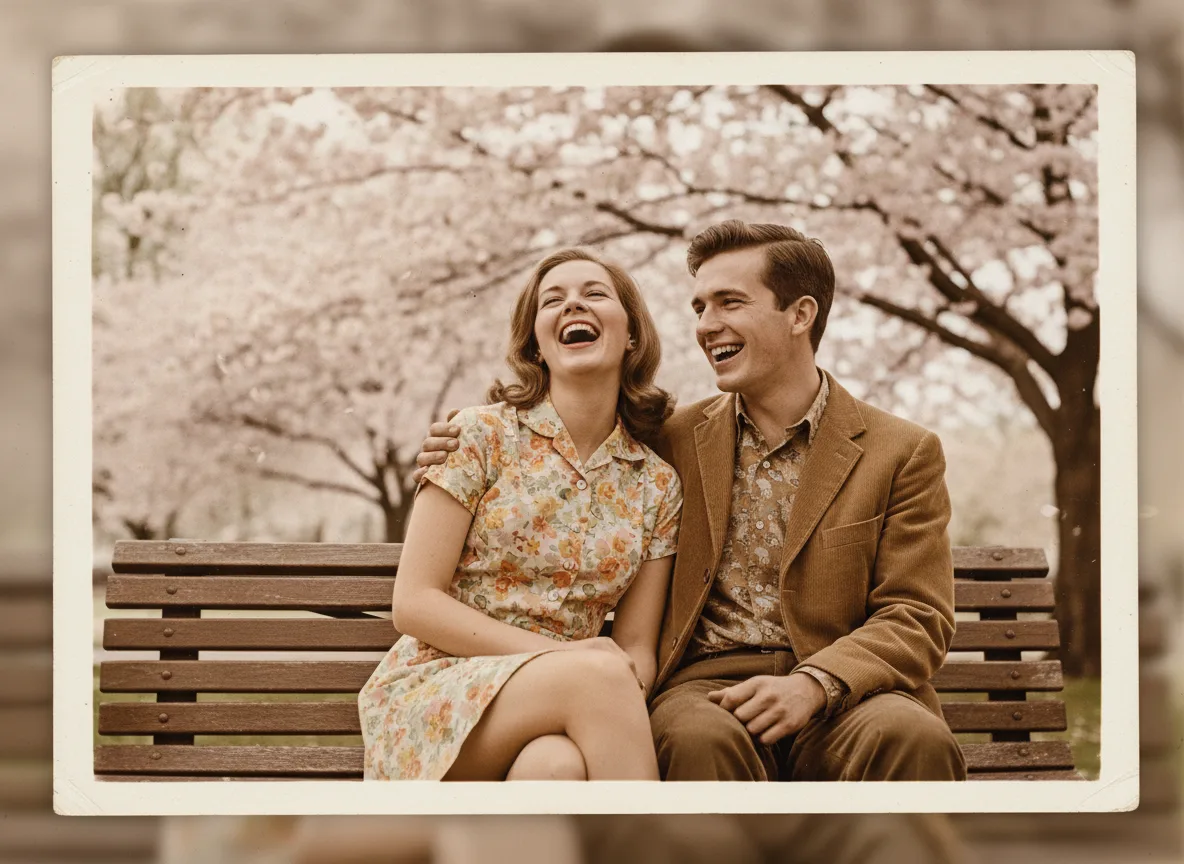
Example: from camera roll chaos to three minutes that matter
Picture prepping for your parents' 40th anniversary dinner. Instead of a 400-photo slideshow nobody finishes, you choose nine: their wedding kiss, the first apartment, three kids' worth of chaos, a quiet recent morning. Animated and set to their wedding song, it plays in under three minutes — and the room goes silent, then loud.
A hypothetical scenario, not a customer story.
Tips for the best result
- Curate hard: 3–10 photos that each earn their place beat 40 that don't.
- Vary the framing — alternate close portraits with wider scenes so the film breathes.
- Fix the originals first: free restoration noticeably improves the final video.
- Choose music that matches the era or the person, not just a trending track — see choosing a soundtrack.
- End on your strongest photo. The last clip is the one people remember.