
Guide · Format choice
Slideshow or animated photo video?
Both formats put photos and music on a screen. The difference is one word: where the motion lives. In a slideshow, the camera moves. In an animated video, the people do.
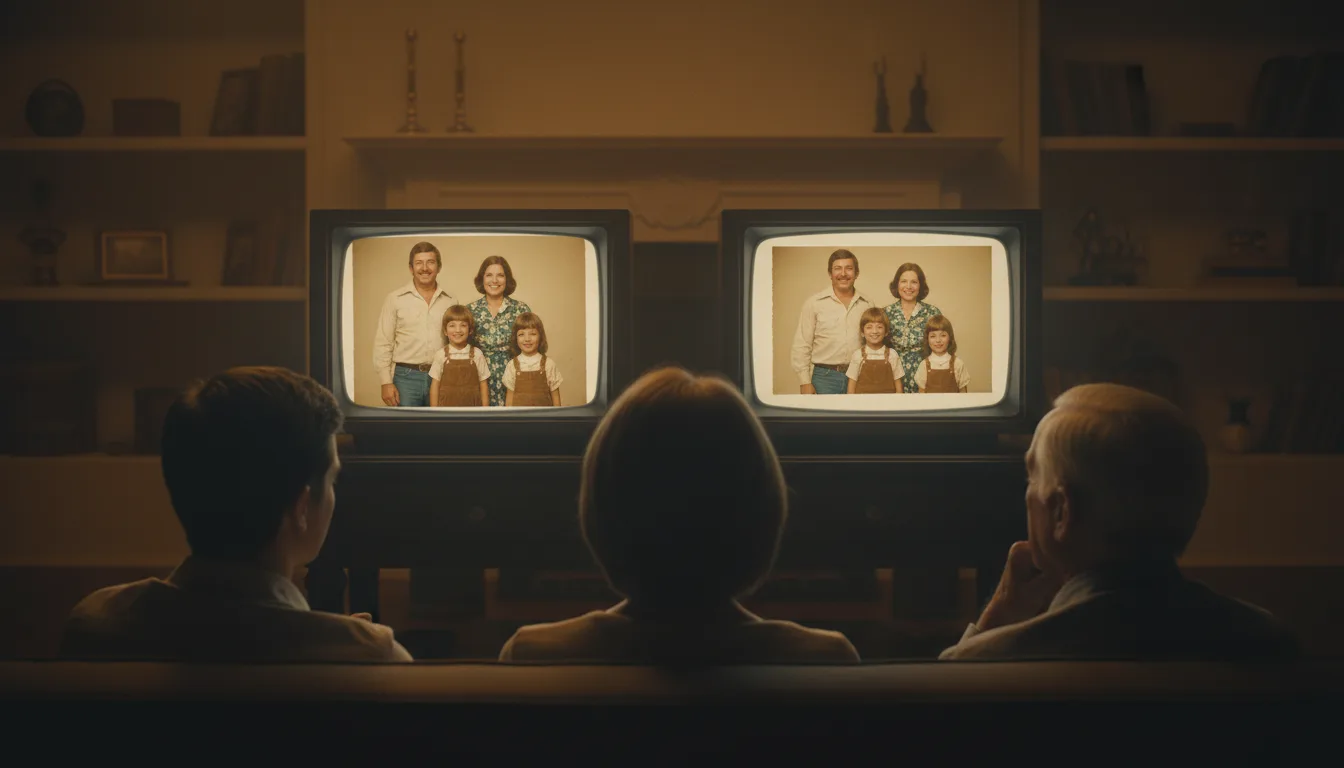
If you're planning 'the slideshow' for an event, this comparison is worth three minutes before you build anything — because the two formats produce measurably different rooms.
The attention math
Audiences give slideshows ambient attention: pleasant, scannable, phone-compatible. Around slide fifteen, conversation resumes over it — which is fine when the slideshow is wallpaper, and fatal when it’s the moment.
Internal motion changes the contract. A photograph in which a face moves triggers person-detection, not picture-viewing — eyes stay locked, conversation stops. That attention is expensive to hold, which is why animated videos run short (3–10 photos, one song) and slideshows run long. The formats aren’t competing; they’re different tools calibrated to different attention budgets.
Choose by occasion
Slideshow wins: reception background loops, reunion ambience, year-in-review volume, any 30+ photo survey where coverage beats impact.
Animated video wins: the gift reveal, the toast moment, the milestone birthday centerpiece, the memorial focus — anywhere you want two minutes of undivided attention and possibly tears.
Both: big events. Loop the slideshow at the bar; play the animated video when the room is seated. The photos can even overlap — the animated cut is just the slideshow’s ten best, restored free and given life.
Tips for the best result
- Choose by photo count: 40+ photos wants a slideshow; the emotional 3–10 wants animation.
- Hybrid events use both — a long ambient slideshow looping in the background, one short animated video as the moment.
- Whichever you choose, restore old photos first (free) — projection magnifies damage.
- Watch your test cut with the sound off; if it still holds attention, you chose the right format.