
Guide · Photo to video
How to turn photos into a video
There are four genuinely different ways to turn photos into a video, and they produce four genuinely different things. Here's the honest map — including when NOT to use ours.
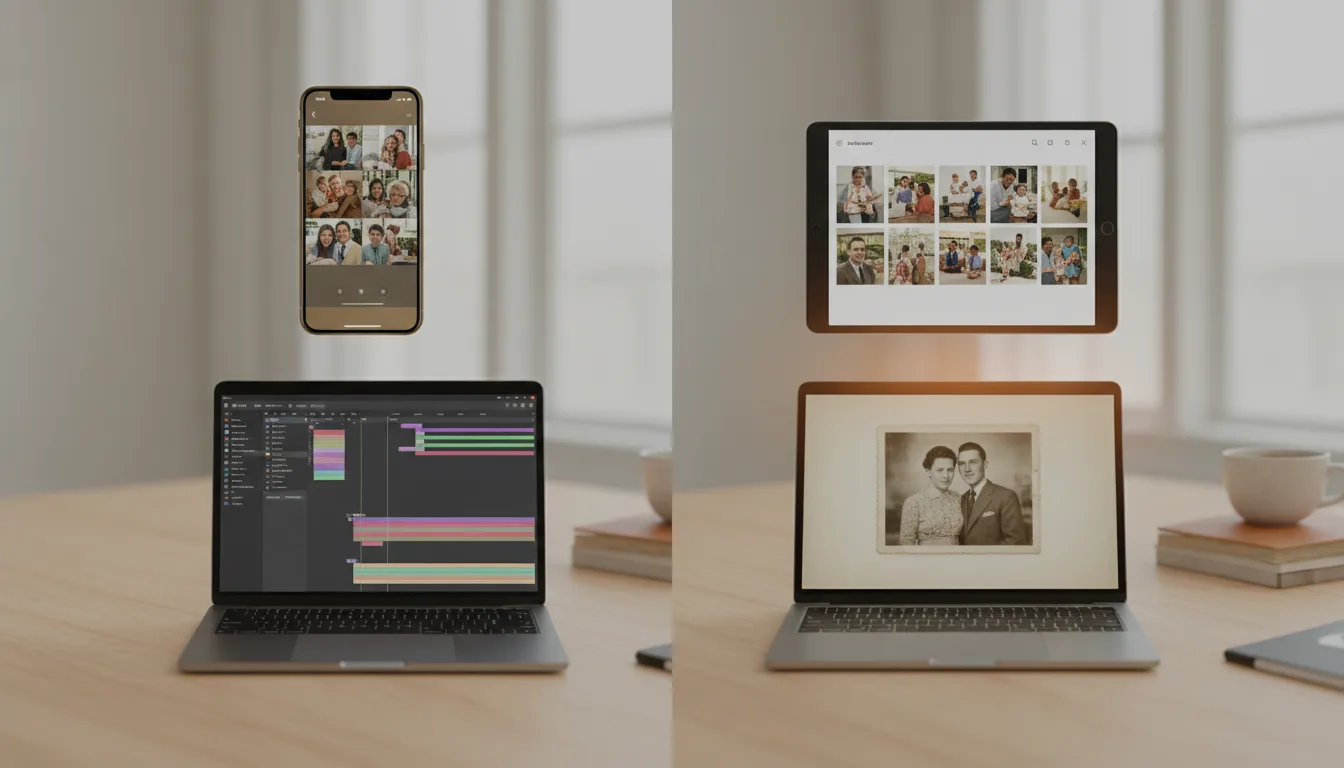
"Turn photos into a video" covers everything from a 10-second social clip to a family heirloom. The right method depends on what you're making — so this guide starts there.
The four methods, honestly compared
1. Built-in phone features (Google Photos, Apple Memories). Effort: none. Output: auto-generated highlight reels. The phone picks photos, adds pans and stock music. Perfect for casual “last weekend” clips; wrong for anything curated, old, or emotional — no restoration, no control, and it only sees your camera roll.
2. Slideshow and montage apps. Effort: low-moderate. Output: stills with transitions and Ken Burns pans. Full control of order and music, handles many photos. The ceiling: photos stay frozen — the motion is all camera, no life. Fine for event recaps and long photo sets.
3. Video editors (CapCut through Premiere). Effort: high. Output: whatever you can build. Total control, real learning curve, hours of timeline work. The right call for complex projects mixing video clips, titles, and voiceover — overkill for a pure photo video. This is the road FotoRipple’s founder walked for his mother’s 70th birthday gift, and the days it consumed are why the product exists.
4. AI photo animation (FotoRipple). Effort: low. Output: photos that themselves move, joined with music. Upload 3–10 photos; restoration and colorization run free; each photo gains gentle internal motion — faces breathe, smiles arrive; one soundtrack binds it. The trade-offs, honestly: it’s built for the 3–10 photo emotional format, not 80-photo event dumps; and the motion is deliberately subtle, not cinematic VFX.
Choosing in one sentence each
Casual recap → phone memories. Long event set → slideshow app. Complex production → editor. A few photos that deserve to feel alive → AI animation. For most people searching this phrase with a shoebox of family prints in mind, the fourth route is the one that produces the thing they were imagining — and the memory video method walks the rest of the way.
Tips for the best result
- Name the destination first: group chat, party screen, or keepsake? Each favors a different method.
- Whatever method you choose, fix the photos first — a faded input makes a faded video. Restoration is free here.
- Music rights matter for public posting; for private family sharing, use the song that means something.
- Export at the highest quality offered — you can compress later, never the reverse.
- Keep source photos and project files; every good photo video gets a sequel request.