
Guide · Comparison
The easiest way to animate old photos
You typed 'easiest way' — so here's the ranking you actually wanted, by total effort from shoebox print to finished moving photo, with the honest catches for each route.
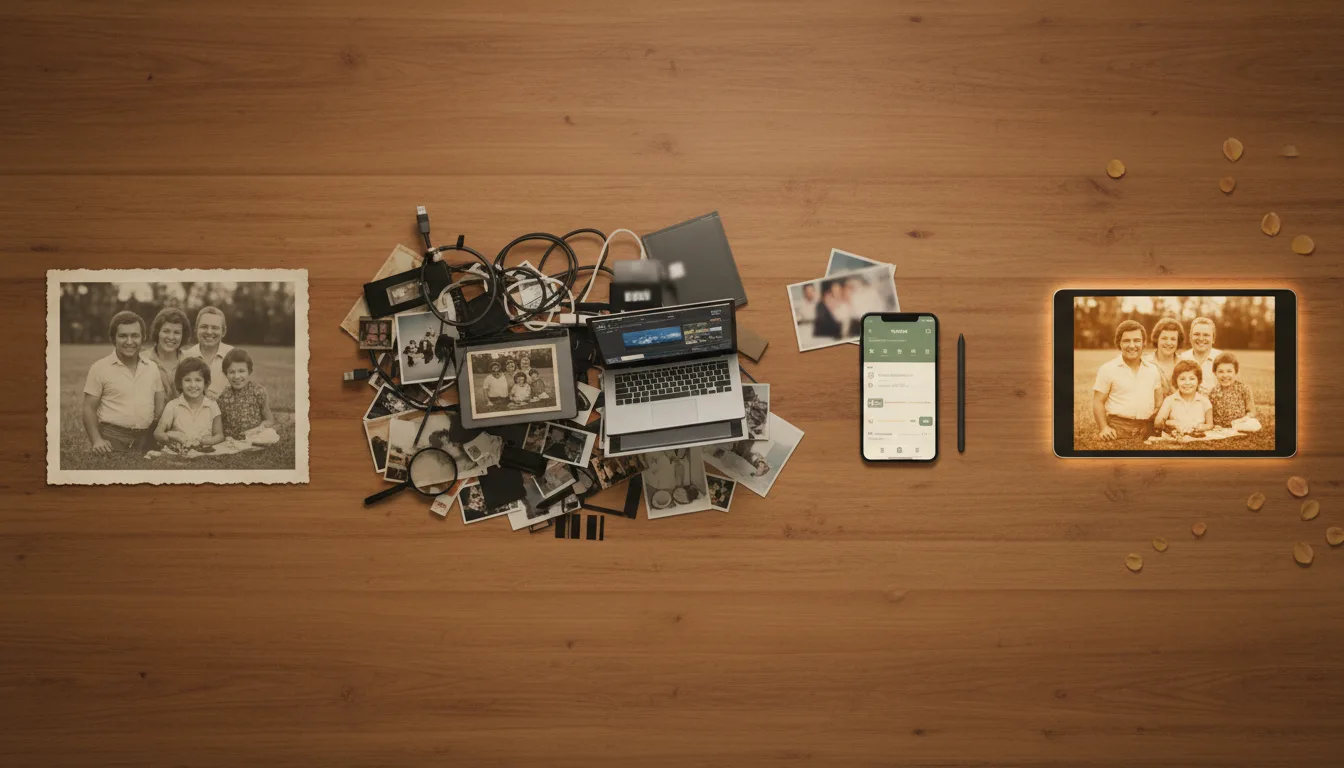
All roads to an animated photo pass through the same stages: digitize, repair, animate, deliver. The routes differ in who does each stage — you, a generic tool, or a purpose-built one. Effort lives in the gaps.
The effort ranking
Hardest — manual animation (editing software). Restore the scan by hand, separate face layers, keyframe motion, render, then edit clips together with music. Days of skilled work; total creative control; the route FotoRipple’s founder took once and never again. Genuinely right only for professional creative projects.
Middle — generic AI video apps. One-tap face animation, built for modern selfies and social effects. The catches for old photos: no real restoration (damage and fading pass straight through), effects tuned for drama over dignity, and no path from single clips to a finished video with music — you finish the job in an editor anyway.
Easiest — purpose-built photo animation (FotoRipple). The whole chain in one browser workflow: upload 3–10 photos (phone shots of prints are fine), automatic free restoration and colorization, gentle animation per photo with regeneration, music, HD export. The stages that make old photos hard are the stages that run automatically.
Why “easiest” and “best for old photos” converge
For modern photos, ease is about tap count. For old photos, ease is about who fixes the damage — because an unrestored 1965 print animates into an animated damaged print. Purpose-built tools win the ease ranking not by having fewer buttons but by absorbing the restoration work that generic tools push back onto you. That’s the whole trick, and it’s testable free in the time it took to read this page.
Tips for the best result
- Count the whole journey when comparing ease — a tool that animates in one tap but can't restore leaves the hard 80% to you.
- Test any route on a rough photo, not a clean one; old prints are the actual job.
- 'Free' trials that watermark or downscale aren't easier — factor the re-doing.
- Whatever the route, choose good input: which photos animate best.