
Animate · Online
Animate photos online
No app store, no installer, no 'minimum requirements.' FotoRipple runs where you already are — the browser — on the laptop, the phone, or the library computer, and your photos meet you there.
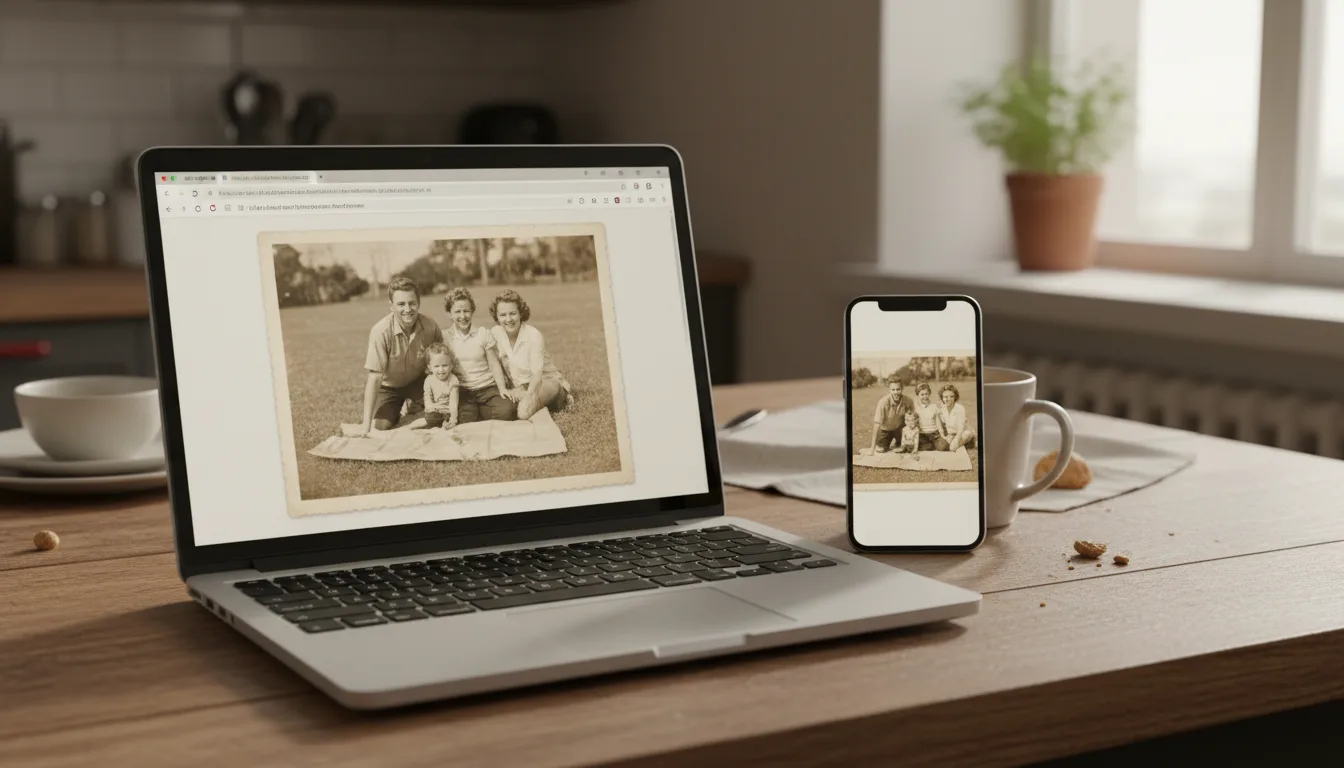
Searching 'animate photos online' usually means one of two things: you don't want to install anything, or you're not sure your device can handle it. Both concerns resolve the same way — the heavy lifting happens on our side.
Why browser-based is the right architecture for this
Photo animation is computationally heavy — the kind of work that, done locally, demands the exact modern hardware that people with shoeboxes of old prints disproportionately don’t own. Running the models server-side inverts the equation: the device requirements drop to “can open a website,” which includes effectively every phone, tablet, and laptop of the past decade.
It also fits how family photo projects actually happen: at the parents’ house, on whoever’s device is nearest, in sessions spread across a week. A browser tab picks up where you left off; an installed app lives on one machine and misses the moment.
Online, with the full journey attached
Most “animate photos online” results are single-trick pages — one photo in, one watermarked clip out. FotoRipple’s browser workflow carries the whole arc: free restoration and colorization, animation with regeneration, music, and an HD video at the end. Same tab throughout, and the first five animations are on the house.
How it works
- 1Open app.fotoripple.com in any modern browser — desktop or phone.
- 2Upload 3–10 photos. Camera-roll images or photos of prints; nothing to configure.
- 3Restoration and colorization run free on our servers — your device just displays results.
- 4Animate, add music, download in HD. The finished video saves anywhere and shares as a link.
Any device is enough
The AI runs server-side, so a modest laptop or an aging phone animates photos exactly as well as a workstation.
Nothing to maintain
No updates, no storage consumed, no permissions beyond the upload. Close the tab and your machine is as you left it.
Start on one device, finish on another
Sign in anywhere — scan prints at Mom's house on your phone, assemble the video later on your laptop.
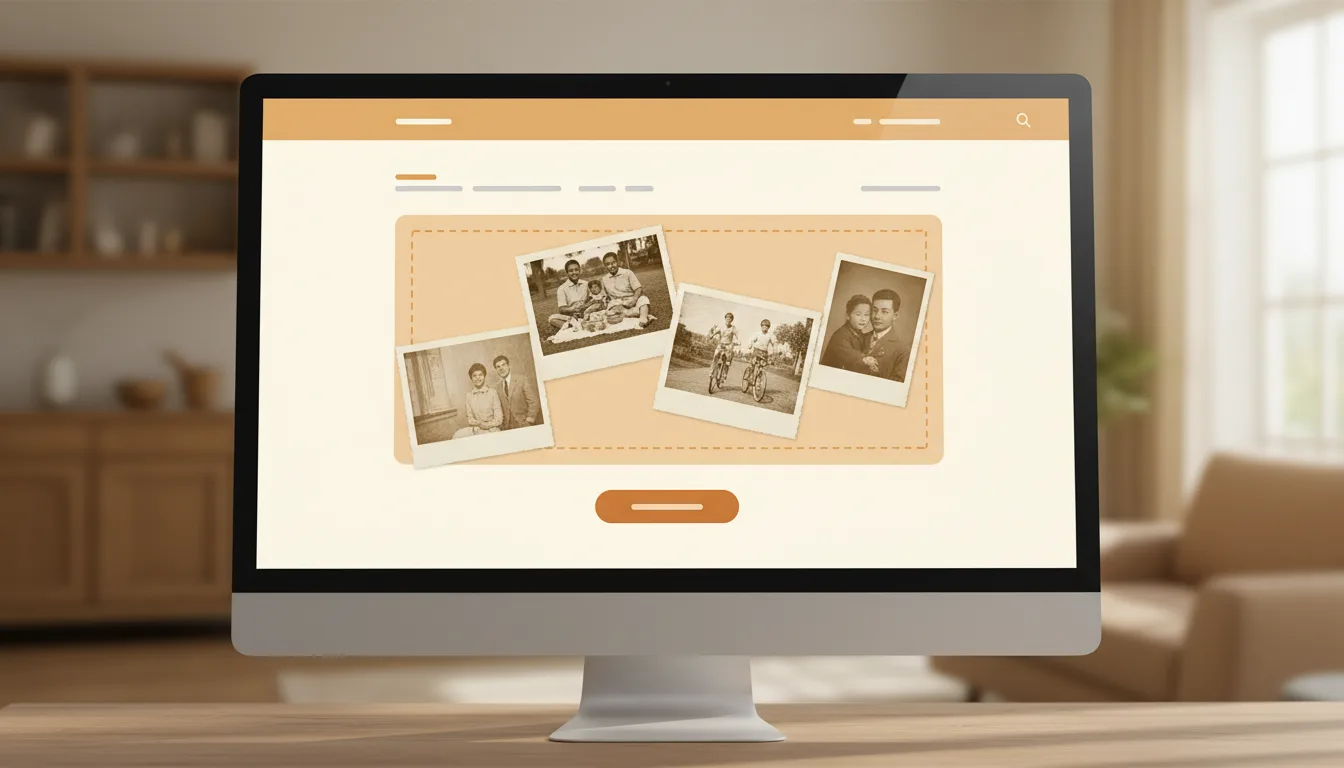
Example: the borrowed-laptop project
Imagine wanting to surprise your husband with animated photos of his late mother — but the family computer is 'his,' and your own device is a seven-year-old tablet. Browser-based means the tablet is plenty: photos of the prints, uploaded from the sofa, restored and animated server-side, the finished video saved to a private link. No installation to explain, no trace to spoil the surprise.
Hypothetical — but device-independence is exactly what makes surprises like it feasible.
Tips for the best result
- Use the phone for capturing prints (the camera is the scanner) and any screen you like for reviewing.
- A stable connection matters more than a fast device — uploads are the only heavy step.
- Bookmark app.fotoripple.com; there's no icon to hunt for because there's nothing installed.
- On shared or public computers, log out after — standard web-account hygiene.
- The browser route has full quality: HD export, regeneration, music — nothing is app-exclusive.