
Guide · No editing required
Photo animation without video editing software
This page exists because our founder once animated family photos the hard way — days inside professional software for one video. If you're searching for the way around that, you've found the product of his regret.
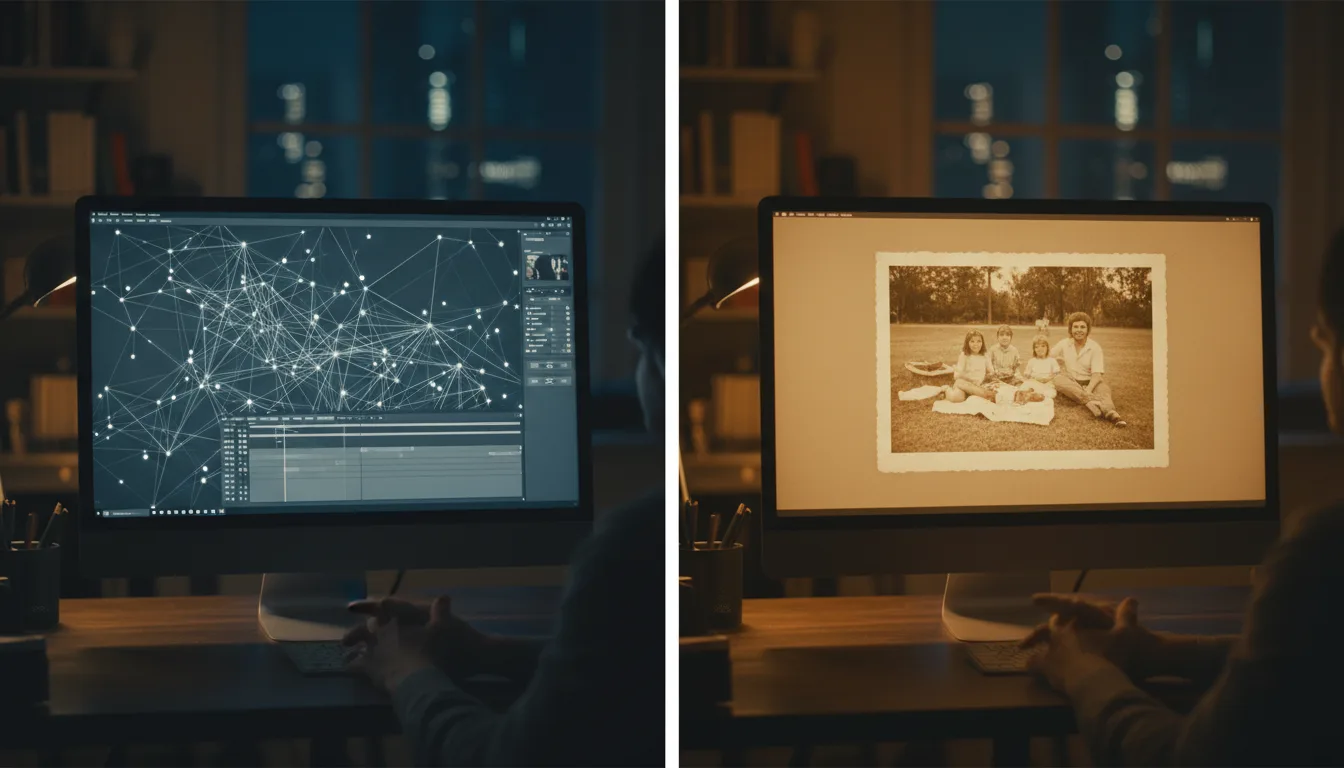
"Can I animate photos without learning video editing?" Yes — completely. But it's worth seeing what the software route involves, because that's the work the AI route is silently doing for you.
The origin story is the argument
In the beginning, Anton Tenitsky wanted one thing: his mother’s old photographs, moving, with music, for her 70th birthday. He had what most people don’t — professional software and the skills to use it — and the project still consumed days: restoration by hand, animation frame by frame, endless rendering. The result was worth it; the process was absurd. FotoRipple is that process, automated: the same emotional output with the editing software deleted from the equation.
That’s why “without video editing” isn’t a compromise tier here — it’s the founding requirement. The product was built by someone who could edit, for everyone who shouldn’t have to.
What replaces the skills
Each editing-software skill maps to an automatic step: restoration craft → free AI restoration; rotoscoping and keyframing → the animation model; color grading → free colorization; timeline assembly → the 3–10 photo sequence with one soundtrack; export wrangling → an HD download button. What remains for you is exactly the part software never helped with anyway: knowing which photos matter and which song is theirs. Ten minutes of taste, zero minutes of technique.
Tips for the best result
- If you can attach a photo to an email, you meet the full technical bar for AI photo animation.
- Spend your saved hours on the parts software never did: choosing photos and the right song.
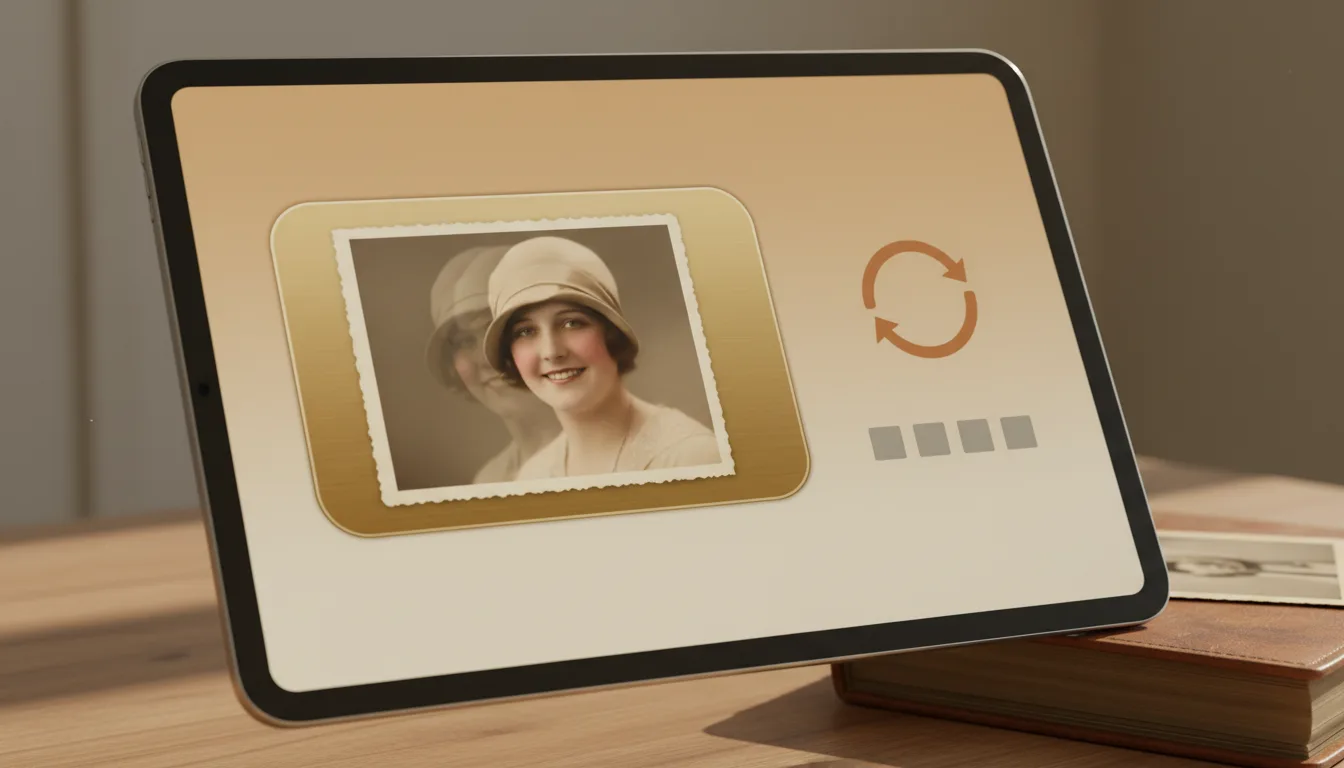
- Regeneration replaces editing skill — don't tweak, re-roll and pick the best take.
- Building toward a full video? The memory video method needs zero editing too.