
Keepsake · In memory
Memorial tribute videos
Honor a life with the faces that defined it. FotoRipple restores, colorizes, and gently brings cherished photos to life — woven into a memorial video the whole family will treasure.
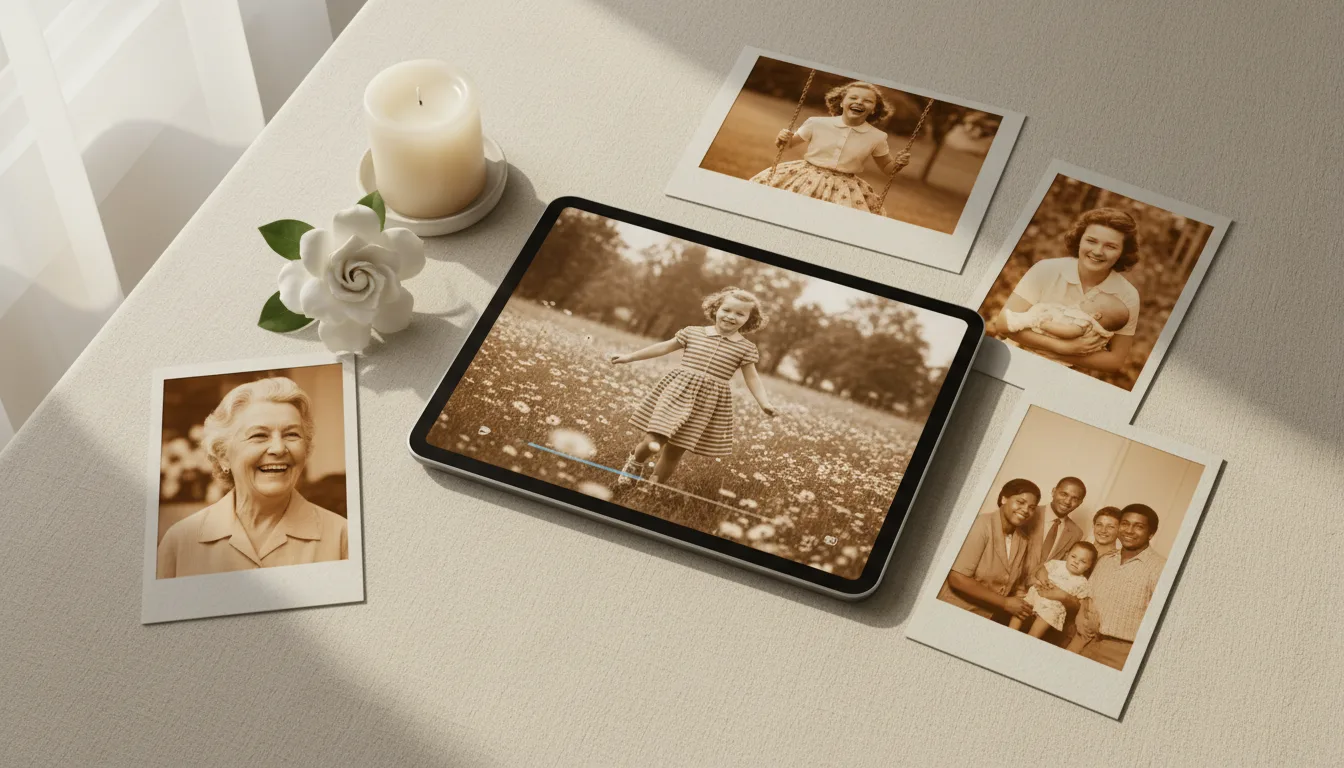
A memorial video turns a collection of still photographs into a moving tribute — a way to remember, share, and celebrate someone's life across generations of family.
A tribute made of real memories
A memorial video isn’t a slideshow — it’s a way to feel close to someone again. When a cherished photo is restored to clarity, warmed with color, and gently brought to life, it carries the presence of the person in a way a still image can’t. Set to music that meant something, a few such photos become a tribute the whole family holds onto.
How FotoRipple helps
- Restore the old photos so they look their best.
- Colorize black-and-white images for warmth and life.
- Animate the portraits with gentle, dignified motion.
- Add music and download the finished video to share.
Everything follows one principle: repair the damage, keep the person. For a full walkthrough, read how to create a memorial video.
How it works
- 1Gather cherished photos. A handful of meaningful images across their life works beautifully.
- 2Restore, colorize & animate. FotoRipple revives each photo and adds gentle, dignified movement.
- 3Set to music & share. Add a meaningful track and share the video with family or play it at a service.
Gentle, dignified motion
Seeing a loved one move softly again is profoundly moving. The animation is deliberately understated and respectful.
Their real face, restored
We repair damage while keeping the person exactly as they were — never a smoothed-over AI face.
A keepsake to keep
Download the finished video to share with relatives, play at gatherings, or revisit on anniversaries.
One way families structure it
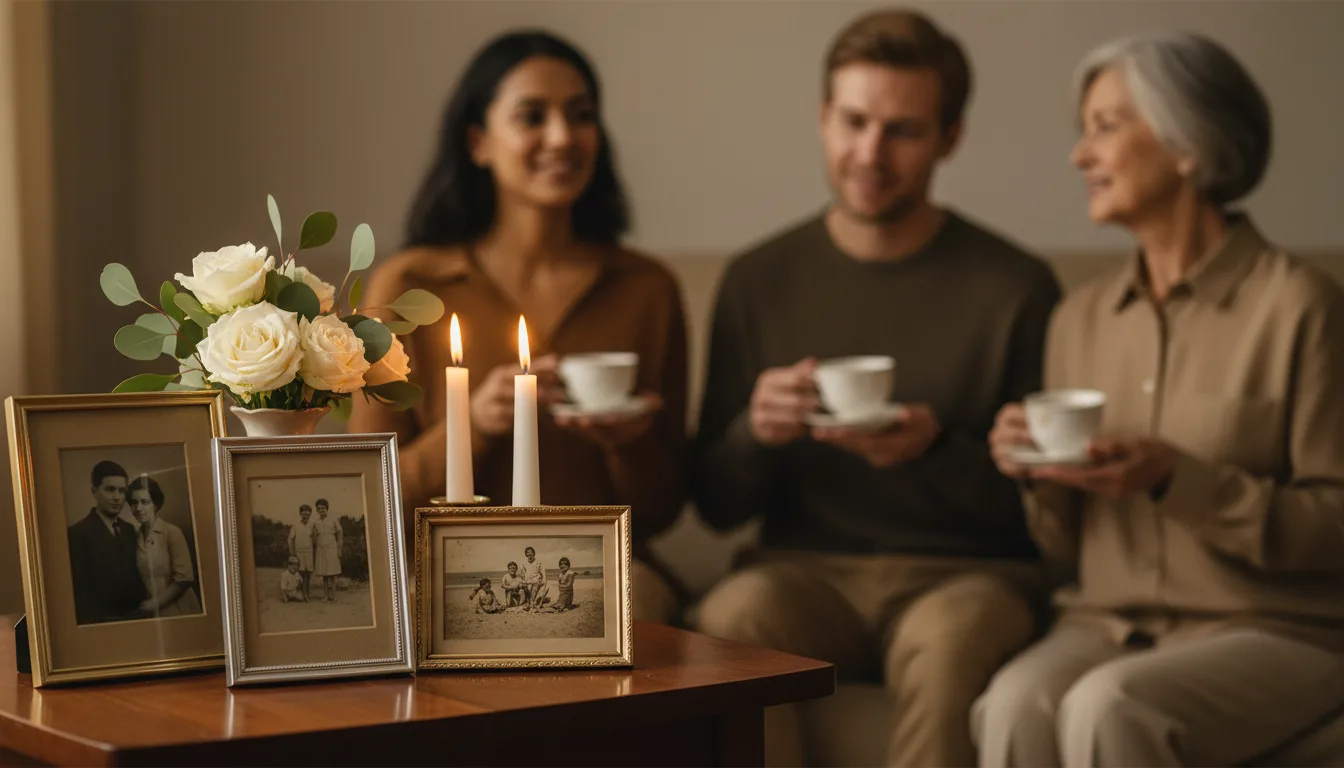
A common shape: open with the oldest photo — childhood or young adulthood, restored and colorized. Move through the chapters: the wedding, the working years, the family they raised, the laughter of the recent decades. Close on a photo where they're happiest. Five to ten images, one piece of music they loved, two to three minutes. Made once, it's shared at the gathering and then kept — revisited on birthdays and anniversaries for years.
Offered as a starting structure, not a rule — every family shapes this differently.
Tips for the best result
- Choose photos from across the whole life, not only recent years — the young decades often comfort most.
- Invite other family members to contribute a photo each; shared making eases the weight of it.
- Animation is optional per photo. Some images feel right in motion, others at rest — mix freely.
- Music they loved beats music about loss.
- There's no deadline on this. Some families make it for the service; others months later, when they're ready.