
Guide · Animate
How to create a memorial video
A memorial video honors a life with the faces and moments that defined it. Here's how to build one from old photos — restored, gently animated, and set to music.
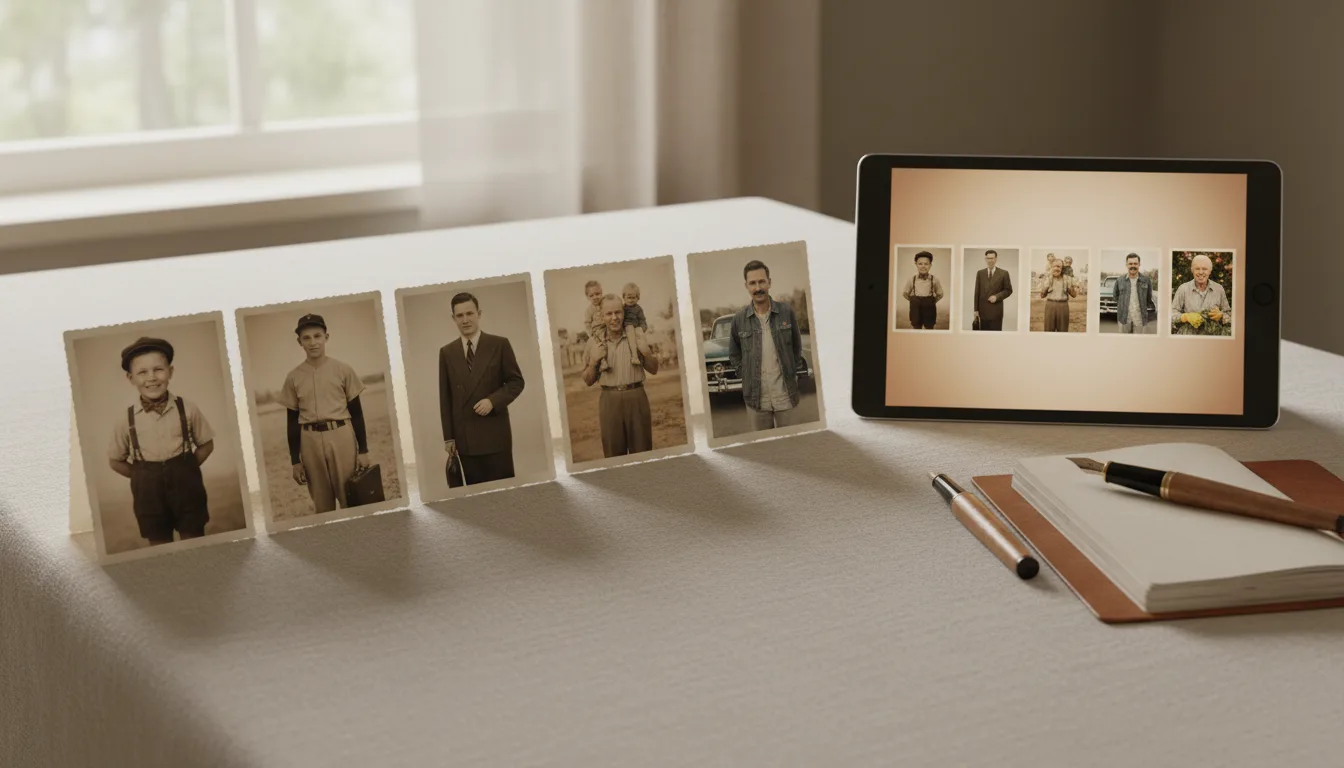
Whether for a funeral service, an anniversary of passing, or a family gathering, a memorial video turns a collection of still photos into a moving tribute. Here's how to make one.
Step 1 — Choose the photos
Select images that tell the story of a life: childhood, young adulthood, family, later years. A few meaningful photos often move people more than a long slideshow. Look for clear portraits — they animate best.
Step 2 — Restore and prepare each photo
Old photos deserve to look their best in a tribute. For each one:
- Restore damage and fading.
- Colorize black-and-white images for warmth and life.
- Enhance faces so the person is clear.
Step 3 — Animate gently
Animate the portraits with FotoRipple’s gentle, dignified motion. Seeing a loved one move softly again is the heart of what makes a memorial video so moving.
Step 4 — Add music and share
Set the sequence to a piece of music that meant something to them or the family, then download the finished video to share with relatives or play at a service. For occasion-specific tributes, see memorial tribute videos.
Everything here follows FotoRipple’s guiding principle — repair the damage, keep the person.
Tips for the best result
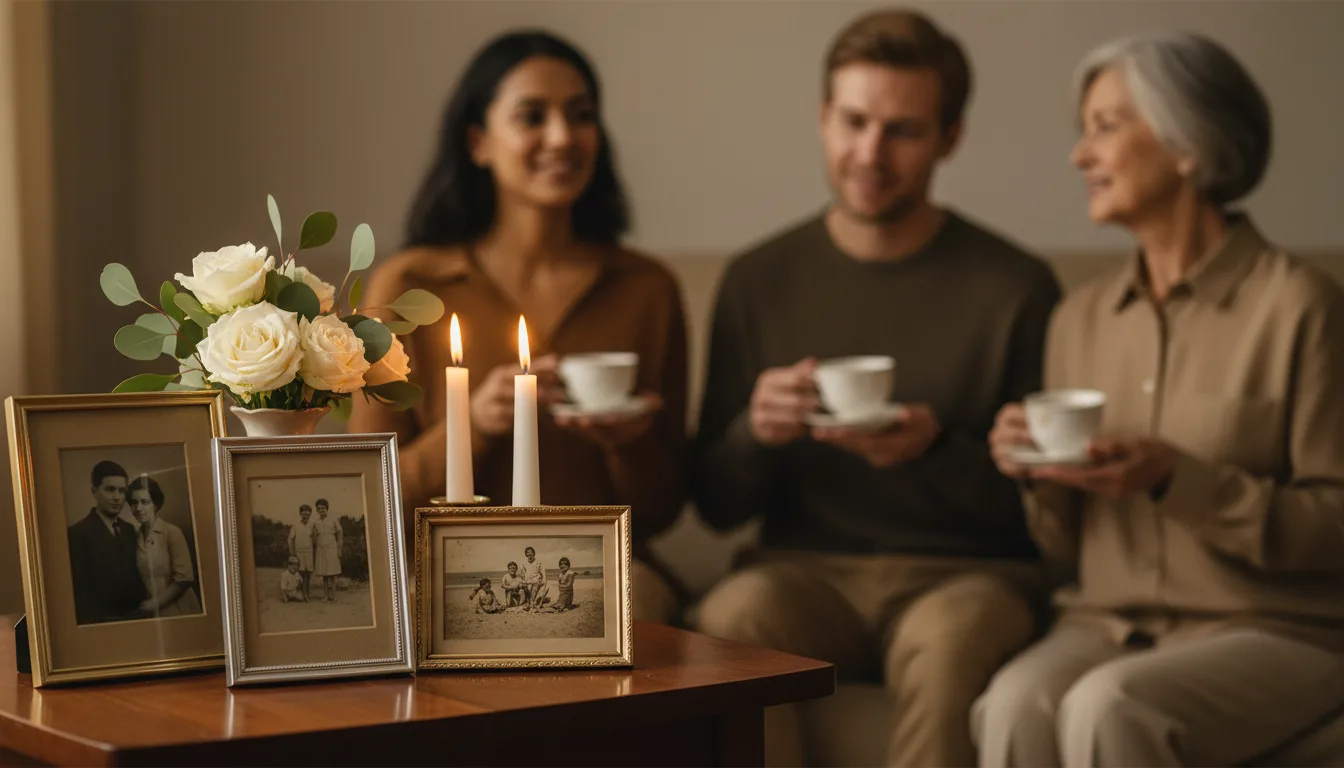
- Ask relatives for one photo each — sharing the gathering shares the load.
- Photos from across the whole life comfort more than recent years alone.
- Animation is optional per photo; mix moving portraits with stills freely.
- Choose the music they loved rather than music about loss.
- Test playback at the venue beforehand, and keep the file on two devices.