
Guide · Animate
How to animate old photos
Animating a photo adds a few seconds of gentle, lifelike movement — the closest thing to seeing a loved one again. This guide shows how to do it well and respectfully.
In this guide series
Animation is the final, most emotional step in reviving a photo. Here's how it works, how to prepare a photo for the best result, and how to build a full video keepsake.
How photo animation works
AI animation studies a still portrait and generates a short sequence of subtle, natural movement — the kind of gentle motion a real person makes when sitting quietly. FotoRipple keeps this deliberately understated. The goal is a living presence, not a performance, which is exactly what makes it feel real and moving rather than eerie.
Prepare the photo first
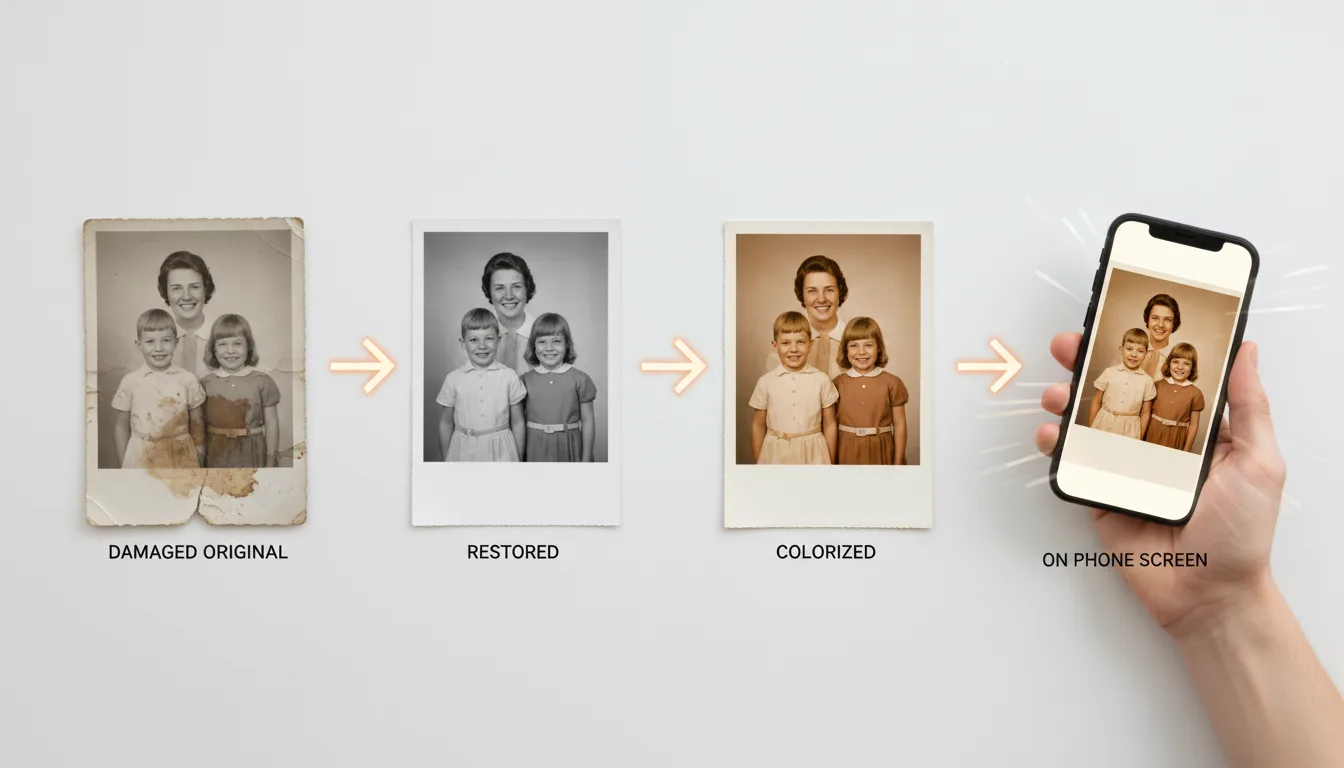
The strongest animations start from a clean, clear image:
- Restore damage and fading.
- Enhance the face so features are sharp.
- Colorize black-and-white photos for lifelike color.
- Animate the finished image.
Build a full keepsake
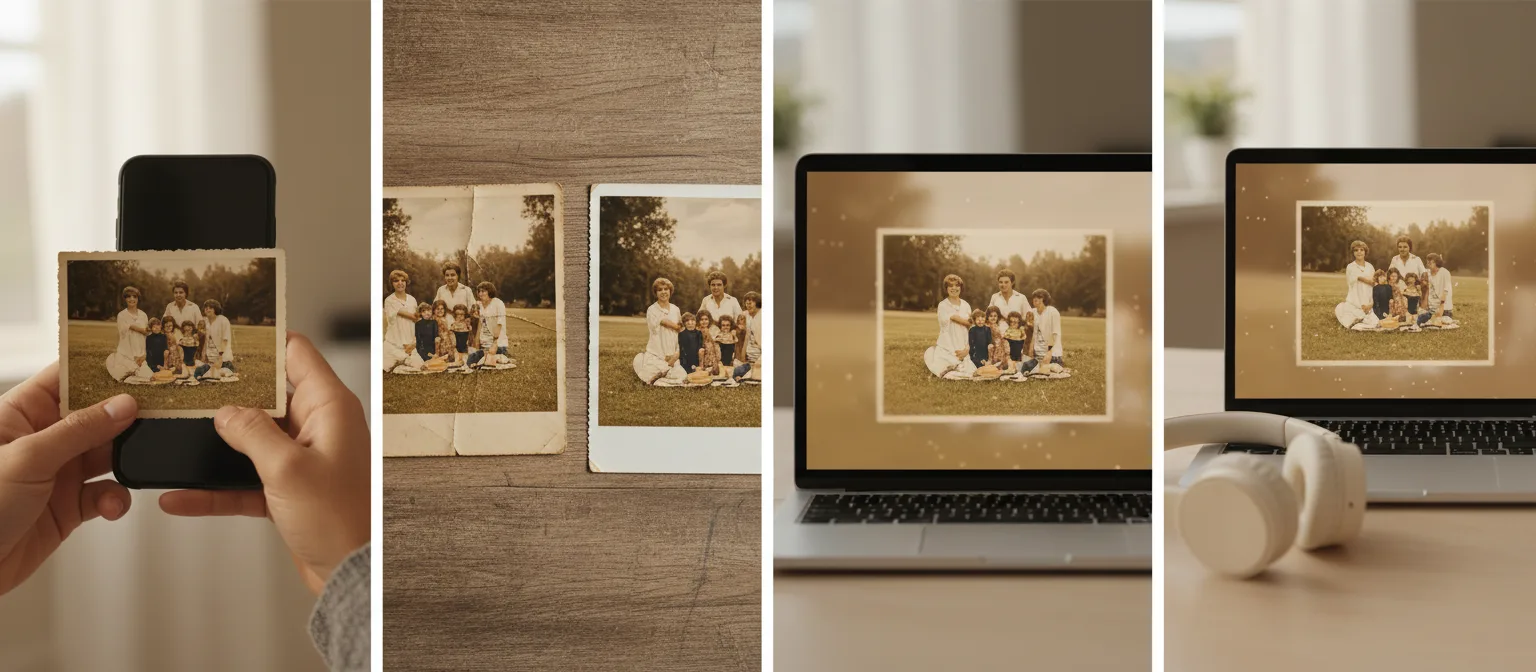
A single living portrait is powerful; a video is unforgettable. Combine several animated photos with music into a montage — perfect for a memorial tribute, an anniversary, or a family reunion. Learn how in create a memorial video.
Go deeper
Read the focused guides: bring photos to life, make a photo move, and photo-to-video tips.
Tips for the best result
- Pick photos where the face is large, sharp, and front-on — see choosing photos.
- Always restore first (free); damage across a face is the top cause of disappointing animations.
- Regenerate freely — each pass is a new interpretation, and you keep the best.
- Test with your 5 free animations on varied photo types before a big project.
- For a finished keepsake, plan 3–10 photos and one song from the start.