Guide · Animate
Photo-to-video tips
A few small choices make the difference between a photo-to-video clip that feels magical and one that feels off. Here are the tips that matter most.
Great photo-to-video results come down to three things: the right photo, a clean image, and gentle motion. Here's how to nail each one.
Tip 1 — Choose the right photo
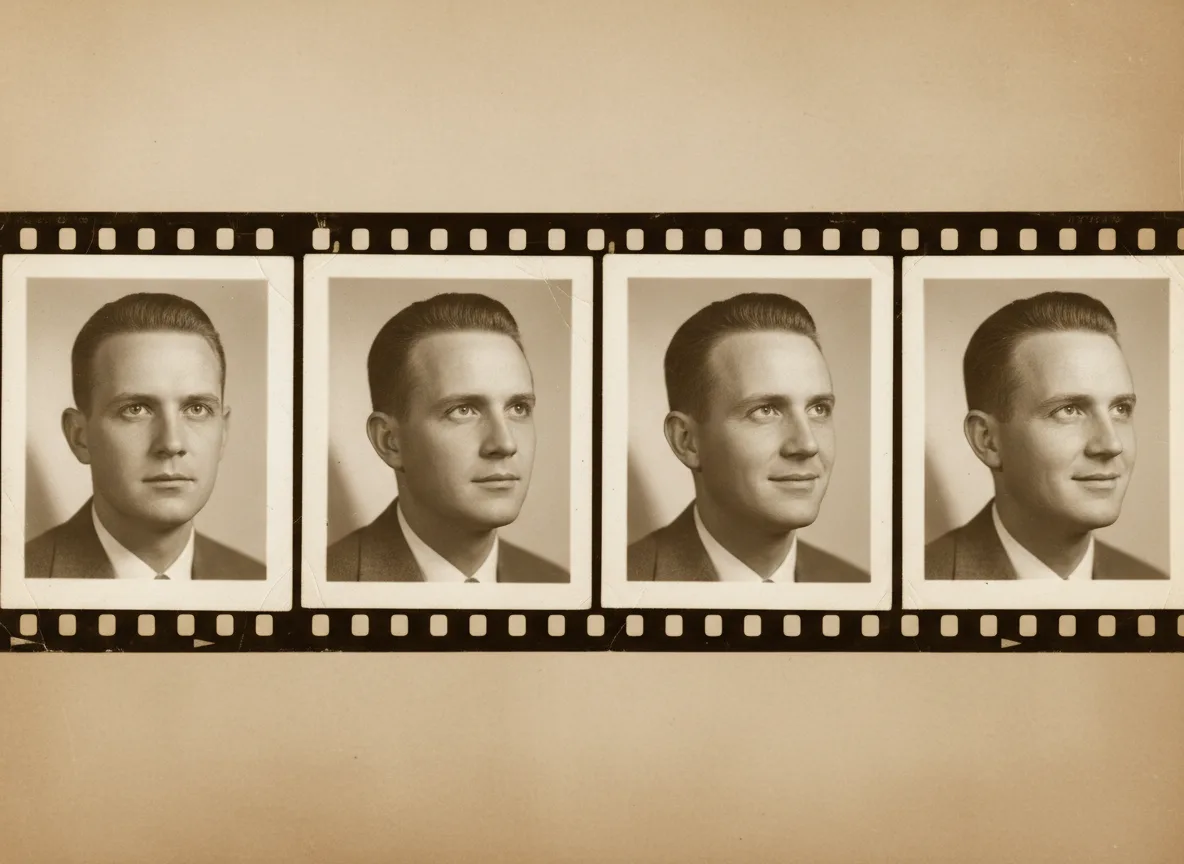
The best photo-to-video source is a clear, front-facing portrait with a visible face and a little space around the head. Sharp images with good light animate most naturally; very dark, blurry, or tiny faces are harder to bring to life convincingly.
Tip 2 — Clean the image first
Prep pays off. Before animating:
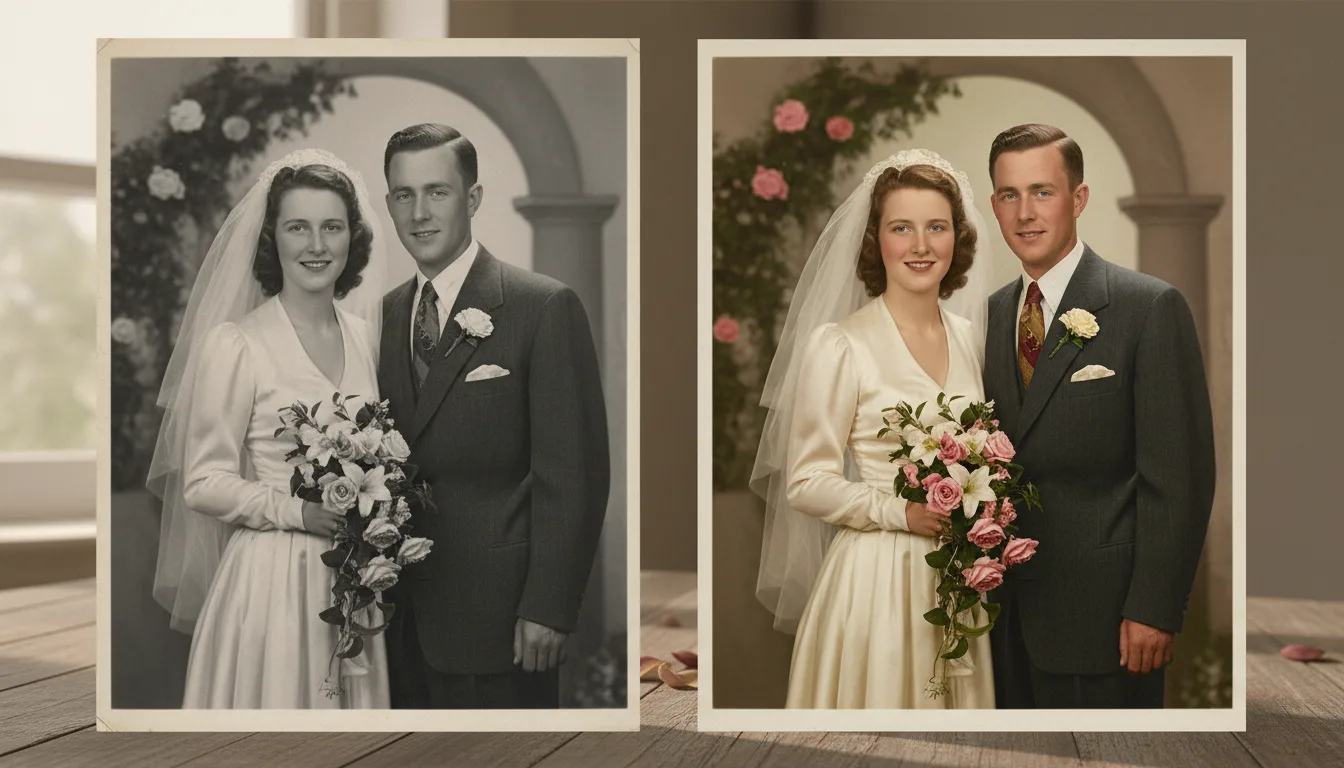
- Restore damage and fading.
- Enhance the face if it’s soft or small.
- Colorize black-and-white photos for a lifelike base.
Tip 3 — Keep the motion gentle
Subtle movement feels real; exaggerated movement feels artificial. FotoRipple defaults to gentle, natural motion for exactly this reason — resist the urge to over-do it.
Tip 4 — Add meaningful music
A well-chosen, gentle track turns a clip into a keepsake. Pick something that meant something to the person or family, and keep it understated so the photo stays the star.
Tip 5 — Build toward a video
One animated photo is lovely; several set to music make a montage worth keeping. See turn photos into video and, for tributes, create a memorial video.