
Guide · Animate
How to make a photo move
Turning a still photo into a moving portrait is simpler than it looks. Here's the technique — and how to keep the motion natural instead of cartoonish.
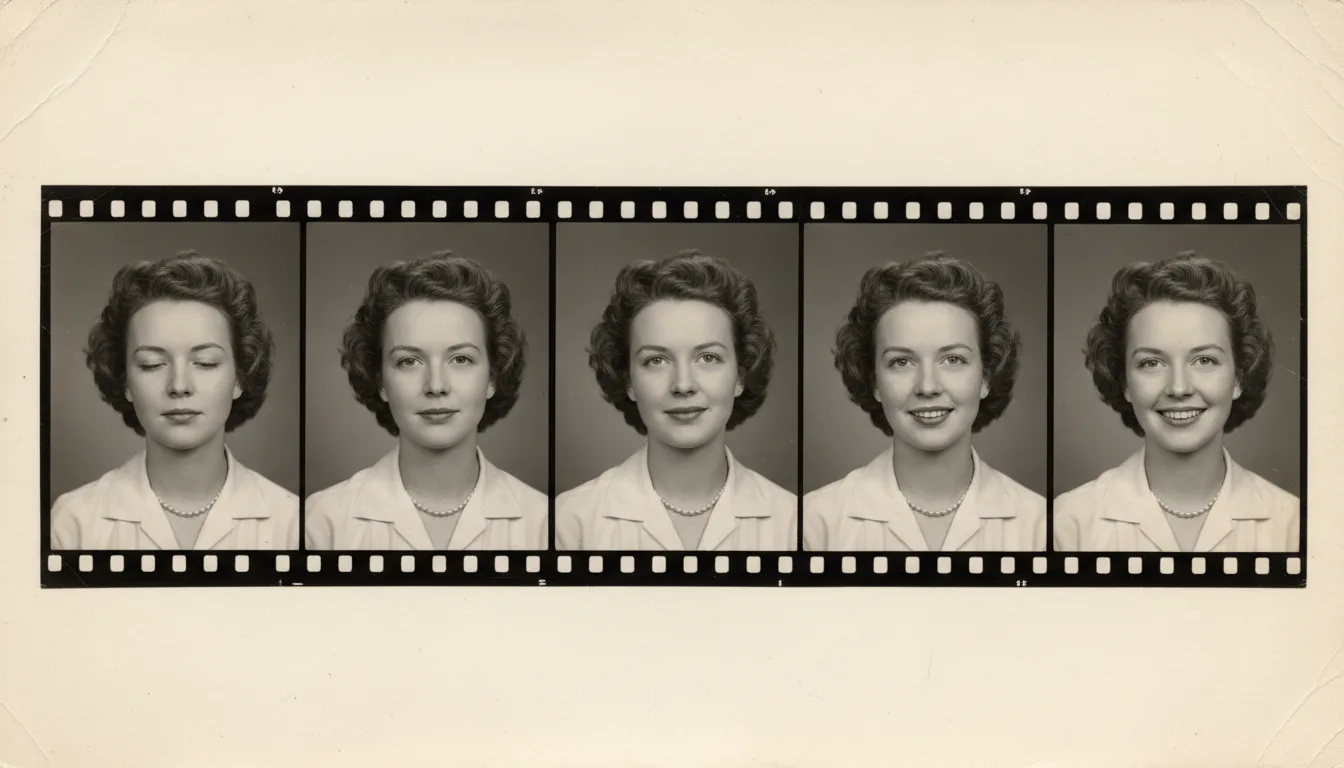
A moving portrait adds subtle animation to a face — a soft blink, a gentle shift, a breath. The art is in restraint. Here's how to get it right.
The technique behind moving portraits
To make a photo move, AI identifies the face and its features, then generates a brief, natural sequence of motion — subtle head movement, a soft expression, the quiet stillness of a person sitting for a moment. Because it’s driven by how real faces actually move, the result reads as lifelike rather than mechanical.
Prepare for the most natural motion
- Pick a clear, front-facing portrait. The more visible the face, the better.
- Enhance the face if it’s soft or small.
- Restore and colorize for a lifelike base image.
- Animate — FotoRipple generates the movement for you.
Keep it subtle
The single biggest factor in a believable moving portrait is restraint. Big, exaggerated motion looks artificial; gentle, natural movement feels real and moving. FotoRipple defaults to the latter. For more, see photo-to-video tips and bring photos to life.
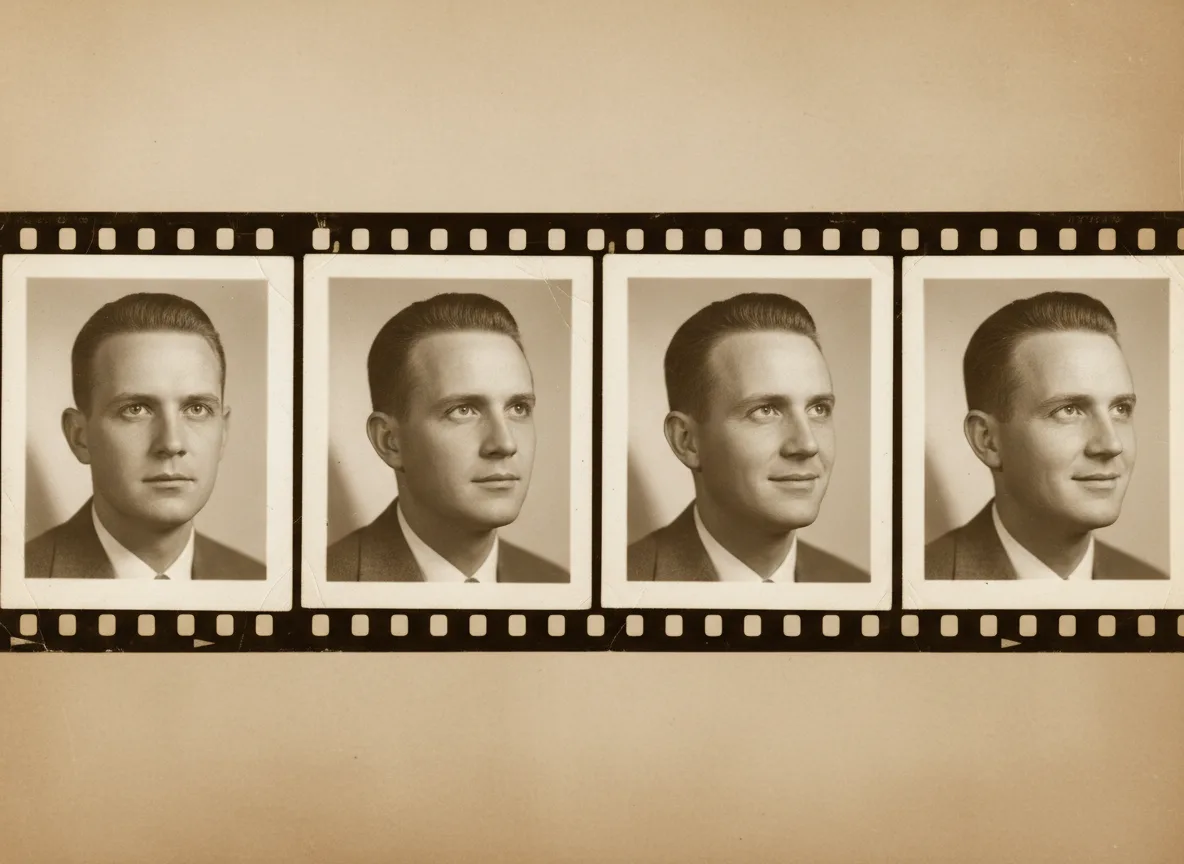
Tips for the best result
- Choose eye-contact portraits — the returned gaze is the effect's engine.
- Restore and colorize first, free; motion built on a clean image reads as life, not filter.
- If a result overshoots, regenerate — the subtle takes are the keepers.
- Loop the final clip on a digital frame for a quietly magical display.