
Restore · Faded photos
Fix faded photos
Sunlight and time drain the color and contrast out of old prints. FotoRipple rebuilds what faded away — recovering rich tones and detail from even the palest photo.
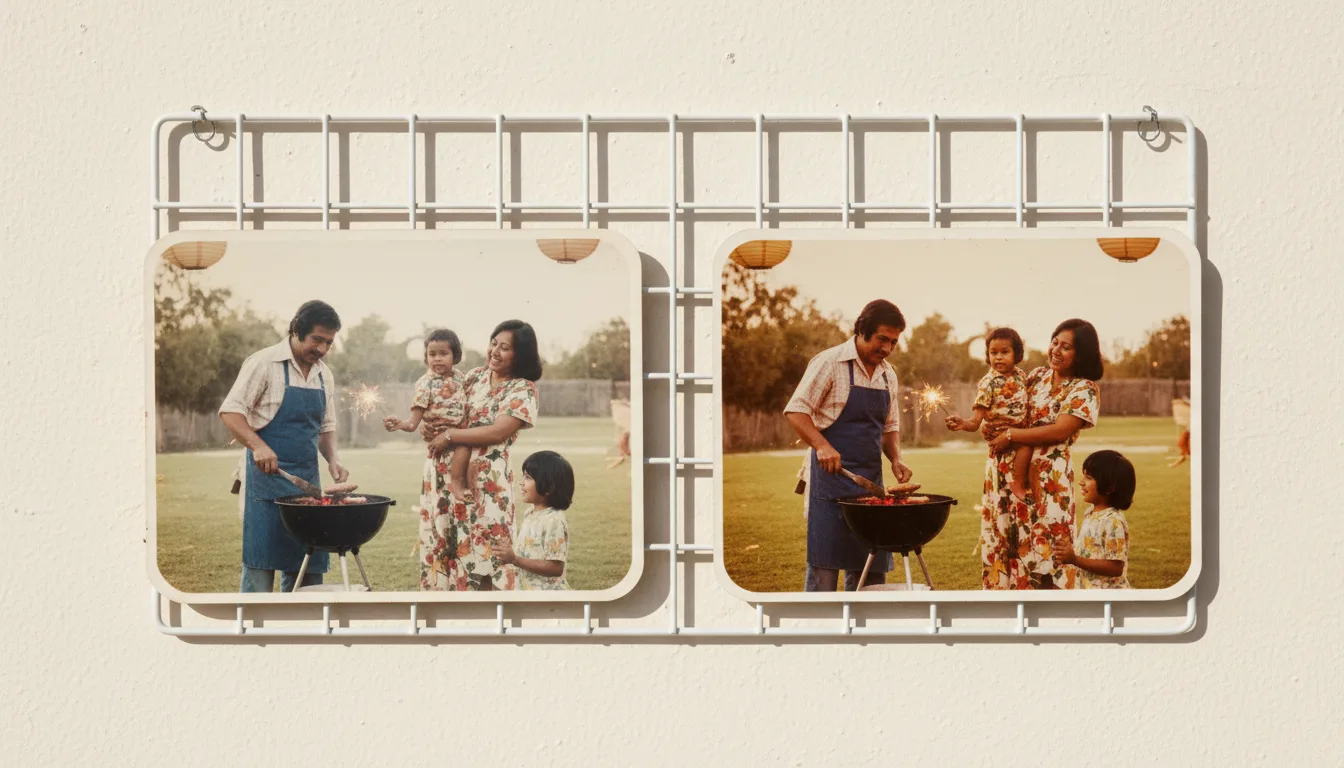
Faded photos aren't beyond saving. The image data is still there — just compressed into a narrow, washed-out range. FotoRipple expands it back out, restoring the depth and color the print has lost.
What “faded” really means
A faded photo hasn’t lost its image — it has lost its range. The brightest and darkest tones have drifted toward a flat, pale middle, and the color dyes have weakened unevenly, often leaving a yellow or magenta cast. To your eye it looks washed out; to an AI it looks like an image that has been compressed into a small slice of the available tones.
FotoRipple restores faded photos by intelligently expanding that range back out — recovering deep shadows, clean highlights, and believable color, guided by what similar undamaged photos look like.
Faded, or damaged? Choose the right fix
- Faded / washed-out → you’re in the right place.
- Scratches, creases, missing pieces → restore damaged photos.
- Water stains and blooms → water-damaged photo restoration.
- Black-and-white you want in color → colorize old photos.
Prefer a hands-on walkthrough? Read how to fix faded photos.
How it works
- 1Upload the faded print. Even very pale or sun-bleached photos work.
- 2AI recovers tone and color. Contrast, saturation, and detail are rebuilt to look natural — not oversaturated.
- 3Save or go further. Download it, or add full color and animate it.
Recovers washed-out color
Faded reds, greens, and skin tones are brought back to believable, natural levels — without the neon look cheap filters produce.
Rebuilds lost contrast
Flat, grey photos regain depth as blacks, whites, and midtones are restored to their proper range.
Handles sun and water fading
Whether a photo faded on a wall for 30 years or in a damp box, FotoRipple recovers what it can and evens out the result.
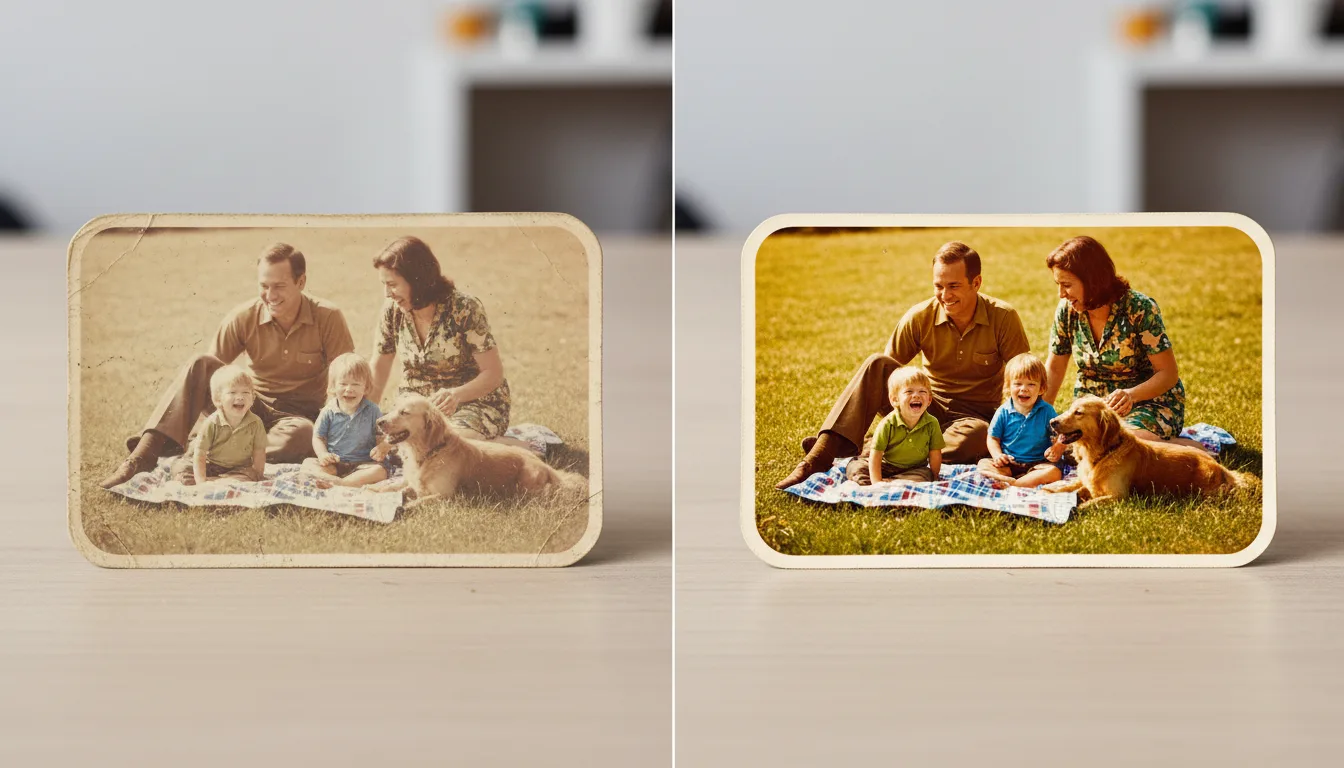
Example: the photo from the hallway wall
Picture a print that hung framed by a window for 25 years — the sky bleached white, faces gone pale pink. Restored, the sky returns to blue and the faces to believable skin tones, because the data was still in the print, just compressed. It's often the most dramatic before/after in a family's whole archive.
Hypothetical example of a common restoration.
Tips for the best result
- Rescue the most-displayed prints first — photos that hung in sunlight are the furthest gone and fade fastest from here.
- Don't try to fix fading with phone filters before uploading; give FotoRipple the untouched original.
- Faded Polaroids behave differently from faded prints — see the dedicated Polaroid page.
- After restoring, store originals away from light; the digital copy is now the display version.