
Restore · Water damage
Restore water-damaged photos
Floods, leaks, and damp storage leave stains, blooms, and discoloration across photos. FotoRipple lifts that damage away and recovers the image underneath.
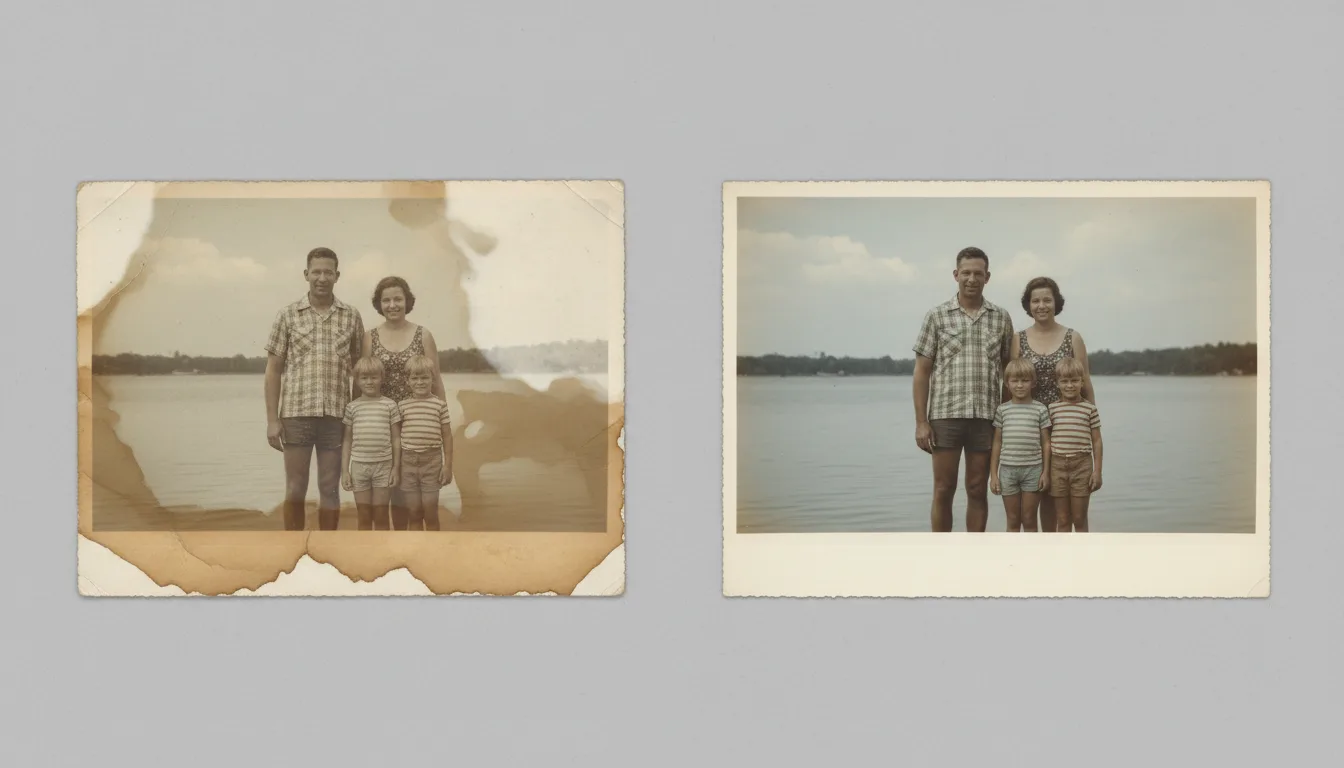
Water damage looks catastrophic, but the image is often still recoverable beneath the stains. FotoRipple removes water marks, blooming, and discoloration and rebuilds the affected areas.
Water damage is rarely the end
When water reaches a photograph it leaves several signatures: brown tide lines where it dried, cloudy blooming where the emulsion lifted, and color shifts where dyes ran. It looks ruinous — but in most cases the underlying image is still readable, and that’s what matters.
FotoRipple treats the stains and blooming as damage layered on top of the photo, then removes that layer and rebuilds the areas it obscured. The result is a clean image recovered from what looked like a lost print.
First, protect what you have
Before restoring, make sure you don’t lose the originals to further damage:
- Don’t force stuck photos apart — you’ll tear the image. Let a conservator separate badly stuck prints.
- Digitize everything so there’s always a safe backup copy.
- Store dried prints in a cool, dry, dark place.
Our guide to preserving family photos walks through safe storage and backup in detail.
How it works
- 1Capture the photo as-is. Photograph or scan the water-damaged print in even light.
- 2AI removes stains and blooms. Discoloration, tide lines, and mottling are lifted and the underlying image is rebuilt.
- 3Save and preserve. Download the restored copy — then store it safely so it never happens again.
Removes stains & tide lines
The brown and yellow marks left by water are cleaned away and the tone underneath is evened out.
Fixes blooming & mottling
The cloudy, blistered look of emulsion damage is smoothed and reconstructed.
Recovers discolored areas
Color shifts caused by moisture are corrected back toward natural tones.
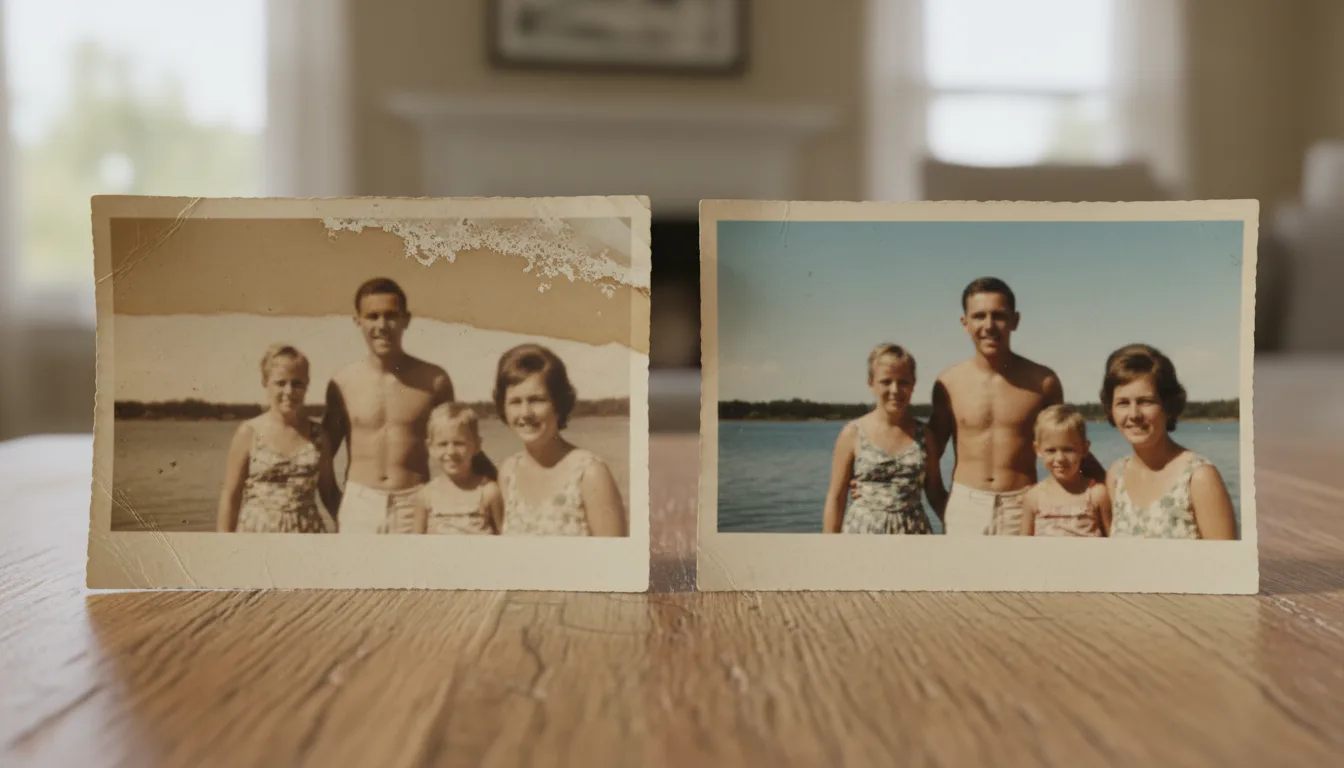
Example: after the basement flood
Imagine pulling an album box from a flooded basement: covers warped, a dozen prints tide-lined brown across the sky and faces mottled. Scanned and restored one by one, most of the images come back clean — because the water stained the surface, not the moment. The two worst prints stay imperfect; the rest of the album survives.
Hypothetical scenario reflecting typical recovery odds — results vary with damage severity.
Tips for the best result
- Dry wet prints face-up on paper towels before anything else — never rub them.
- Don't pry apart stuck photos; scan the stack's accessible faces and let a conservator handle separation.
- Capture stained prints in even, indirect light so tide lines aren't confused with shadows.
- After recovery, digitize the rest of the collection — water rarely strikes only once. See backing up old photos.