
Restore · Torn photos
Repair torn & ripped photos
A photo torn in half — or taped back together decades ago — can be made whole again. FotoRipple rebuilds the tear line and missing paper so the repair simply disappears.
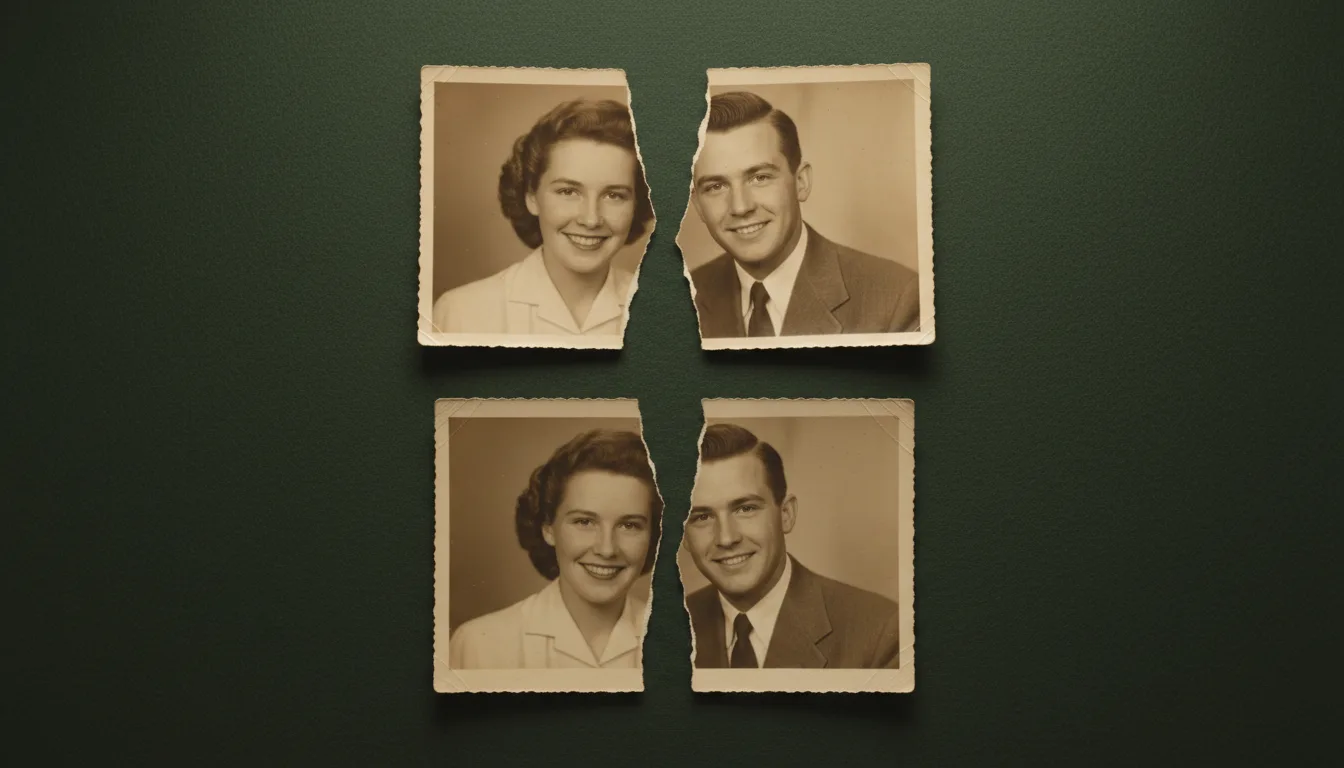
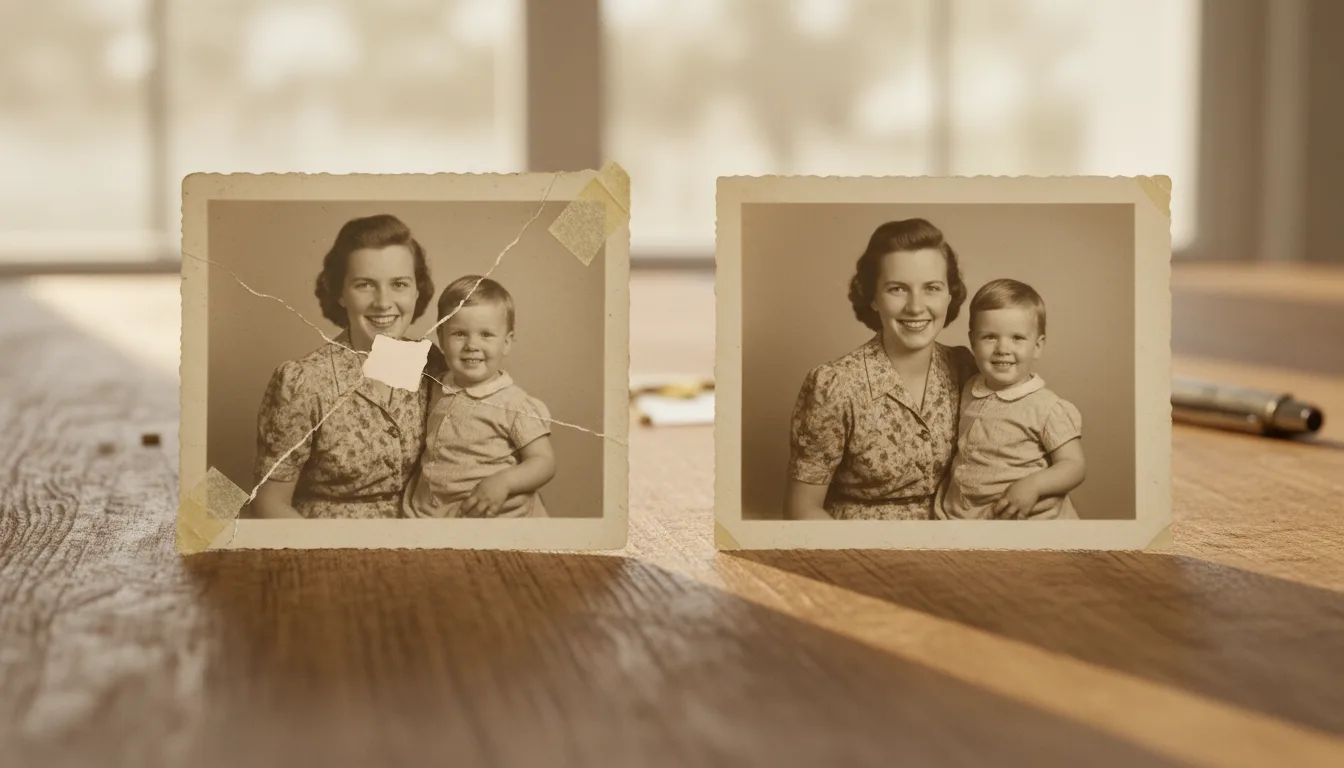
Torn photos are among the most emotional to restore — often the only copy of an important moment, ripped by accident or crumbling with age. FotoRipple reconstructs the tear so the image reads as one continuous photo again.
Rebuilding a photo that’s been torn
A tear does two things: it leaves a hard white line where the paper split, and it usually destroys a thin strip of image along the rip. Restoring it convincingly means both removing the line and inventing the small amount of lost detail so plausibly that the join is invisible.
FotoRipple reconstructs torn photos by reading the image on both sides of the tear and rebuilding what belongs in between. Old tape, glue stains, and yellowed repair patches are removed at the same time.
Getting the best result from a torn photo
- If the photo is in pieces, photograph them aligned on a flat, evenly lit surface with only a small gap.
- Don’t worry about existing tape — FotoRipple removes it.
- For a tear combined with heavy staining, also see water-damaged photo restoration.
Want the step-by-step? Read how to repair torn photos.
How it works
Removes the tear line
The white gap and ragged edges of a rip are filled with matching texture so the seam vanishes.
Rebuilds missing slivers
Thin strips of paper lost along a tear are reconstructed from both sides of the image.
Erases old tape and repairs
Yellowed sticky tape, glue marks, and past patch-up attempts are cleaned away.
Example: the photo someone tore on purpose
Many families have one: a photo torn in an old argument and quietly kept anyway, in two pieces, in an envelope. Rejoined and restored, the couple stands together again — and a print of the repaired photo has a way of meaning more than either piece ever did.
A hypothetical but familiar scenario.
Tips for the best result
- Photograph torn pieces on a plain dark background — it helps the edges read clearly.
- Align pieces as closely as you can without forcing them; a small gap is fine.
- Leave old tape alone rather than peeling it off — peeling often takes emulsion with it, and FotoRipple removes tape digitally.
- If the tear crosses a face, check the repaired features against another photo of the person where possible.