
Guide · Restoration
How to repair torn photos
A ripped photo is far more recoverable than it looks. Here's how to capture the pieces and let AI rejoin the tear and rebuild what's missing — so the repair is invisible.
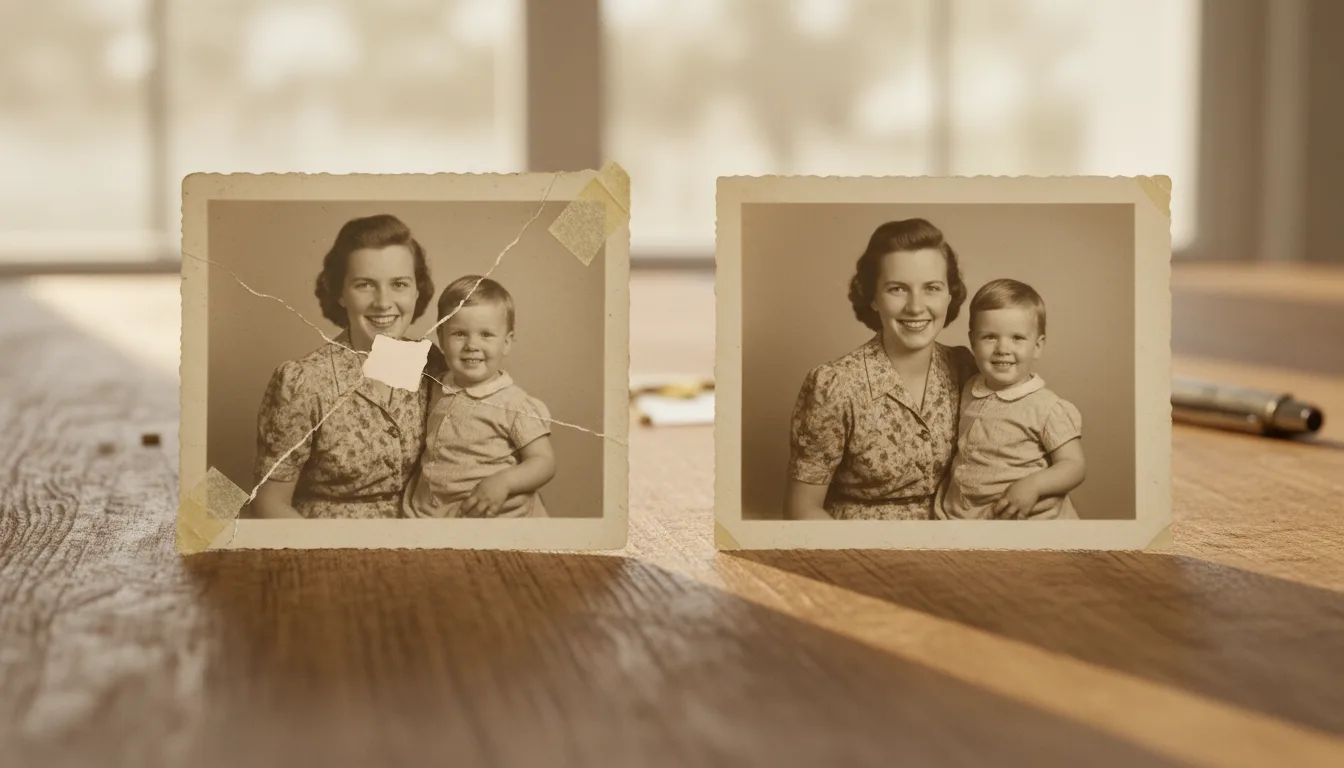
Tears leave a hard white line and usually destroy a thin sliver of image. Repairing well means filling that line and rebuilding the sliver so both sides line up as one continuous photo.
Step 1 — Lay out the pieces
Place the torn pieces on a plain, matte surface (glossy tables cause reflections). Fit them together like a jigsaw, aligning the tear as closely as you can. Don’t use tape — you’ll capture it in the scan.
Step 2 — Capture in one frame
Use soft, even light from the sides to avoid glare across the tear, and photograph or scan the whole photo in a single frame, filling most of it. A straight-down angle keeps the edges square. See how to scan old photos for technique.
Step 3 — Let AI rejoin and rebuild
Upload the image to repair torn photos. FotoRipple reads the detail on both sides of the tear — the pattern of a dress, a rooftop line, the curve of a smile — and reconstructs the missing strip to match, blending the join so it disappears.
Step 4 — Finish the restoration
Tears rarely come alone. After rejoining, clear any scratches, fix fading, and — if you like — colorize and animate the repaired photo.