
Restore · Old photos
Restore old photos with AI
Yellowed, faded, and worn prints from decades ago can look clear again in seconds. FotoRipple removes age damage and recovers detail — while keeping every face exactly as it was.
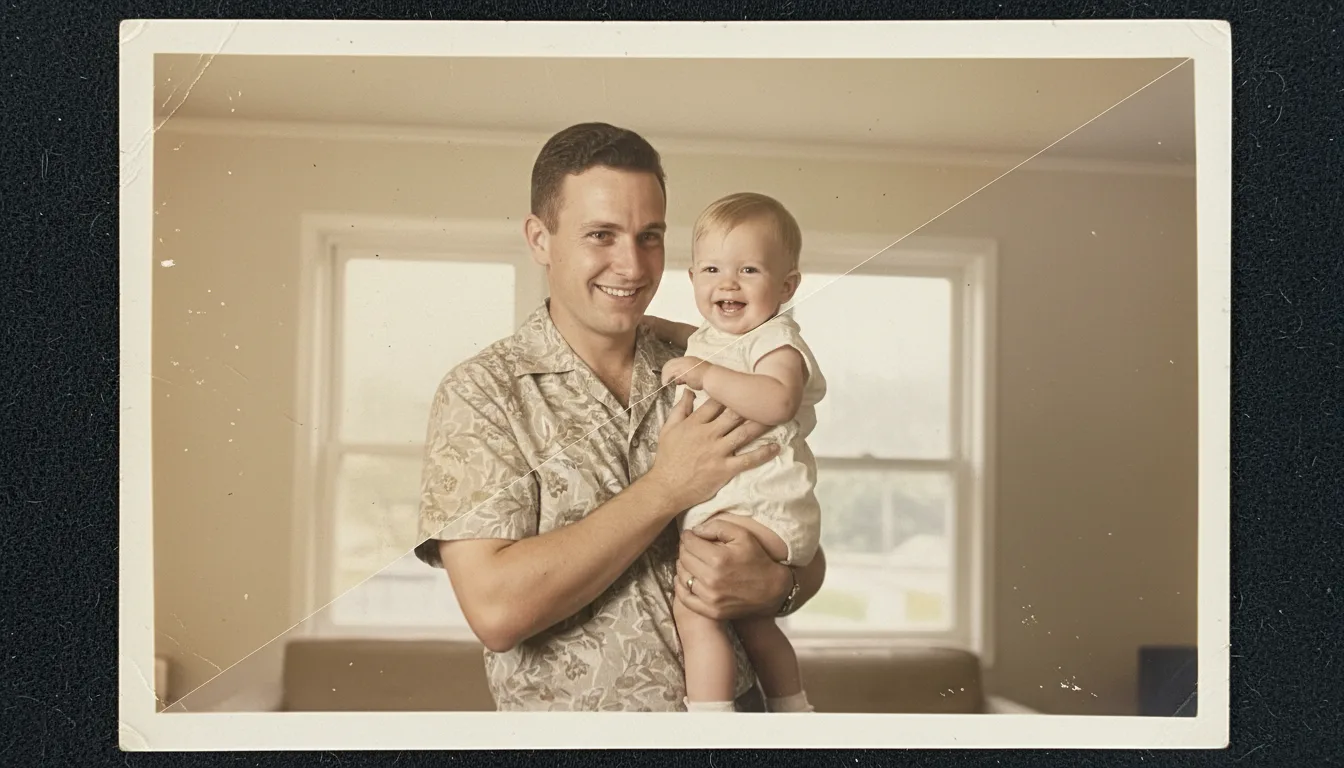
If you have a shoebox of aging family photos, FotoRipple is the fastest way to bring them back. Upload a print — even one that's badly yellowed or cracked — and get a clean, detailed restoration you can print, share, or animate.
Restoring old photos the right way
An old photograph carries two things: the image and the damage. The image is the person, the place, the moment. The damage — yellowing, fading, scratches — is just what time did to the paper. Good restoration removes the second without touching the first.
FotoRipple is built around that principle. It recovers the original detail of a print and evens out age-related color shifts, but it does not restyle faces or “modernize” the people in the photo. The result should look like the photo did on the day it was taken — not like a different person.
What FotoRipple fixes automatically
- Yellowing and color casts from aged paper and chemicals
- Faded contrast that has flattened the image over decades
- Surface scratches, dust, and speckling
- Soft focus and mild blur
- General wear from handling and storage
For specific, heavier damage, use the dedicated pages: torn photos, water-damaged photos, and damaged photos.
After restoration: color and motion
A restored black-and-white or faded print is a beautiful thing on its own. But it can become something more. Colorizing adds natural tones that make a scene feel present again, and animating the photo adds a few seconds of gentle, lifelike movement — a keepsake that’s especially moving as a gift for parents and grandparents.
How it works
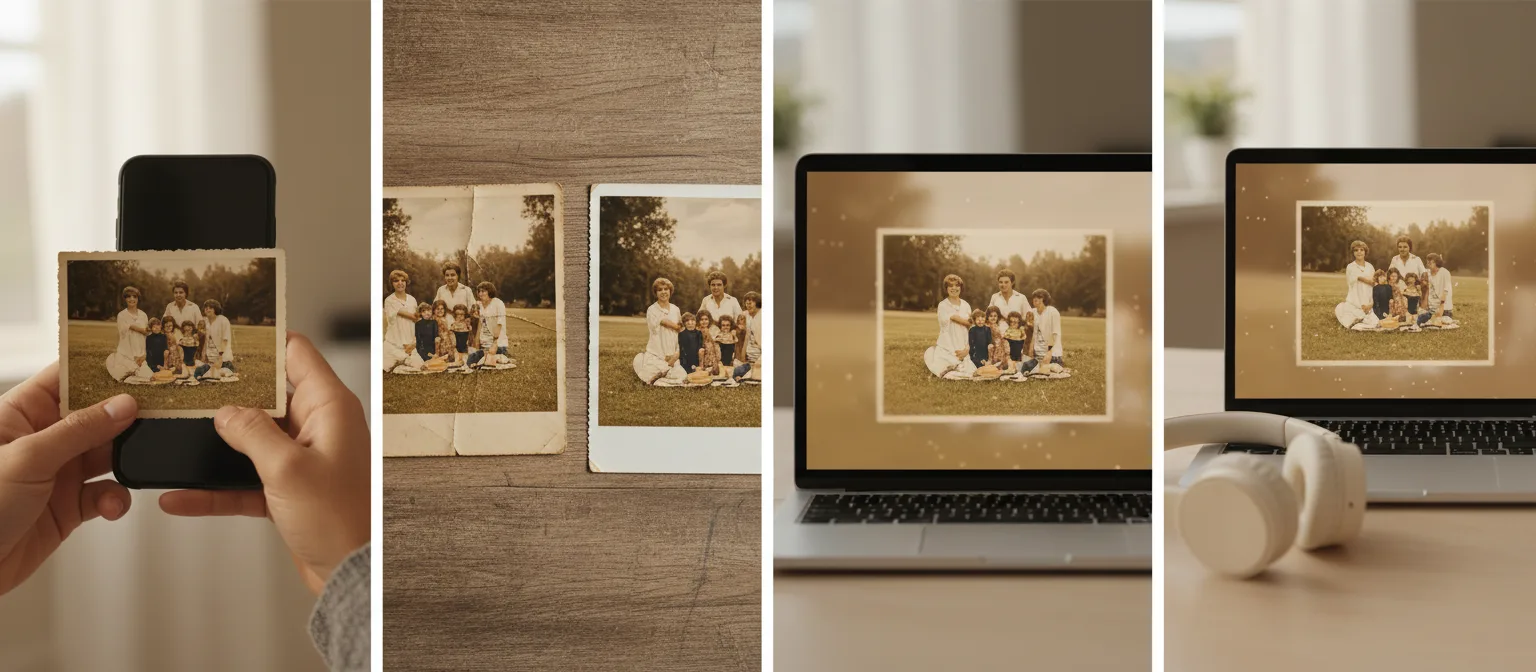
- 1Upload your photo. Take a clear phone photo of the print or upload an existing scan.
- 2Let AI restore it. FotoRipple removes yellowing, scratches, and fading and rebuilds lost detail — usually in under a minute.
- 3Save, colorize, or animate. Download the restored image, add color, or bring it to life as a video.
Undo decades of aging
Yellow casts, faded contrast, dust, and surface scratches are removed automatically, recovering the clarity the print had when it was new.
Faces stay true
We repair damage without restyling people. The restored photo looks like your family — not a smoothed-over AI version of them.
No scanner required
A phone photo in good light is enough. For the sharpest results, see our scanning guide.
Free — really
Restoration and colorization cost nothing. Credits only come in if you choose to animate the result into video — never a subscription.
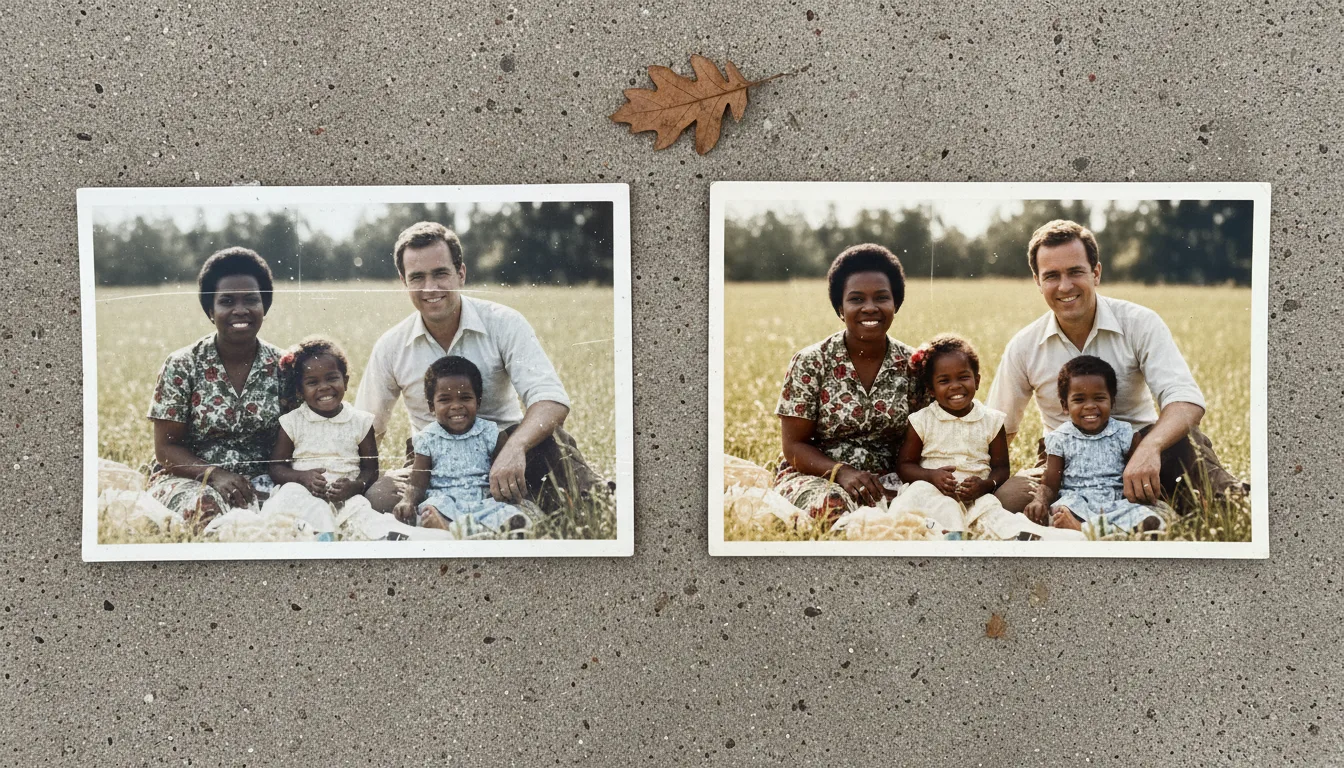
Example: the graduation portrait
Imagine a 1975 graduation portrait — yellowed, a crease across the gown, detail gone soft. Restored, the yellow lifts, the crease closes, and the face sharpens back to how it looked on the wall for years. From there, one click adds color; one more makes it move. Total cost if you stop at restoration: nothing.
Hypothetical example of a typical job.
Tips for the best result
- Restore the original scan, not a photo of a photo of a photo — every generation loses detail.
- If the print is behind album plastic, scan it there first rather than risking a tear; see digitizing photo albums.
- Batch job? Do a quick pass on everything free, then shortlist the best for animation.
- Keep the damaged original file too — archives value the unedited source.