
Restore · Family photos
Restore your old family photos
Not one photo — the whole box. FotoRipple is built for the afternoon you finally sit down with the family archive: restore everything free, colorize what wants color, and shortlist the treasures worth bringing to life.
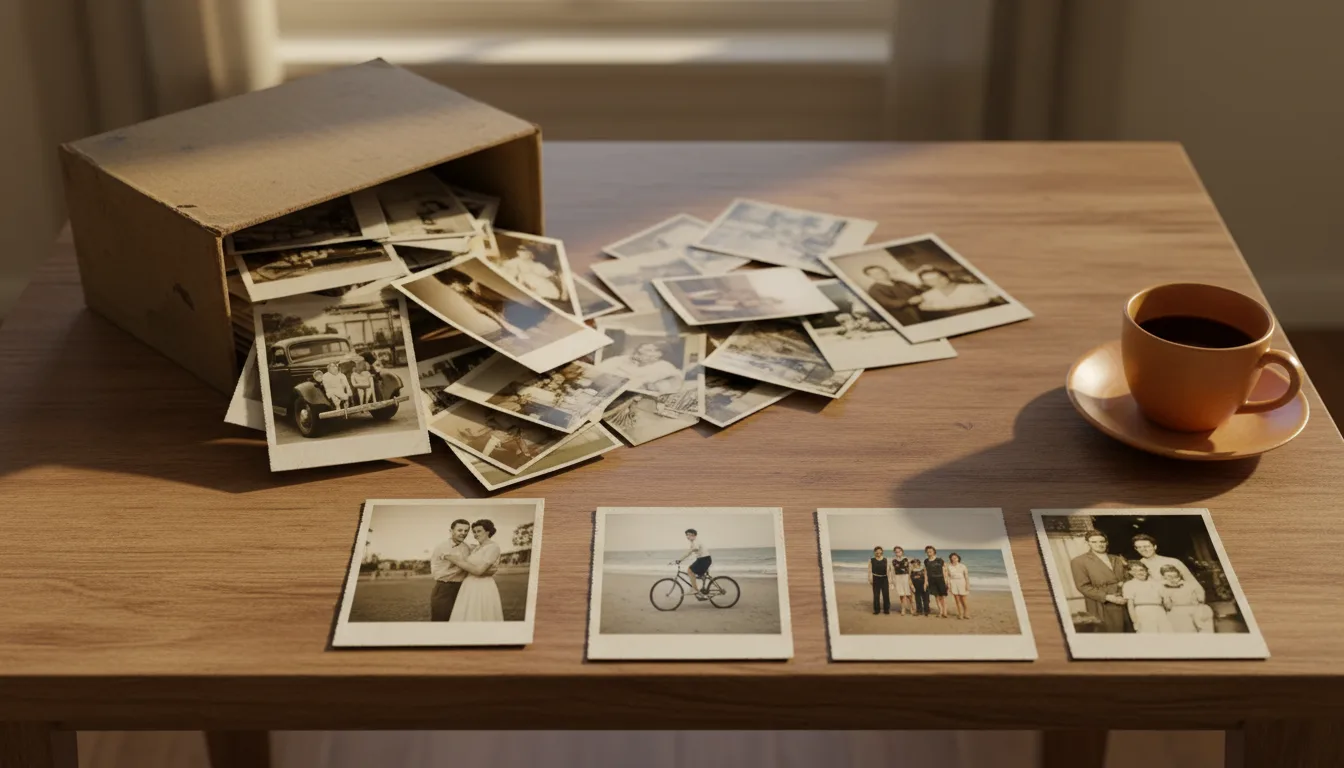
Single-photo repair is a task. A family archive is a project — with its own strategy: triage, batch restoration, and choosing the few photos that deserve the full journey to video.
An archive is a different job than a photo
When you restore one photo, the question is “can this be fixed?” When you inherit an archive, the questions multiply: what’s worth scanning, what order, who gets copies, and which images deserve more than storage. The workflow above answers them in sequence — and the economics matter: because FotoRipple’s restoration and colorization are free, the deciding can happen after the restoring, not before.
The 3–10 photo rule
Every family archive contains a short film waiting to be found. FotoRipple’s video workflow takes 3–10 photos — a constraint that turns out to be a gift, because it forces the question every archivist should ask: if the family could only keep ten images, which ten tell the story? Restore broadly, but curate narrowly. Then let the shortlist move.
How it works
- 1Triage the box. Sort into treasures (people you love, moments that matter), good, and duplicates.
- 2Digitize the keepers. Scan or photograph them in even light — see scanning tips.
- 3Restore and colorize free. Run the whole set; fading, creases, and monochrome all handled at no cost.
- 4Animate the best 3–10. Turn the true treasures into a family memory video with music.
Free means the whole box
Because restoration and colorization cost nothing, you don't have to ration. Restore all of it; decide later what becomes more.
Every era, one pass
1930s monochrome, 1970s fade, 1990s gloss — the same workflow handles each print's own kind of aging.
From archive to heirloom
A restored archive is a backup. An animated selection is what the family actually gathers to watch.
Example: the estate box
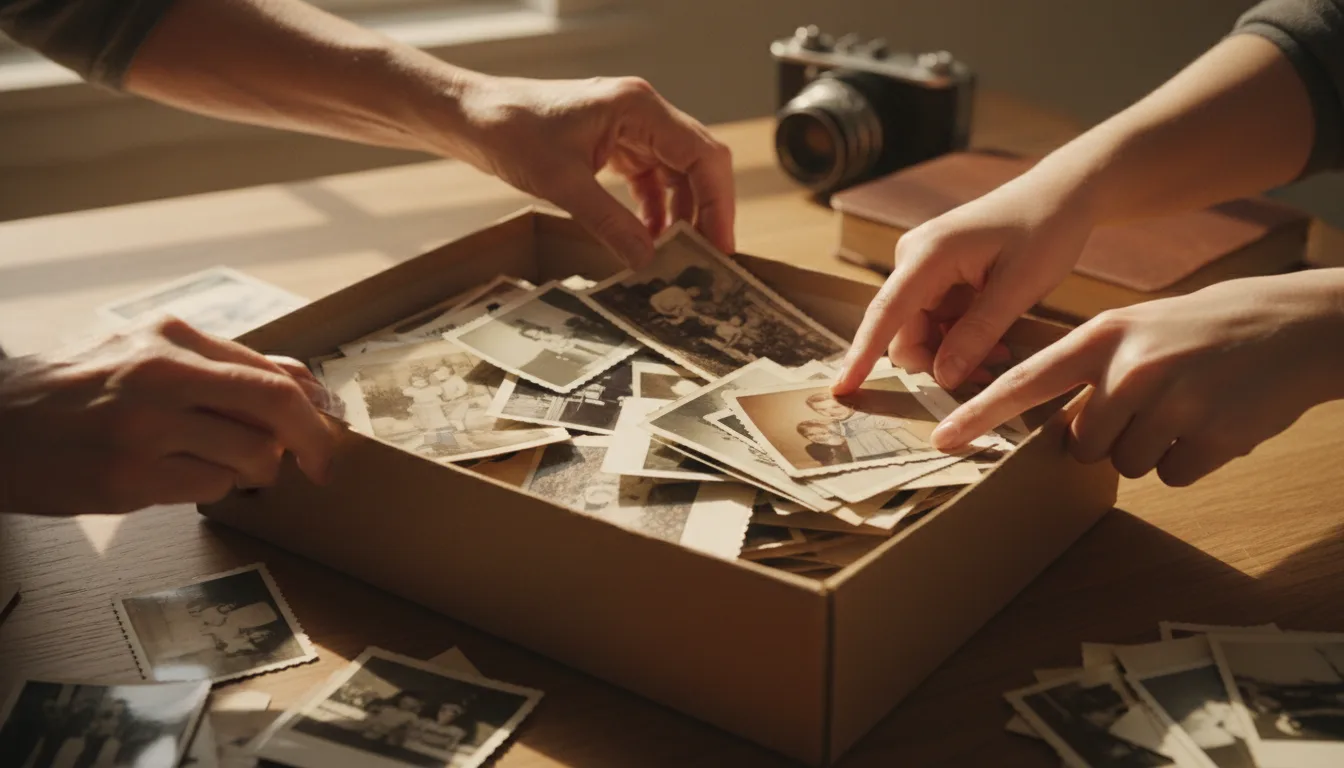
Imagine clearing a parent's house and finding the box: 200 prints, 1948–1996, some labeled, many not. Over two evenings you scan 60, restore them all free, and colorize the monochrome years. Then you pick eight — one per chapter of their life — and make a single video with their favorite song. The 60 restored scans go to every sibling; the video plays at the memorial, and later, at every reunion.
A hypothetical scenario, described because it's the project many visitors are actually facing.
Tips for the best result
- Label as you scan — names and years in the filename save enormous pain later.
- Scan album pages before removing photos; glued prints tear. See digitizing albums.
- Involve the oldest living relatives early — they're the only index for the unlabeled photos.
- Share restored scans with the whole family; redundancy is the best backup. More in backing up old photos.
- Don't aim to animate everything: 3–10 photos make a better video than 40.