
Animate · Family photos
Animate your family photos
One animated photo is a moment. Three to ten of them, set to music, are a story. FotoRipple turns a handful of family photos into a short film your family will actually gather to watch.
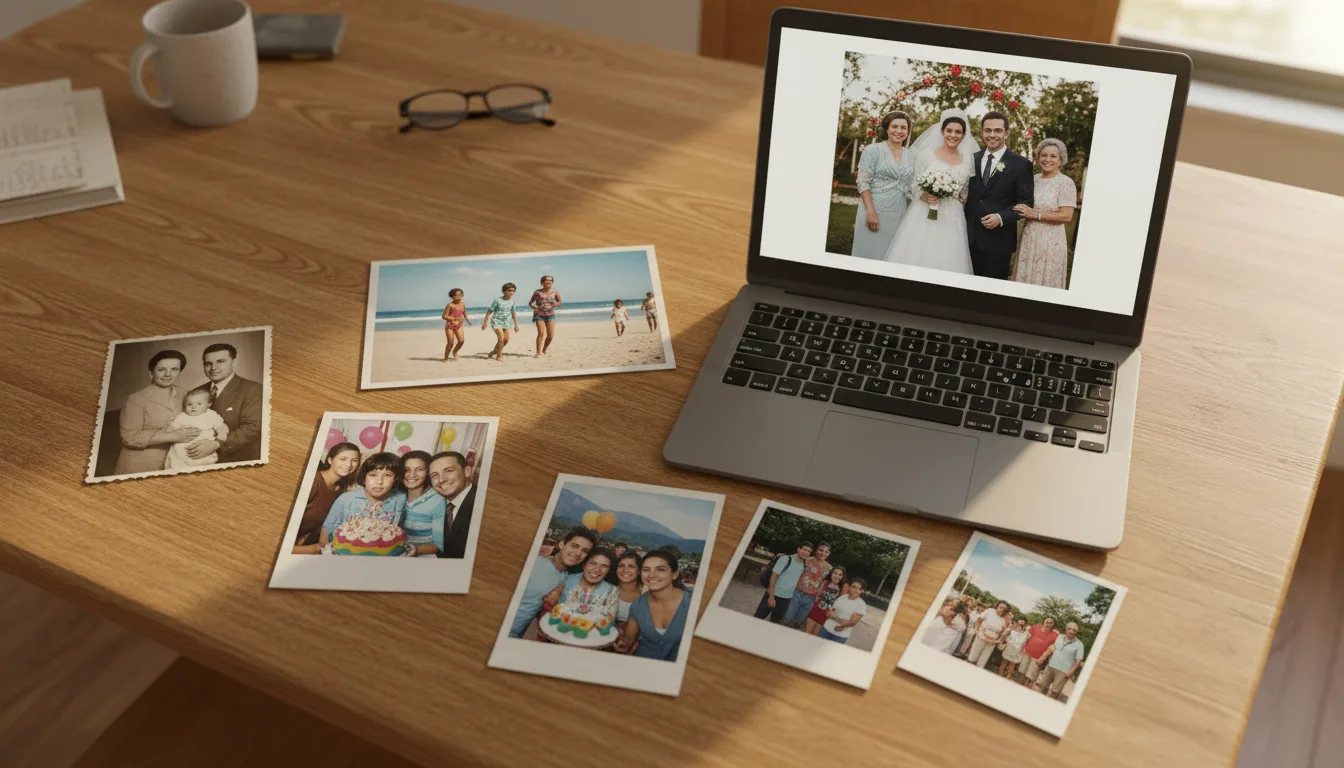
Every family has the same problem: hundreds of photos nobody looks at. Animation solves it by turning the best few into something with a play button.
Why animate family photos as a set?
A single animated portrait is striking. A sequence of them does something different: it restores the feeling of time moving through a family. The jump from a grandmother’s wedding portrait to her daughter’s first day of school — both gently moving, both in color — communicates more than an album page ever could.
Sets also spread the emotional weight. Not every photo needs a face in close-up; a wide shot of the old house between two portraits gives the video rhythm and place.
What FotoRipple does with each photo
Each picture in your set is individually restored (tears, fading, stains — free), optionally colorized (also free), then animated with restrained, natural motion. You review every clip and can regenerate any that don’t feel right before adding music.
If your source material is rough, start at the restore hub to understand what’s fixable — almost everything is improvable. Then come back and bring it to life.
How it works
- 1Pick 3–10 family photos. Mix decades, places, and generations — variety makes the story.
- 2Restore and colorize free. Faded 80s prints and black-and-white portraits come back to full strength.
- 3Animate each photo. Gentle, natural movement — a smile broadening here, eyes lifting there.
- 4Add music and share. One soundtrack ties the clips into a single memory video in HD.
A story, not a slideshow
Because each photo itself moves, the finished video feels like found footage of your family — not a deck of slides.
Every era welcome
Black-and-white grandparents, faded 70s color, 90s snapshots — restoration and colorization level them all up, free.
Minutes, not weekends
No timeline editor, no keyframes, no video-editing skills. Upload, animate, add music, done.
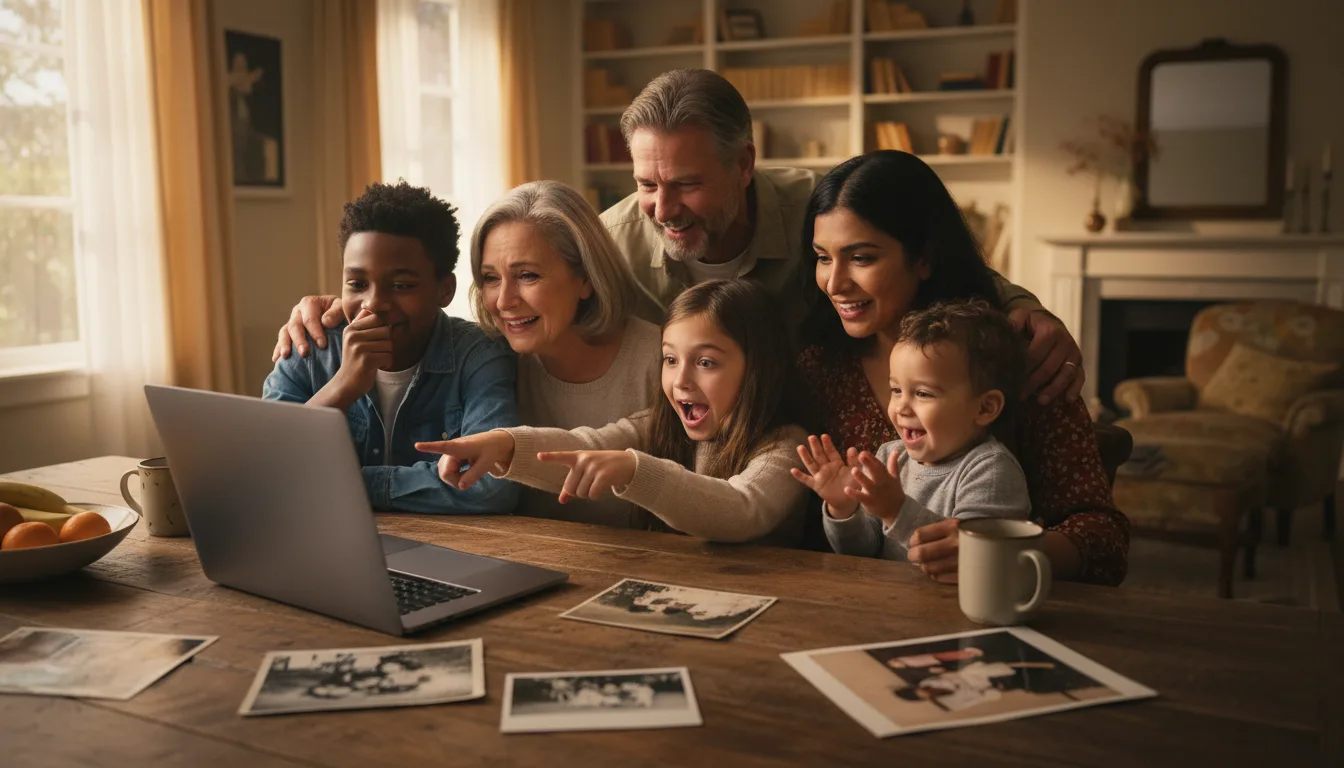
Example: four generations in ninety seconds
Suppose you gathered one photo of each generation: your great-grandmother's 1930s studio portrait, your grandfather laughing at a 1962 barbecue, your parents on their honeymoon, and you as a toddler on the same beach. Restored, colorized, animated, and set to one song, the four clips become a single thread — the family resemblance moving across a century.
A hypothetical example to show the approach, not a customer story.
Tips for the best result
- Choose photos from different periods and places — repetition of similar shots weakens the story.
- Lead with the oldest photo and move forward in time; chronology gives the video its arc.
- Prefer photos where faces are visible and reasonably large in the frame.
- Pick the music before finalizing order — a song's mood often suggests which clip should open.
- Keep it to 3–10 photos. Shorter and complete beats long and padded.