
Memories · Photo albums
Turn your photo album into a video
An album is a film that never got made — sequenced, curated, bound, and then shelved. FotoRipple finishes the job: the album's best photos, moving, with the soundtrack it always deserved.
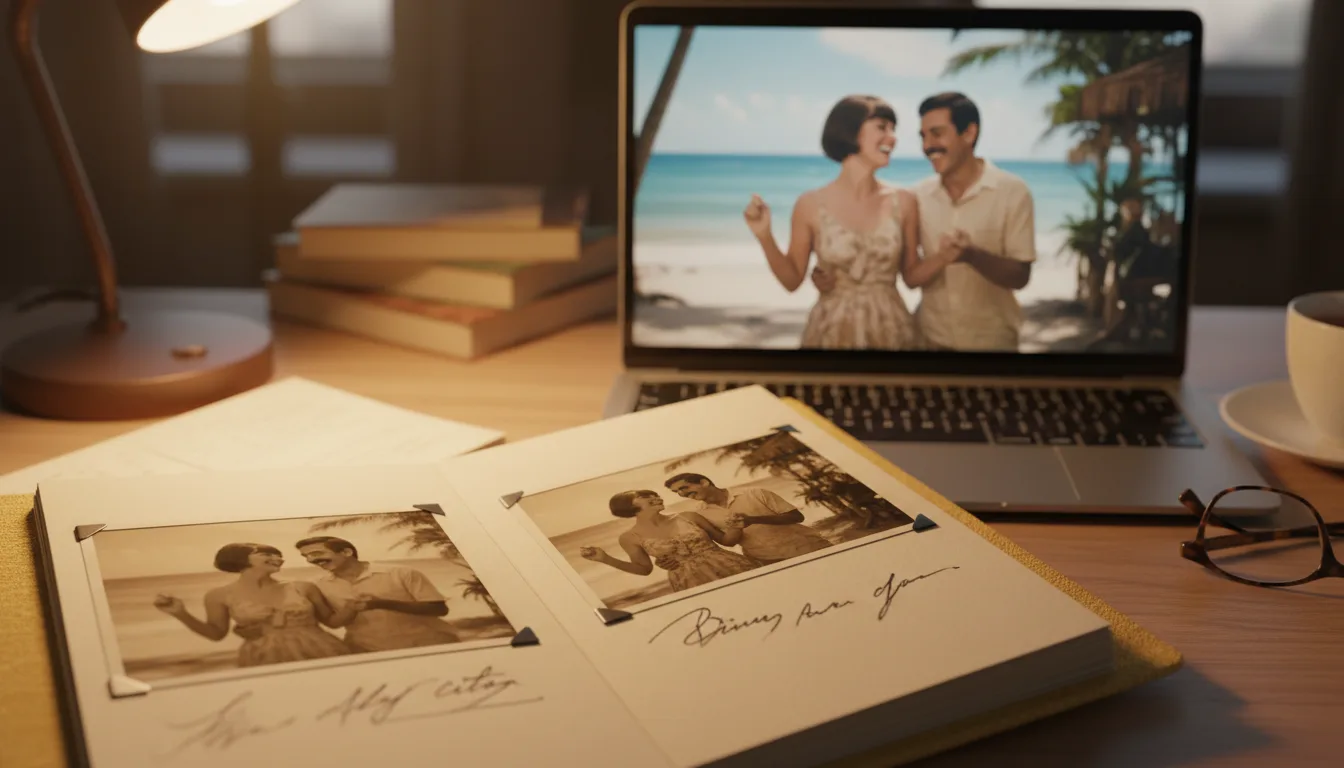
Whoever assembled your family's albums already did the hard editorial work — choosing, ordering, captioning. Turning an album into a video is mostly about honoring that curation in a format people will actually press play on.
Albums were the original memory videos
Consider what an album maker actually did: selected the keepers from every roll, ordered them into narrative, added captions for context, and bound the result for an audience. That’s film editing, performed with corner mounts. The only thing missing was playback.
Which is why album-to-video conversions feel so natural: you’re not imposing a new story on loose photos, you’re performing a story someone already wrote. Grandmothers who made albums were, functionally, directors awaiting technology.
The trapped-photo problem
A practical note: albums from the 1970s–80s (“magnetic” pages) actively damage their contents — the adhesive yellows prints and eventually welds them down. Don’t fight the glue. Scan pages in place, let free restoration undo the yellowing digitally, and leave the physical album intact as the artifact it is. The digitizing guide covers the specifics safely.
How it works
- 1Digitize the key pages. Scan or photograph them carefully — album-safe methods here — sticky pages and all.
- 2Choose 3–10 photos. Follow the album's own order; the maker's sequence was the story.
- 3Restore and colorize free. Album plastic and glue haze clean up; faded pages come back.
- 4Animate, add music, share. The album becomes a two-minute film every relative can hold.
The curation is done
Albums are pre-edited by someone who knew the story. Your job is selection, not creation — the easiest video you'll ever make.
Rescues trapped photos
Magnetic albums and glued corners hold prints hostage. Scanning + free restoration frees the images without hurting the originals.
One album, every household
The physical album lives in one house. The video version lives in everyone's pocket — see sharing across distance.
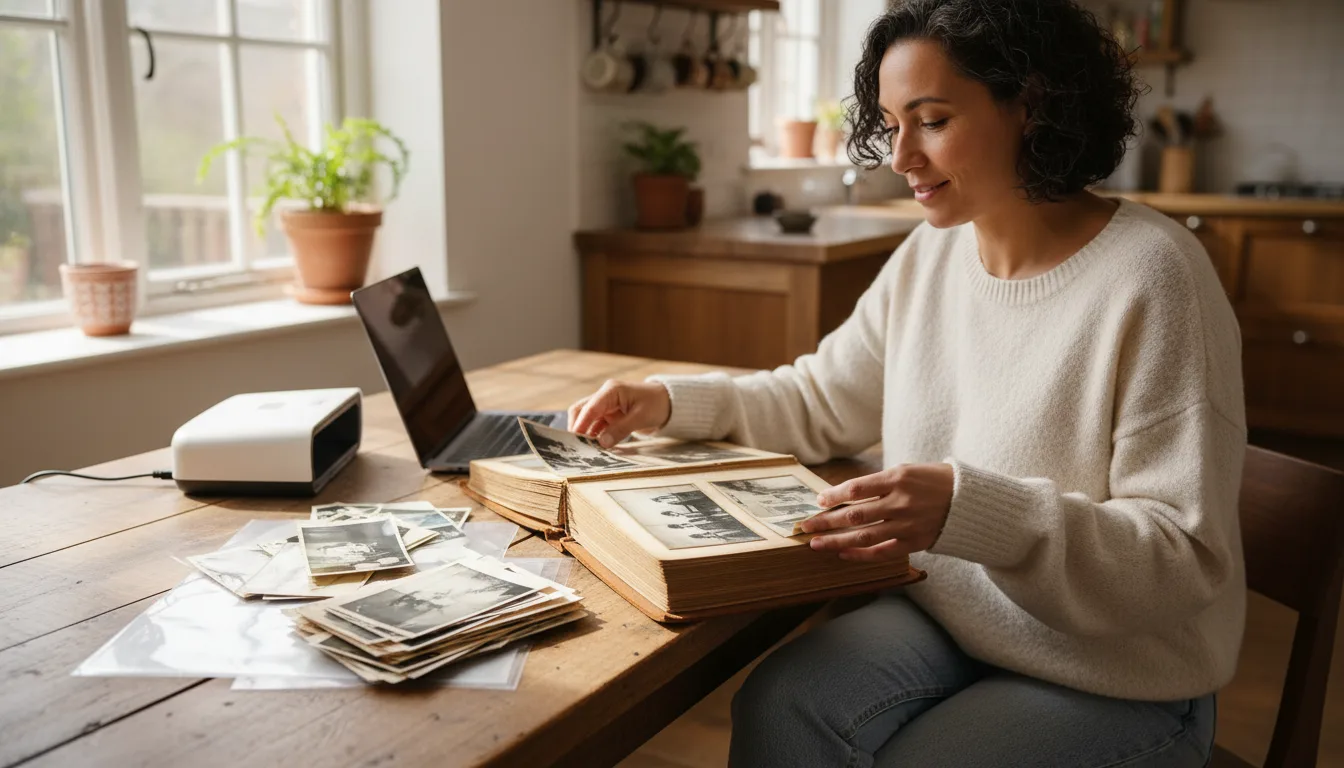
Example: the honeymoon album, 1971
Suppose you inherit a small album labeled "Italy 1971" — your parents' honeymoon, 40 photos, captions in your mother's hand. You scan it page by page and choose eight: the airport goodbye, the Vespa, the trattoria, the leaning-tower cliché they clearly loved. Restored, animated, and set to an Italian song from that summer, it premieres at their anniversary dinner — with the physical album passed around as the program.
Hypothetical example of the album-to-video pattern.
Tips for the best result
- Photograph pages before extracting anything — the layout and captions are data too.
- Never peel prints from magnetic or glued albums; scan in place. Details in the digitizing guide.
- Include one shot of the album itself in your video's opening — it frames what the film is.
- Transcribe handwritten captions; they're often the only surviving record of names, places, and dates.
- If the album covers an event (wedding, trip), keep the video's order identical to the album's — the maker sequenced it for a reason.