
Memories · Preservation
Preserve your family memories
Preservation isn't just about keeping photos safe — it's about keeping them alive in the family's attention. Storage protects the paper; a memory video protects the remembering.
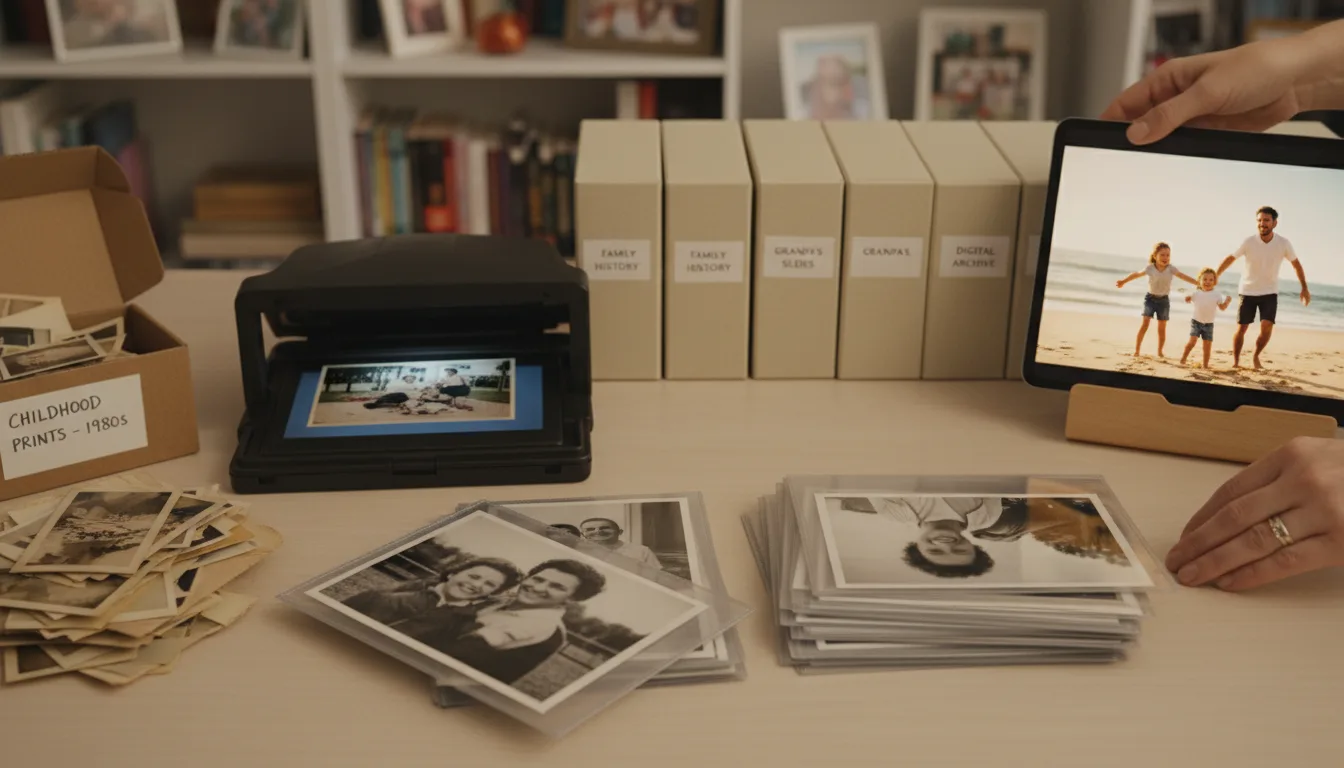
Most preservation advice stops at 'scan and back up.' Necessary — but a hard drive full of unviewed scans preserves pixels, not memories. This page covers the full ladder, from protecting originals to making memories people return to.
The two kinds of loss
Family memories die in two ways. The obvious one is physical: fire, flood, fading, the box lost in a move. The quiet one is attentional: the photos survive, but nobody looks, nobody remembers who’s in them, and within two generations the archive is a box of strangers.
Standard preservation advice — scan, back up, store properly — addresses only the first loss. The second one needs something different: formats that invite attention. That’s the honest case for the memory video. It isn’t archival; it’s anti-oblivion.
Do both, in this order
Protect and scan first — nothing else matters if the originals are lost. Restore as you go, since it’s free and reverses the decay the scan would otherwise fossilize. Then, from the restored archive, choose the 3–10 photos that carry the family’s story and bring them to life. Storage for the whole archive; motion for its heart.
How it works
- 1Protect the originals. Cool, dry, dark storage — details in the storage guide.
- 2Digitize. Scan or photograph the archive; do it once, well.
- 3Restore, free. Undo the fading and damage so the scans preserve the photo as it was, not as it decayed.
- 4Make it watchable. Turn the essential 3–10 into an animated video with music — the version that gets replayed.
The preservation ladder
Store → scan → restore → tell. Each rung protects against a different loss: decay, disaster, damage, and disinterest.
Restoration is preservation
A faded scan preserves the fading. Free restoration preserves the photograph — what the moment actually looked like.
The format people return to
Scans get opened once. A two-minute video with your grandmother moving in it gets replayed at every gathering.
Example: the family archivist's year
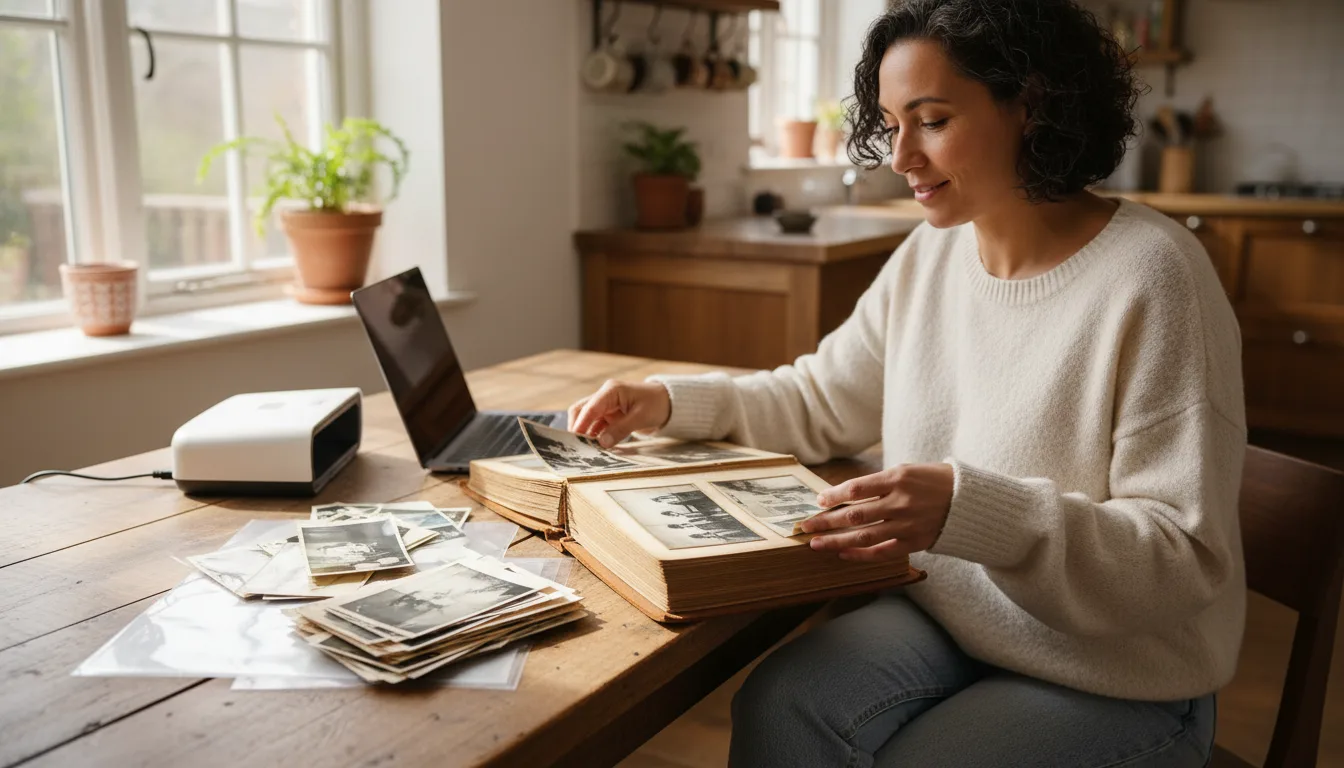
Consider the self-appointed family archivist — every family has one. Over a year she scans 300 prints, restores them free as she goes, and shares the folder. Adoption: politely low. Then she makes one three-minute video — ten photos, four generations, their grandmother's favorite hymn — and sends the link. Within a week it's been watched by every branch of the family, twice. The folder preserves the archive; the video preserves the interest.
Hypothetical, but drawn from how sharing actually behaves.
Tips for the best result
- Digitize the endangered photos first: anything faded, creased, or stored badly.
- Interview while you scan — ask the eldest relatives who's who, and write it down. Names are the most-lost data in family history.
- Keep three copies of the digital archive in two places; see backup strategies.
- Restore before archiving; store both the raw scan and the restored version.
- Every year or two, make a new short video from a different corner of the archive — preservation as a habit, not a project.