
Memories · Family history
Make a family history video
A century of your family fits in three minutes — if the three minutes are good. Chronological photos, restored and gently animated, with one piece of music: a documentary of your line that anyone will sit through.
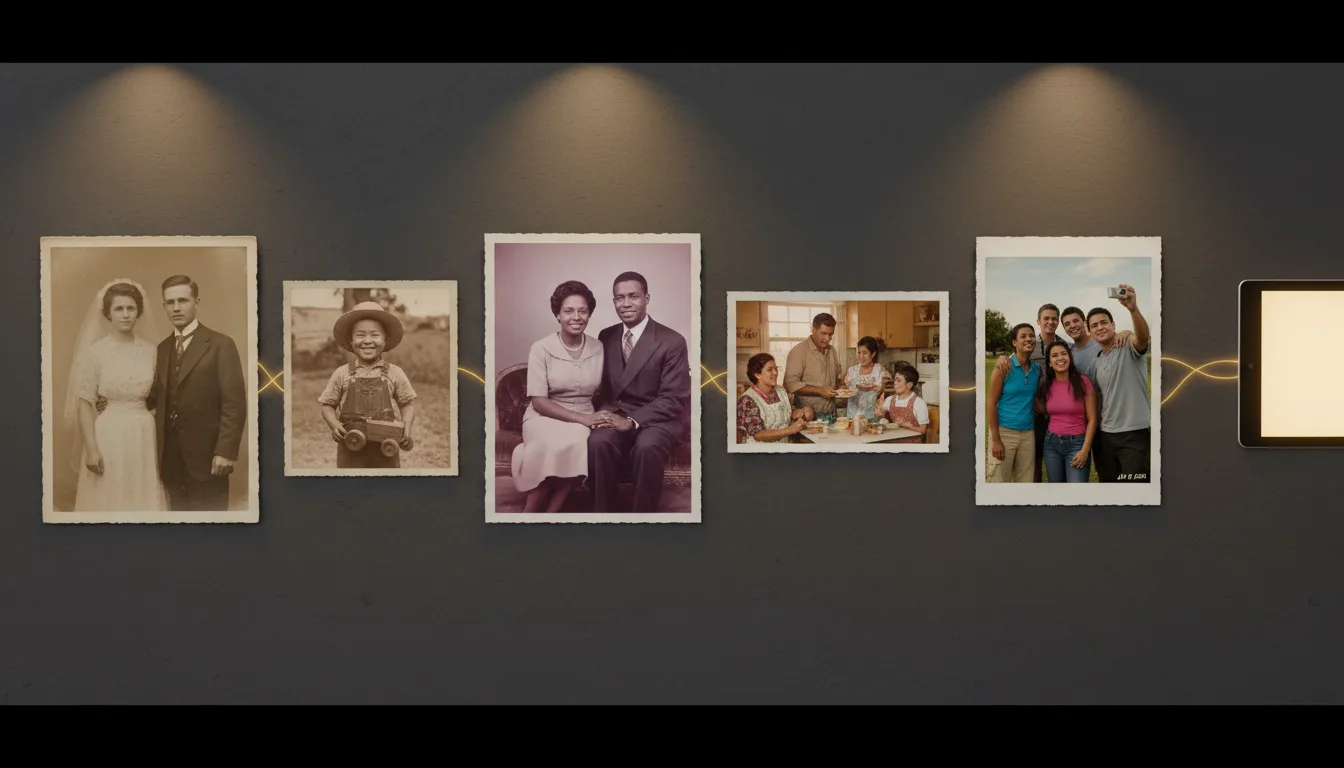
Family history usually lives in formats built for researchers — trees, records, archives. A family history video is the format built for the family: short, moving, and watchable at the reunion.
The research is done. Now make the artifact.
If you’re the family’s historian, you know the paradox: the deeper the research, the fewer relatives engage with it. Trees and record scans are reference; they answer questions nobody was asking. A three-minute video is narrative; it creates the questions. Who’s the woman with the dog? Why did they leave? Whose nose is that?
That conversion — from archive to curiosity — is the family history video’s actual job. FotoRipple’s part is mechanical: restore the images (free), animate the ancestors, hold it together with music. Your part is the curation, and the 3–10 photo limit makes even that manageable.
A structure that always works
Anchor → thread → arrival. Open with the oldest strong portrait (anchor). Move forward one generation at a time, favoring photos that echo faces or places (thread). End with the living — ideally children who resemble the anchor (arrival). This shape works at any scale, from three photos to ten, and it’s the one to start with if you’re unsure.
How it works
- 1Choose one photo per era or generation — 3–10 total, oldest first.
- 2Restore and colorize free. The 1910s portrait and the 1980s snapshot end up equally vivid.
- 3Animate each ancestor. Gentle motion makes the earliest generations feel like people, not records.
- 4One song, one arc. Music carries the viewer down the century; share the result with every branch.
Chronology is the storyteller
Old-to-new ordering needs no narration — faces recur, resemblances echo, and the viewer feels time move.
Levels a century of photo quality
Free restoration means the 1915 studio portrait and the 1985 Polaroid sit together without jarring.
The genealogy payoff
Years of research condense into the artifact relatives actually engage with. Pair with your photo family tree.
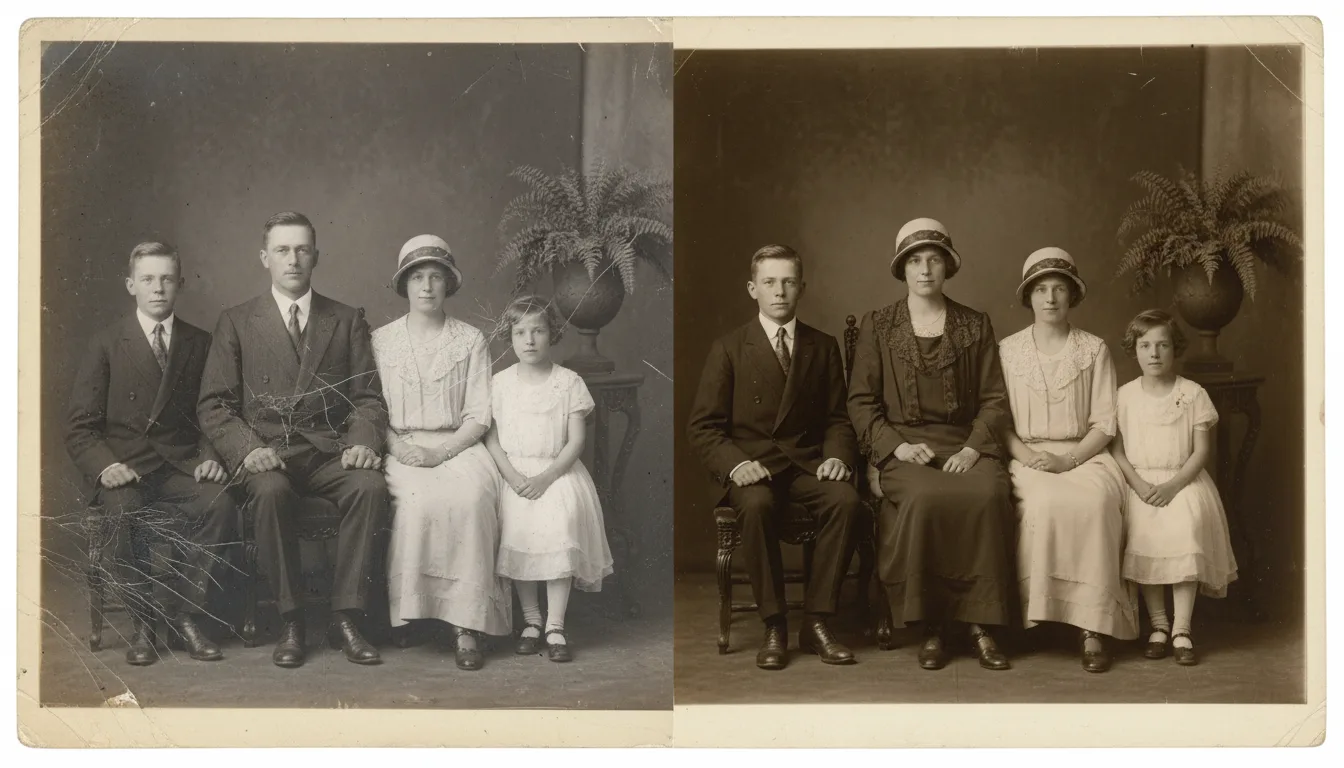
Example: five generations, nine photos
Imagine opening with the 1908 wedding portrait of great-great-grandparents — restored, colorized, the groom's eyes lifting. Then 1932: their daughter with the farm dog. Then 1954, 1976, 1998, 2024 — each generation one or two photos, resemblance threading through. Set to a folk tune from the old country, it runs two and a half minutes, and at the reunion it plays four times by request.
Hypothetical structure you can copy directly.
Tips for the best result
- One or two photos per generation is the discipline that keeps it watchable.
- Choose photos where faces echo — the strongest moment is a jawline recurring across seventy years.
- Note names and dates for a shared doc alongside the video; the video creates the curiosity, the doc answers it.
- Music from the family's origin (a region, a language, an era) outperforms generic soundtracks.
- Sourcing ancestor images from relatives? See working with genealogy photos.