
Restore · Vintage
Restore vintage photos
The goal isn't to make a 1935 photograph look like it was taken yesterday — it's to make it look like it did in 1935. FotoRipple repairs what time broke and keeps what time can't touch: the character.
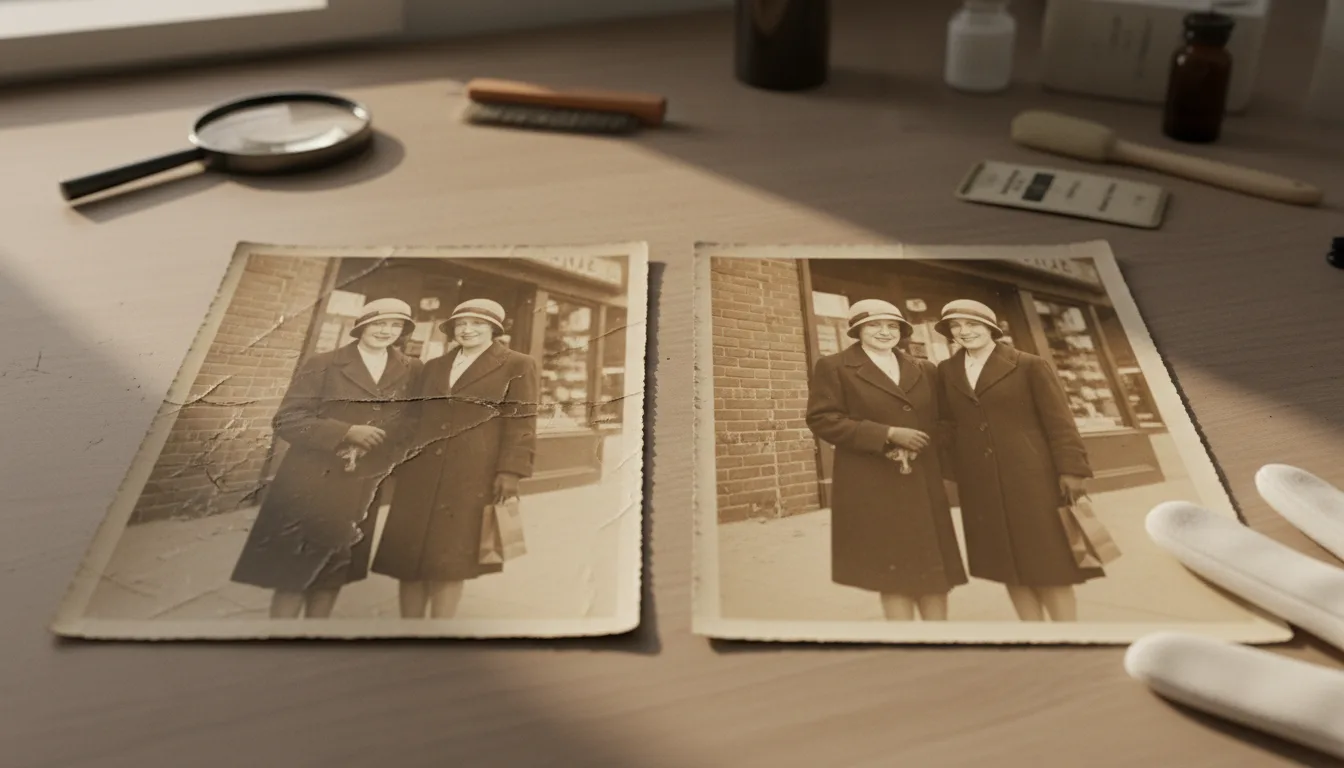
Vintage photographs — roughly the 1900s through the 1960s — have a look worth preserving: the grain, the tonal depth, the formality. Good restoration removes the damage layered on top without sanding away the period beneath.
What makes vintage restoration different
A 1980s snapshot and a 1930s print fail differently. The snapshot’s dyes fade; the older print’s problems are structural and chemical — foxing (brown spots from mold and iron impurities), silvering (a metallic sheen where silver migrates to the surface), emulsion cracks, and a slow collapse of tonal contrast. Generic “photo enhancement” filters treat all of this as noise and blur it away, taking the period grain with it.
FotoRipple restores vintage material the way an archivist would want: damage identified and removed, original texture and tonality retained. The result is the photograph as it left the studio — not a 2026 reinterpretation of it.
The vintage-to-living pipeline
Restored vintage photographs are the best raw material on the site for the full journey: their formal compositions and clear faces make excellent colorization candidates and stunning animations. A 90-year-old portrait, repaired, colored, and given one gentle breath, is the single most-gasped-at artifact a family history video can contain.
How it works
- 1Digitize gently. Vintage prints are brittle — one careful scan, minimal handling. Scanning guide.
- 2Restore free. Foxing, silvering, cracks, and fading lift away; grain and tone remain.
- 3Choose the finish. Keep the original monochrome or sepia, or add period-plausible color — also free.
- 4Optionally, bring it to life. A restored vintage portrait animates with striking effect.
Damage out, era in
The repair targets what decay added — spots, cracks, fade — not what the photographer made. Vintage restored should still read as vintage.
Knows old photo chemistry
Silver prints, sepia toning, early color processes: each degrades in its own way, and each restores accordingly.
Identity is untouchable
No modernizing, slimming, or 'beautifying' of the people. Your great-aunt in 1928 stays your great-aunt in 1928.
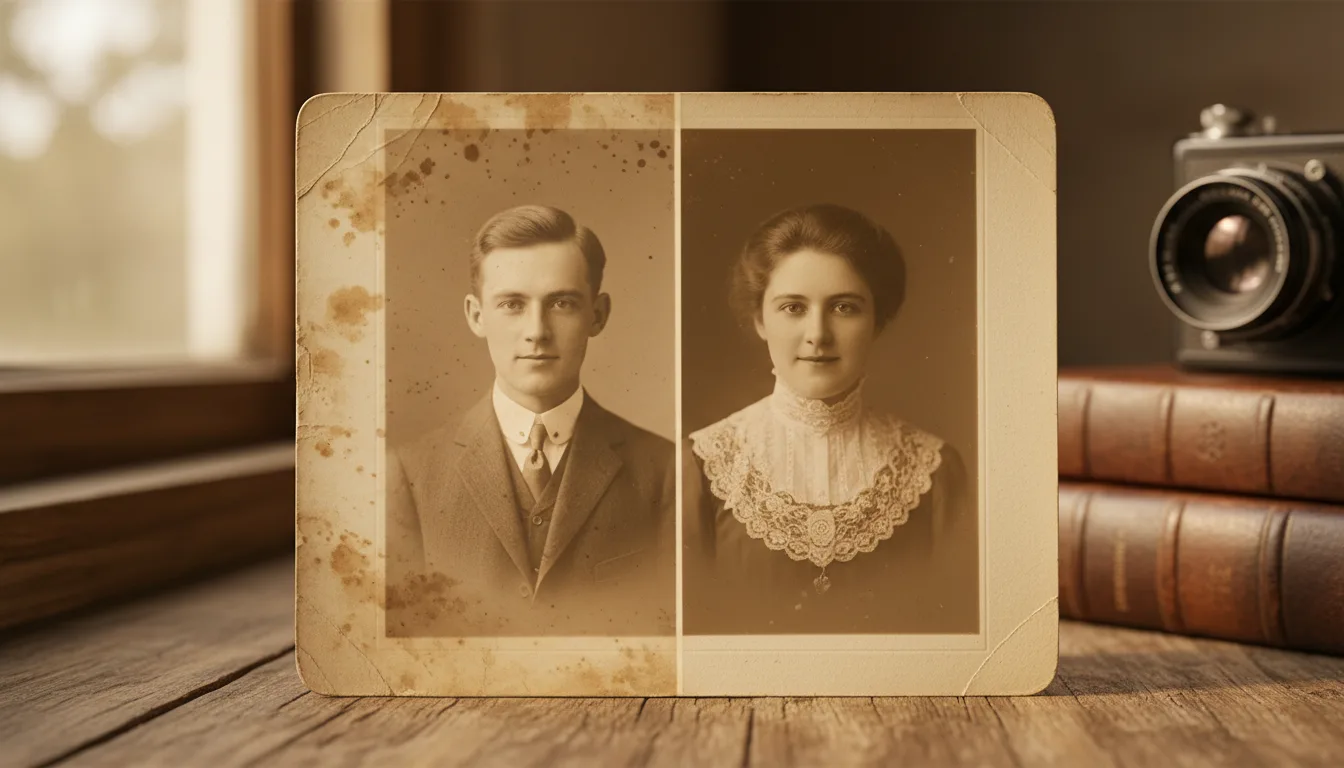
Example: the box marked '1920s–1940s'
Imagine inheriting the deep layer of the family archive: two dozen small prints, some foxed with brown spots, one cracked across the corner, all of them softly faded. Restored free over an evening, the set becomes exhibition-worthy: the spots gone, the tones deep again, the faces suddenly legible enough to match to names in the family Bible. Two go on to be colorized; one — the 1931 engagement portrait — gets animated for the next reunion.
Hypothetical, but representative of what a vintage batch looks like.
Tips for the best result
- Handle vintage prints by the edges; skin oils accelerate silvering.
- Scan at high resolution — small vintage prints hold more detail than they show. How.
- Photograph the backs too: studio stamps and pencil notes date and place the image.
- Resist over-restoring: if the result looks like a modern photo, you've lost something. FotoRipple errs toward preservation.
- Store the originals archivally after scanning — see storing physical photos.