
Restore · Sepia
Restore sepia photographs
That warm brown tone was a preservation technology — sepia-toned prints were built to outlast plain silver ones. A century on, they need help anyway. FotoRipple repairs them free, and the brown warmth is yours to keep or convert.
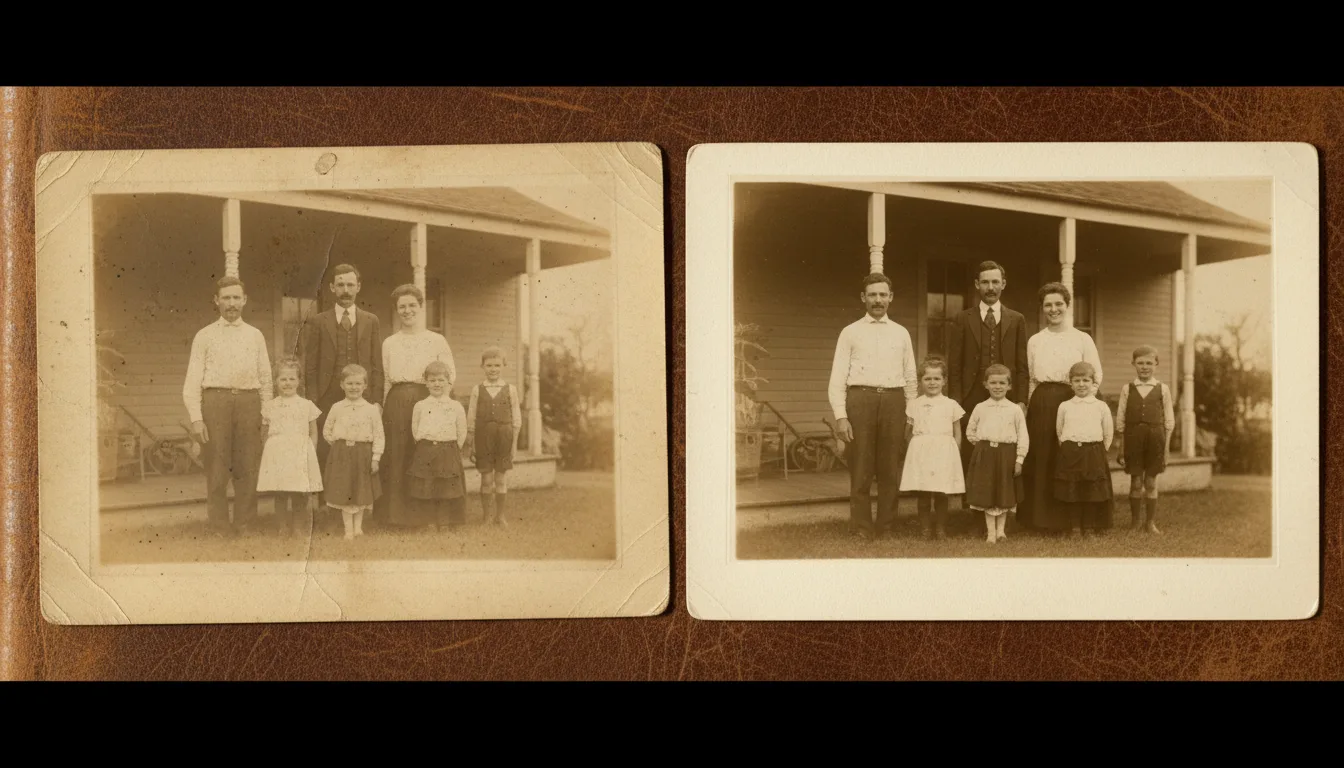
Sepia photographs are usually a family's very oldest — 1880s to 1930s — and they fail in their own ways: uneven fade, foxing spots, silvered shadows. Restoration addresses all three while respecting what makes sepia sepia.
Sepia’s particular ways of dying
A sepia print’s enemies differ from a snapshot’s. Uneven fading strikes first — edges and skies whisper away while faces persist, because fading follows original density. Foxing — those rust-brown spots — comes from mold and iron impurities in century-old paper. Silvering adds a metallic sheen in the shadows where silver has migrated. And the mounts — the stiff decorated cards these prints live on — chip, stain, and warp around them.
Restoration reads each of these as a removable layer over an intact image. What survives underneath, reliably, is more than the eye can see in the faded original: sepia’s archival chemistry really did protect the picture, and the free repair collects on that century-old investment.
The oldest photo in the house
For most families, the sepia layer is the beginning of the photographic record — beyond it, only names. That gives these prints outsized roles: the face of the family’s founder, the image at the top of the tree, the opening frame of the family history video. Restore them first, share them widest, and if one portrait anchors your line, consider letting it breathe.
How it works
- 1Scan the sepia print carefully — in color mode, so the actual tones are captured. Scanning guide.
- 2Restore free. Uneven fading levels out, foxing and stains lift, lost contrast returns — warmth intact.
- 3Decide the finish. Keep the restored sepia, or colorize to natural period color — free either way, so compare both.
- 4Optionally animate. A restored sepia portrait taking a breath is pure time travel.
Sepia-aware repair
The warm tone is preserved through restoration — damage comes off, the century-old character stays on.
The keep-or-colorize choice, made easy
Both finishes are free, so you can hold the restored sepia beside the colorized version and let the photo decide.
Built for the oldest prints
Cabinet cards, postcard-backed portraits, studio mounts — the formats sepia lived on are exactly what the restoration handles.
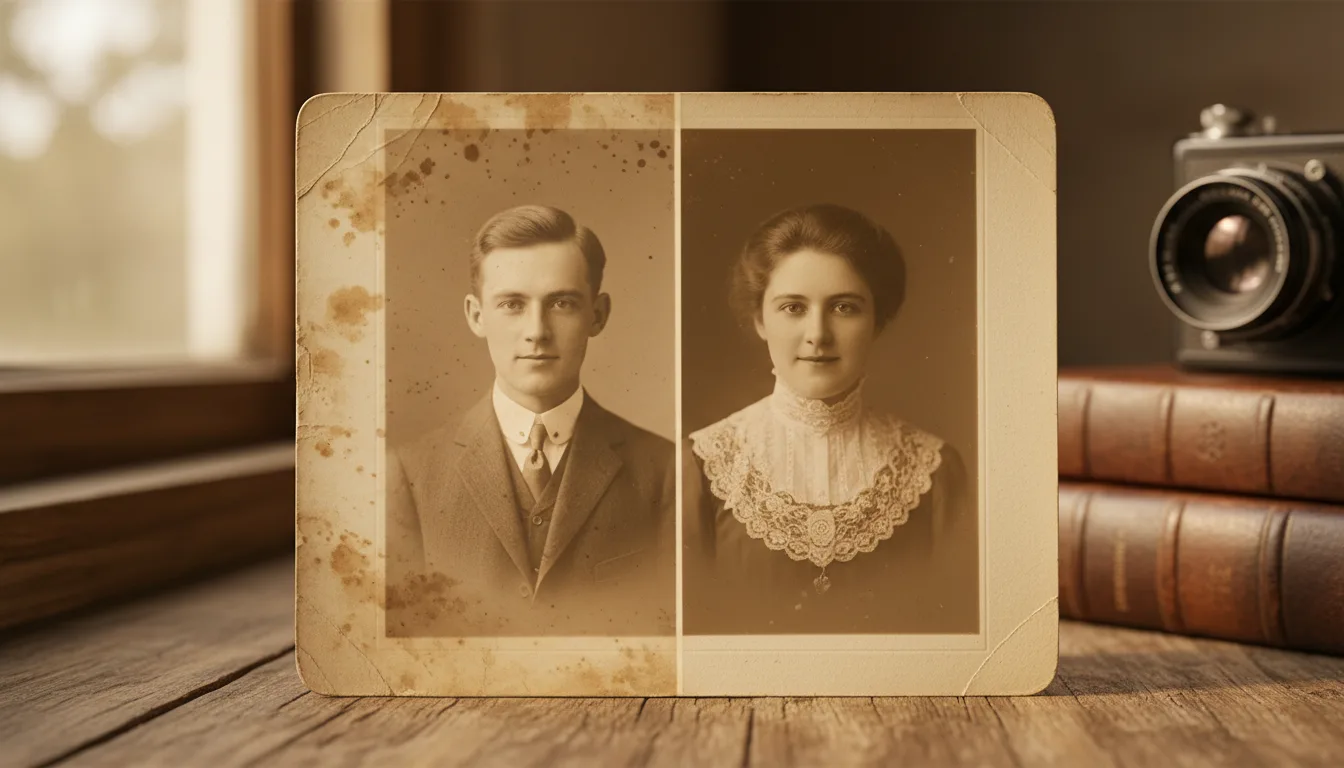
Example: the cabinet card from nowhere
Imagine a sepia cabinet card found inside a family Bible: a young couple, 1890s, no names, the image faded to whisper-faint at one edge and spotted across the sky. Restored, the faces return fully — and the studio imprint at the bottom becomes legible: a town, a county, a lead. The colorized version reveals fair hair and a corsage; the sepia version goes back in the Bible, archived; the mystery acquires suspects within a week of sharing.
Hypothetical, though studio imprints really are how many such photos get placed.
Tips for the best result
- Scan in color even though the photo is 'brown' — the tonal information lives in the color channels.
- Watch for details restoration reveals: studio marks, jewelry, and uniforms often date and place a mystery photo.
- Sepia originals are usually mounted on brittle card — support the whole mount when handling.
- For display, restored sepia has a warmth colorization can't match; for connection, color wins. Print your favorite, keep both files.
- Very old and damaged? See also vintage restoration for the era's other failure modes.