
Guide · Preserve
How to build a family tree with photos
Names and dates tell you who your ancestors were; photos let you see them. Here's how to attach restored, colorized — even animated — portraits to your family tree.
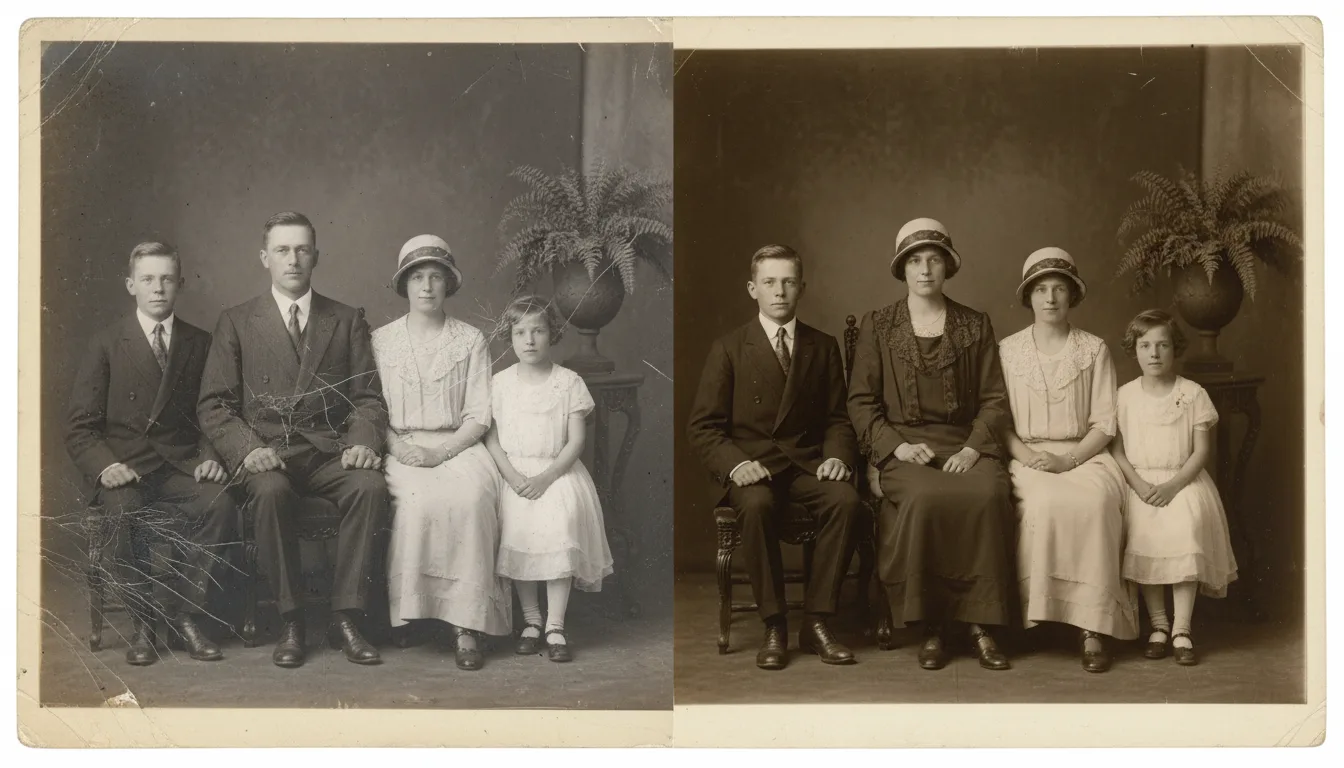
A family tree comes alive when every name has a face. Restoring and colorizing old portraits — and gently animating a few — turns a genealogy chart into a living family story.
Give your genealogy a face
Genealogy research fills a tree with names, dates, and places. Photos add the missing dimension — the actual faces of the people you descend from. A restored, colorized portrait beside a name transforms a chart into a story your whole family can feel connected to.
How to add photos to your tree
- Gather what exists. Ask relatives, dig through inherited boxes, and check archives. Group photos are gold — each contains several faces.
- Restore each portrait. Restore old photos, enhance the faces, and upscale small or damaged images into clear portraits.
- Colorize for connection. Colorizing black-and-white ancestors makes them feel present and relatable, especially to younger relatives.
- Attach and label. Add each portrait to your tree software or family archive with names and dates, and organize the files so they’re easy to find.
Bring an ancestor to life
For the ancestors closest to your heart, animate a restored, colorized portrait. Sharing a great-grandparent’s gently moving face at a family gathering is a powerful way to pass history down. Keep everything backed up so this living archive endures.