Guide · Preserve
How to back up old photos
Digitizing your photos only helps if the files survive. Here's the simple backup rule the pros use — and how to apply it to your family photos without any technical fuss.
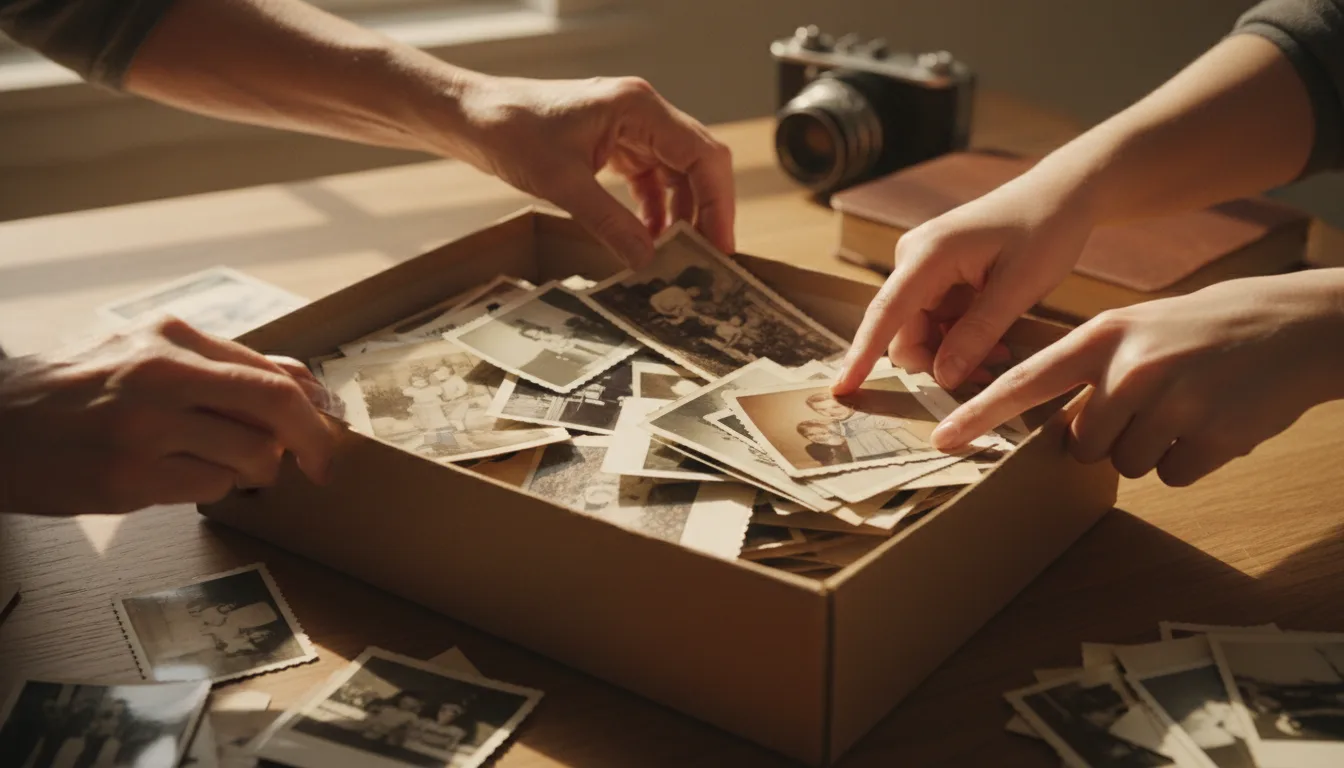
Hard drives fail, phones get lost, and single copies disappear. The 3-2-1 rule is a memorable way to make sure a family photo can never be wiped out by one accident.
The 3-2-1 rule
It’s the simplest reliable backup strategy there is:
- 3 copies of every photo.
- 2 different media types (for example, your computer plus an external drive, or a drive plus the cloud).
- 1 copy off-site (the cloud, or a drive kept at a relative’s house).
If a drive dies, a laptop is stolen, or a house floods, no single event can take all three copies at once.
A no-fuss setup for families
- Primary copy: your organized Photos folder on your computer or phone.
- Local backup: an external hard drive you update occasionally.
- Off-site backup: an automatic cloud sync (many are free up to a generous limit).
That’s 3 copies, 2 media types, 1 off-site — the rule satisfied without thinking about it.
Digitizing is backing up
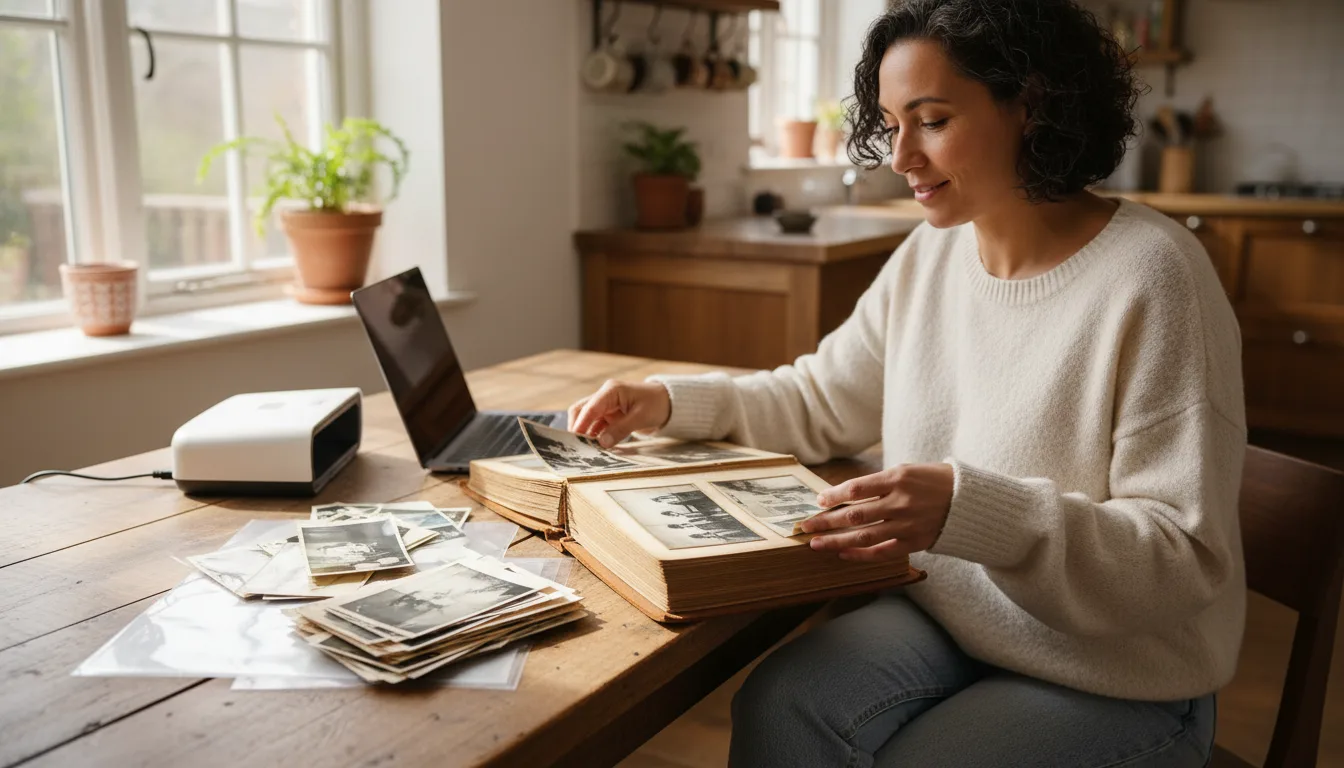
The reason to scan old prints isn’t only restoration — it’s survival. A digital copy can be duplicated endlessly, unlike the fragile original. Once scanned and restored, your photos can be protected by the 3-2-1 rule forever. Keep the originals safe too — see store physical photos safely.