Guide · Scanning
How to scan old photos
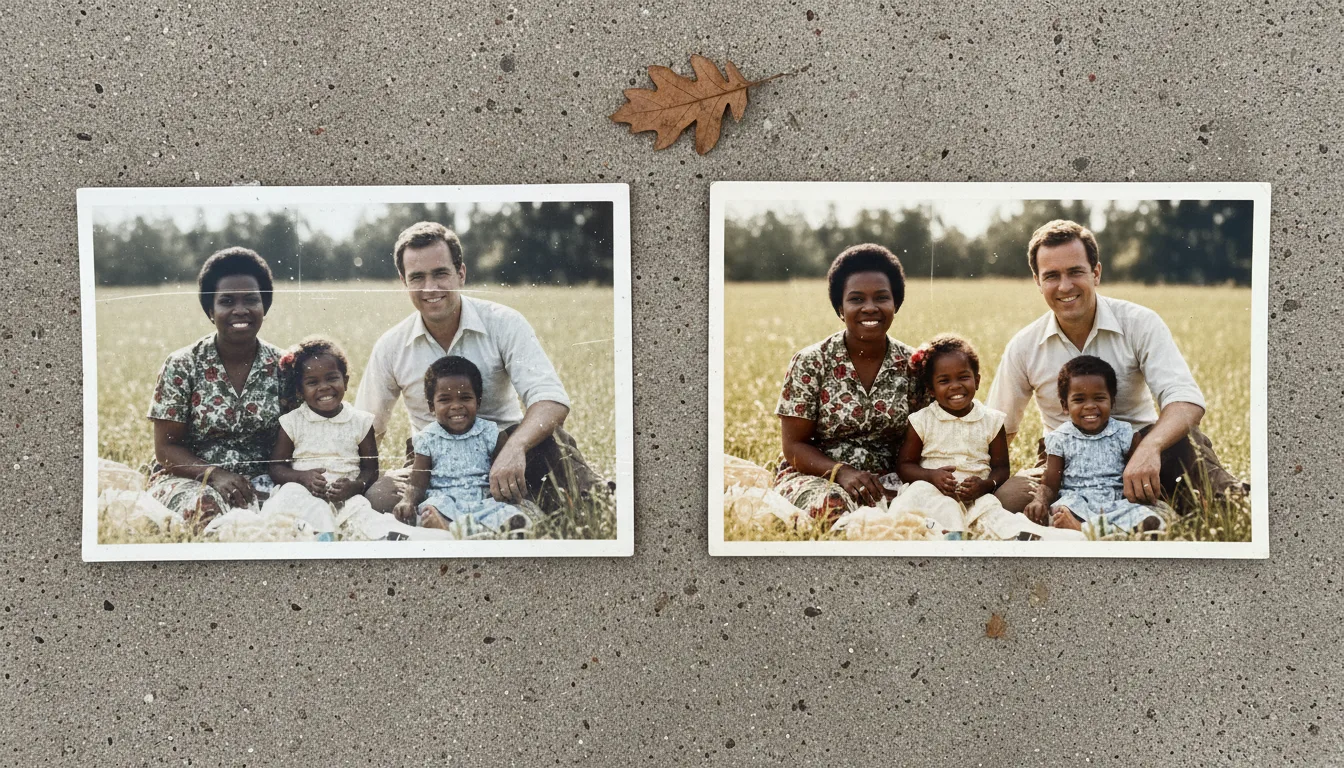
A great restoration starts with a great scan. This guide shows you how to digitize prints, slides, and negatives sharply and glare-free — whether you use a phone or a flatbed scanner.
In this guide series
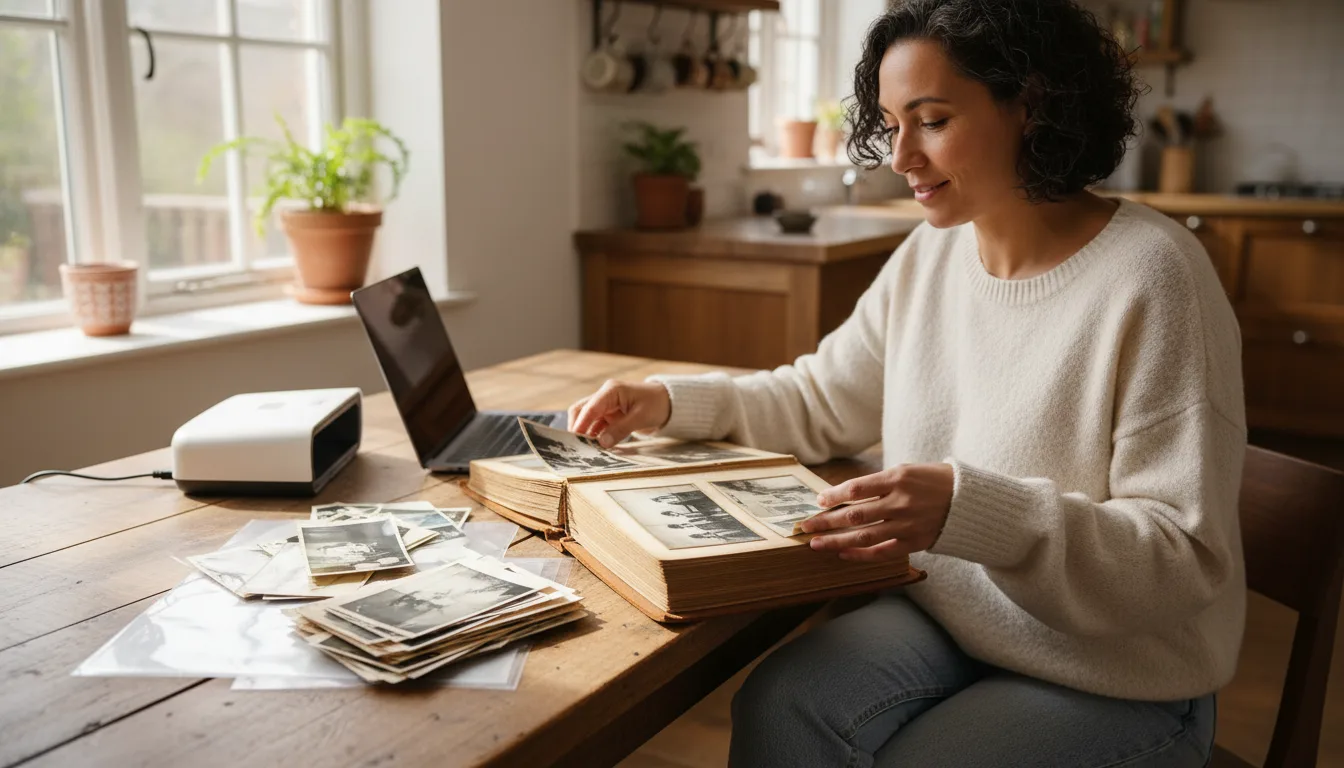
Scanning is the foundation of every photo project. The clearer your digital copy, the better every later step — restoring, colorizing, animating — will turn out. Here's how to do it right, plus dedicated guides for each device and photo type.
Why the scan matters more than you think
Every later step — restoring, colorizing, animating — works from your digital copy, not the original print. If the scan is soft, dark, or full of glare, those flaws get baked in. A few minutes spent capturing a clean, sharp, evenly lit image pays off enormously.
The good news: you don’t need expensive equipment. A steady phone in good light produces excellent results for the vast majority of family photos.
The four rules of a good scan
- Flat and square. Lay the print on a flat, matte surface and shoot straight down so edges stay parallel — no keystoning.
- Soft, even light. Use diffuse daylight from a window or two lamps at 45° angles. Avoid a single overhead bulb, which causes glare.
- Fill the frame. Get close enough that the photo fills most of the image, but keep the whole print in view.
- Hold steady. Brace your elbows, use a tripod or books, and tap to focus before you shoot.
Phone vs. flatbed scanner
- Phone: fastest, great quality, ideal for albums and shoeboxes. Best for most people. See iPhone and Android guides.
- Flatbed scanner: slower but captures maximum detail, best for prints you’ll enlarge to poster size or archival projects. Scan at high DPI.
Special cases: slides, negatives, and glossy prints
Film needs light through it, not reflected off it — see scanning slides and negatives. Glossy prints reflect like a mirror; the remove-glare guide shows lighting setups that eliminate reflections.
After scanning
Once your photos are digital, upload them to restore old photos, then colorize and animate as you like. And don’t forget to preserve and back up both the scans and the originals.