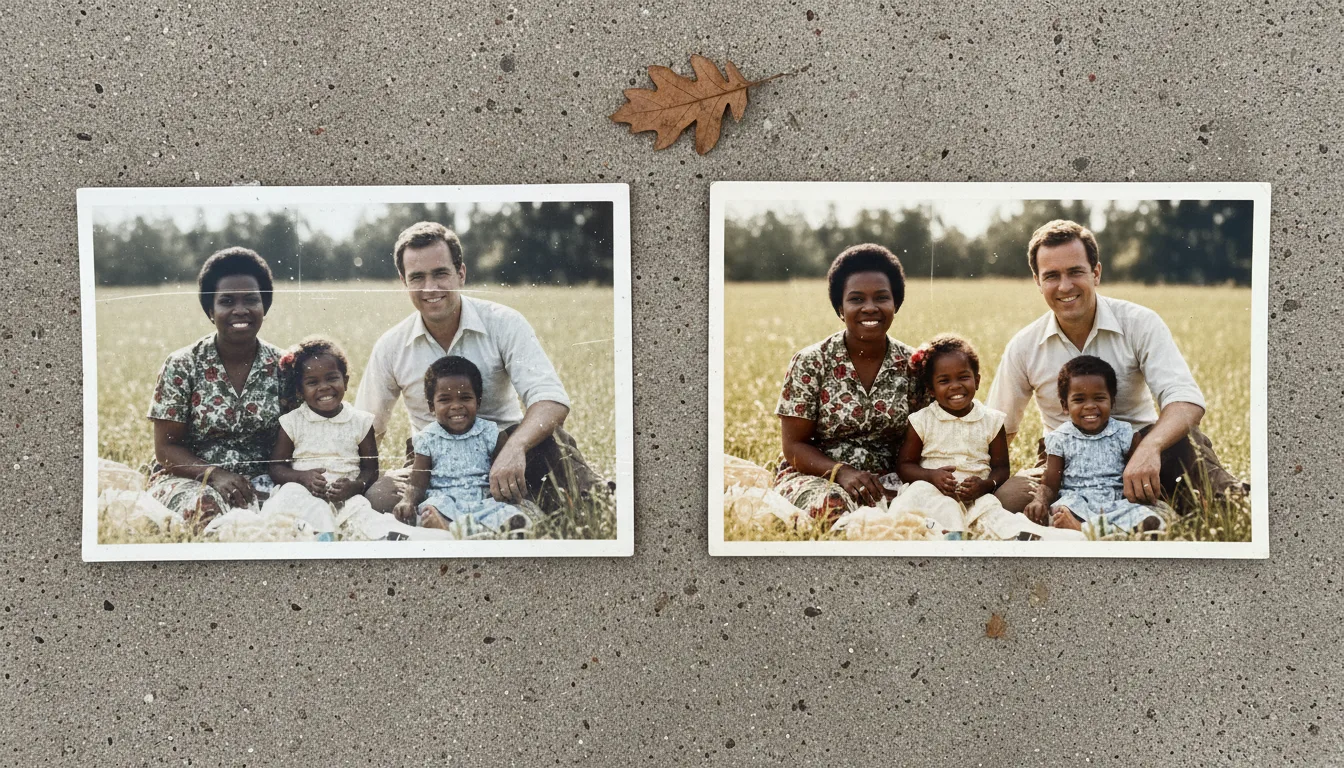
Guide · Scanning
How to scan slides and negatives
Slides and negatives need light shining through them, not bounced off them. Here are three ways to digitize film at home — from a phone-and-lightbox trick to a dedicated scanner.
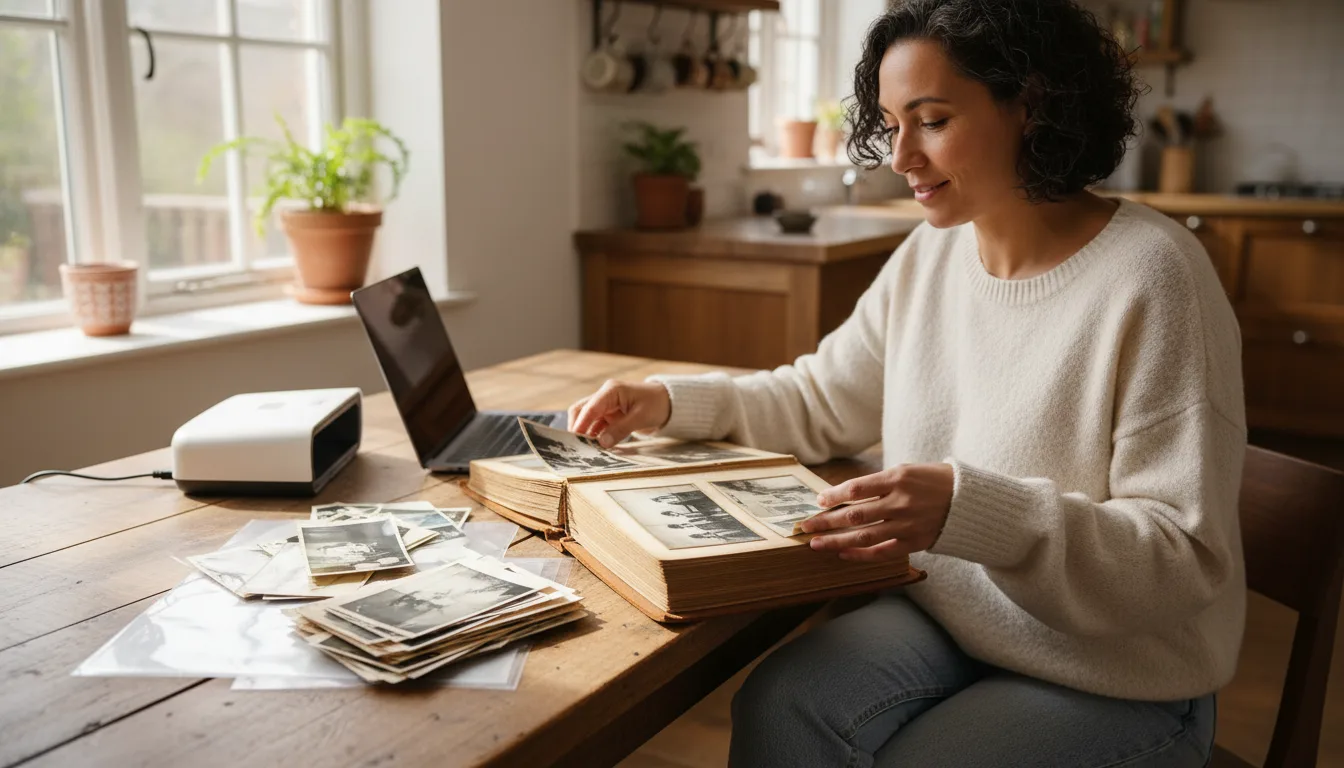
Film is different from prints: the image lives in a transparent medium, so it must be lit from behind. Once you understand that, digitizing slides and negatives at home is straightforward.
The key idea: light through, not light on
A print reflects light; a slide or negative transmits it. So instead of lighting the front, you put an even light source behind the film and photograph the light coming through it.
Method 1 — Phone + backlight (free)
- Display a plain white screen on a tablet or monitor, or use a lightbox or a bright, evenly lit window.
- Hold the slide or negative flat against the light, avoiding fingerprints on the image area.
- Photograph it with your phone’s main lens, tapping to focus. Get close so the frame fills the shot.
- For negatives, invert the colors afterward using a phone app or editor.
Method 2 — Dedicated slide/film scanner
Affordable film scanners digitize slides and negatives at high resolution with correct color inversion built in. Worth it for large collections or archival-quality results you plan to enlarge — scan at high DPI.
Method 3 — Scanning service
For hundreds of slides, a bulk service can be the most practical. You’ll still want to restore and color-correct the results, since decades-old film often has color shifts.
After digitizing
Film often fades or shifts color with age. Upload your captures to restore old photos and colorize to bring the original scene back — then animate the best frames.