Guide · Scanning
How to scan photos in high resolution (DPI guide)
How much resolution is enough? This guide gives you simple DPI targets for everyday scans, enlargements, and archival copies — so you scan once and never regret it.
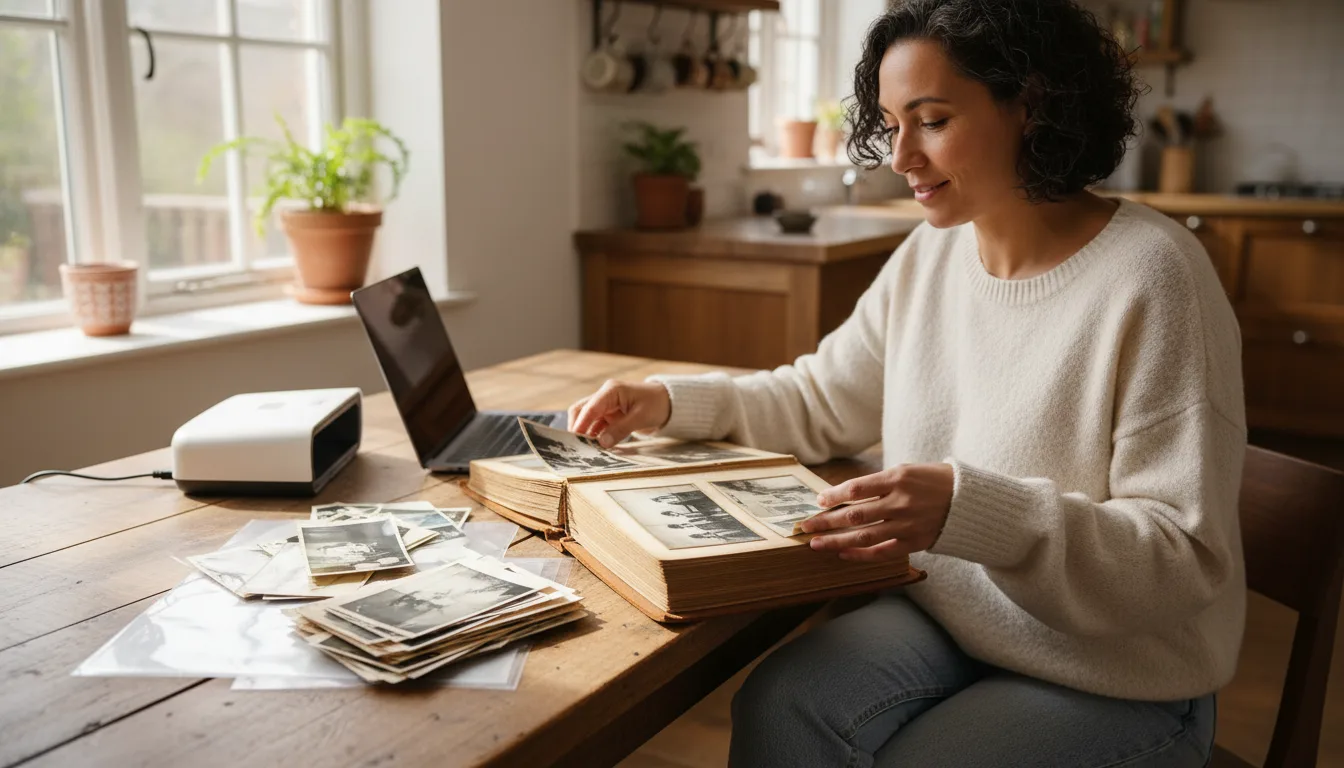
Resolution decides how large you can print and how much detail you preserve. Scan too low and you can't enlarge; scan needlessly high and files balloon. Here are the targets that matter.
DPI targets that actually matter
- 300 DPI — fine for reprinting a photo at its original size or viewing on screen.
- 600 DPI — the best all-round choice: good detail, sensible file size, room to enlarge moderately. Use this if in doubt.
- 1200 DPI+ — for small prints you want to enlarge, or for slides and negatives, where the original is tiny and every bit of detail counts.
Scan once, scan well
You usually handle an old photo once. Scanning a little higher than you think you need means you won’t have to dig the print out again later. For a shoebox of ordinary snapshots, 600 DPI is ideal; reserve very high DPI for the few images you may blow up to poster size.
Phone scans and “DPI”
Phone cameras don’t use DPI directly — they capture a fixed number of megapixels. A 12MP+ phone photographing a print up close captures detail comparable to a 600 DPI flatbed scan. Fill the frame with the photo to maximize effective resolution. See scanning with iPhone and Android.
When the scan still isn’t big enough
Old prints are often small. If you need a large print and your scan falls short, upscale it with AI: FotoRipple rebuilds detail as it enlarges, so the result stays crisp. Combine with blur repair for the sharpest possible enlargement. More on this in best way to upscale photos.