
Restore · Blurry photos
Fix blurry old photos
Soft focus and camera shake used to mean a photo was ruined. FotoRipple recovers edges and detail so faces and features look crisp again — naturally, not artificially.
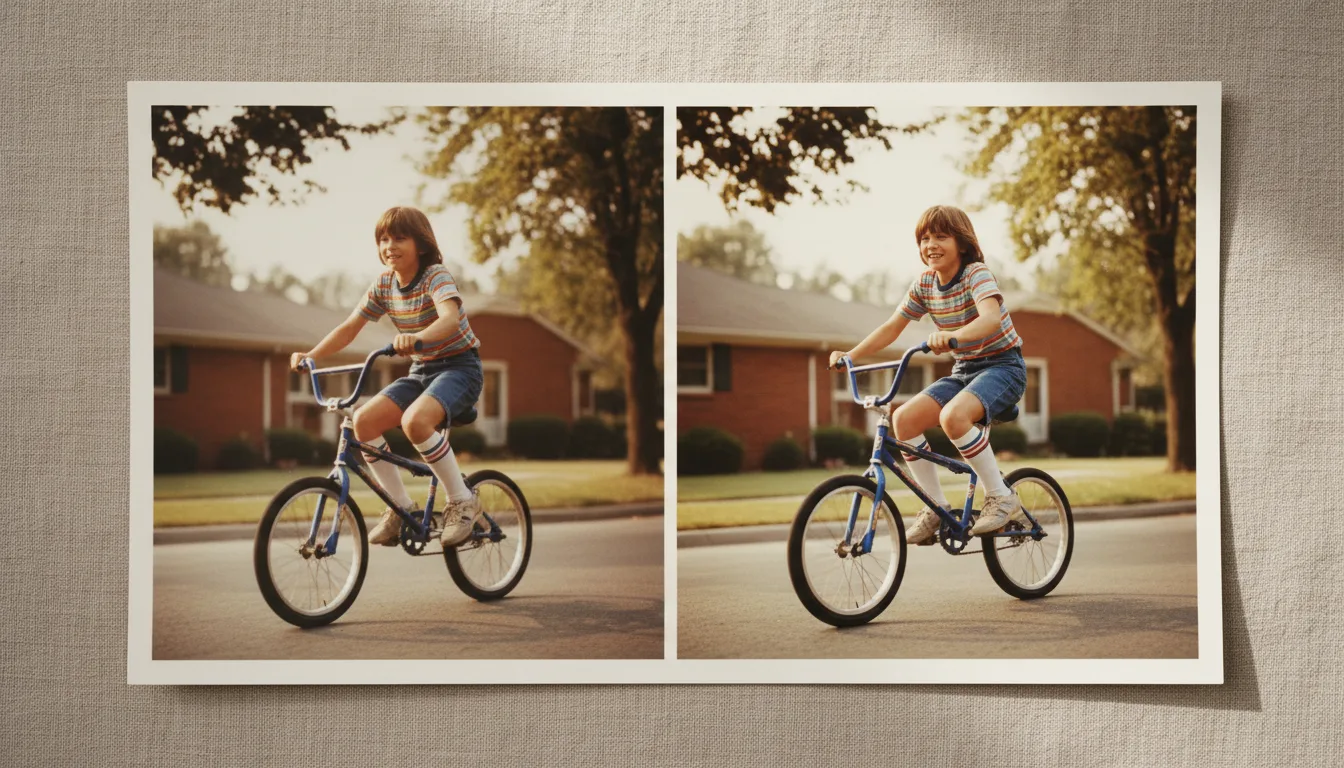
Blurry old photos are often the only image you have of a person or moment. FotoRipple rebuilds lost sharpness and detail, bringing soft, low-quality prints into focus.
Why old photos look blurry
Old prints look soft for several reasons: the original was slightly out of focus, the camera moved during a long exposure, the print is low resolution, or a phone photo of the print added its own blur. Each of these removes fine edge detail — the crisp transitions that make an image look sharp.
FotoRipple reconstructs that lost edge detail intelligently, guided by what sharp versions of similar photos look like, so the result reads as genuinely in-focus rather than digitally over-sharpened.
Sharpen, then enlarge
If you want to print a small, blurry photo at a large size, combine two steps:
- Fix the blur here to recover focus and detail.
- Upscale the photo to add the resolution needed for large prints.
For an all-in-one clarity boost, the AI photo enhancer applies sharpening, detail recovery, and light restoration in a single pass.
How it works
- 1Upload the blurry photo. Soft focus, motion blur, and low-detail scans all work.
- 2AI restores sharpness. Edges and fine detail are reconstructed for a clear, natural result.
- 3Save or upscale further. Download it, or upscale it for large prints.
Fixes soft focus
Gently out-of-focus photos regain crisp edges without the harsh, over-sharpened halo cheap filters add.
Reduces motion blur
Camera-shake streaks are cleaned up so faces and shapes read clearly again.
Recovers fine detail
Hair, fabric, and facial features are rebuilt for a sharper, more lifelike photo.
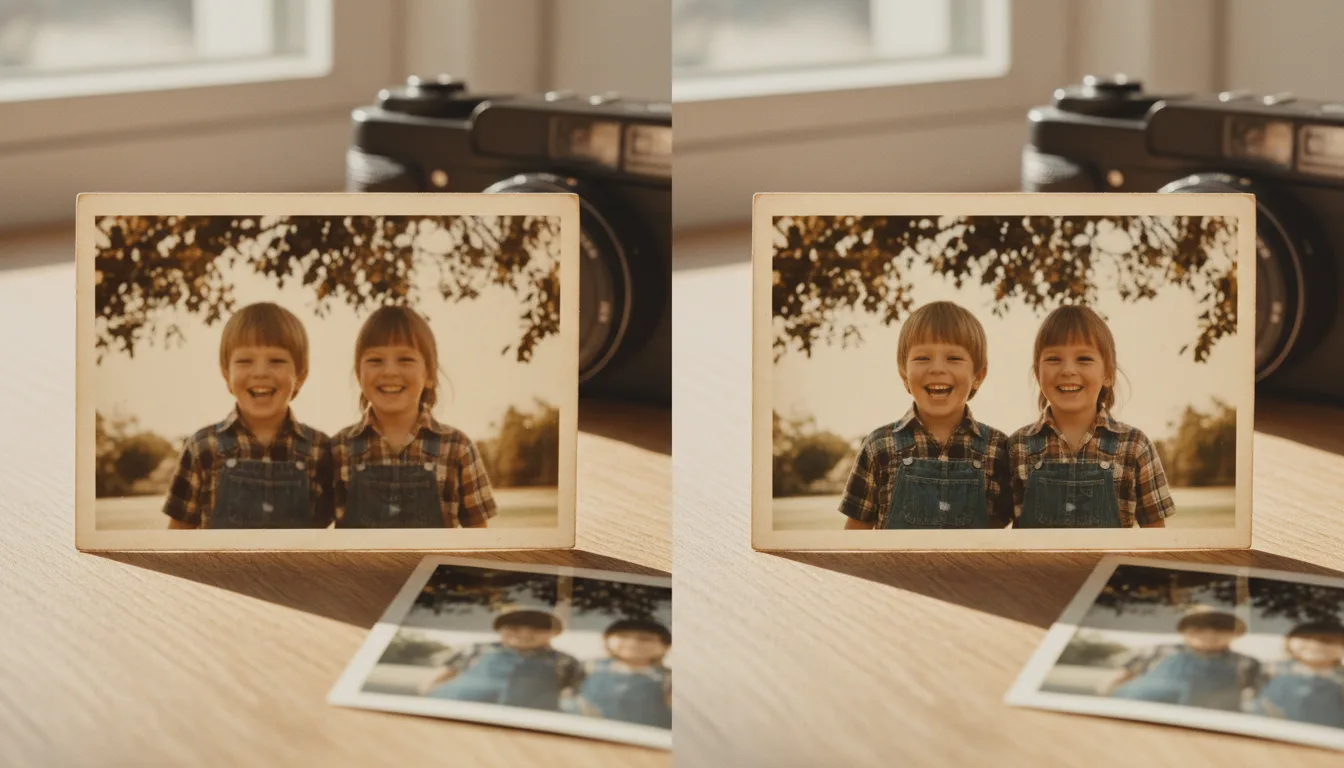
Example: the only photo of the four of them
Suppose the only photo of all four siblings together is a 1983 snapshot taken by an uncle with unsteady hands — everyone slightly ghosted with motion blur. Sharpened, the faces settle into focus and it finally works as the reunion-poster photo it was always meant to be.
A hypothetical example.
Tips for the best result
- If you're photographing a print, brace the phone or use a scanner — don't add new blur to old blur.
- Sharpen before colorizing or animating; both steps read edges.
- Compare the result at 100% zoom on the face — that's where over-sharpening would show, and shouldn't.
- A slightly blurry photo of a rare moment beats a sharp photo of a common one — restore the rare ones first.