
Guide · Restoration
How to fix blurry photos
Blurry photos are often the only image you have of a moment. Here's how to sharpen soft focus, reduce camera shake, and recover detail so faces are clear again.
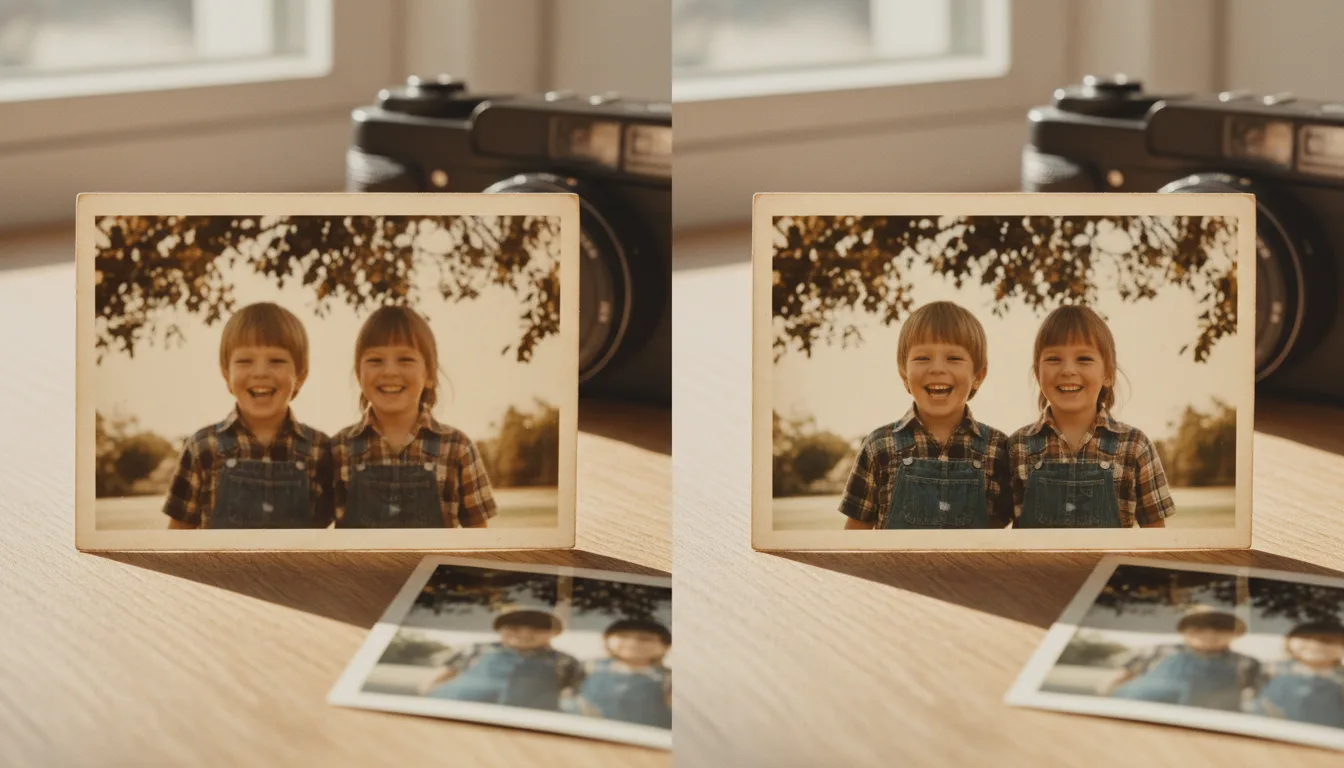
Blur comes from soft focus, camera shake, low resolution, or a poor scan. AI can rebuild the lost edge detail so a soft photo looks genuinely in focus — here's how.
Why photos look blurry
There are four common causes, and often several at once:
- Soft focus in the original shot.
- Camera shake during a long exposure.
- Low resolution — the print or scan simply lacks detail.
- A blurry capture — a phone photo of the print that added its own blur.
How to fix it
- Start with the best capture. If you’re photographing a print, a steady, well-lit scan removes the last cause of blur.
- Fix the blur. FotoRipple reconstructs lost edge detail so the photo reads as genuinely in focus — not digitally over-sharpened.
- Enhance faces for extra clarity where it matters most.
Sharpen, then enlarge if needed
To print a small, soft photo at a large size, combine steps: fix the blur, then upscale to add resolution. For an all-in-one clarity pass, the AI photo enhancer sharpens, denoises, and restores in one go. See the best way to upscale photos for large prints.
Frequently asked questions
Can any blurry photo be fixed?
Mild to moderate blur sharpens very well. Extreme blur, where features are unreadable, has less to work from, but FotoRipple recovers as much detail as the original allows.
What causes old photos to look blurry?
Soft original focus, camera movement during a long exposure, low print resolution, or a blurry phone photo of the print. A clean scan removes that last cause.
Is fixing blur the same as upscaling?
No. Fixing blur recovers focus at the same size; upscaling increases resolution for large prints. They work well together.