
Animate · Old photos
Animate old photos
Watch an old family photo breathe again. FotoRipple adds subtle, natural movement to aged prints — a living portrait that feels close, not uncanny.
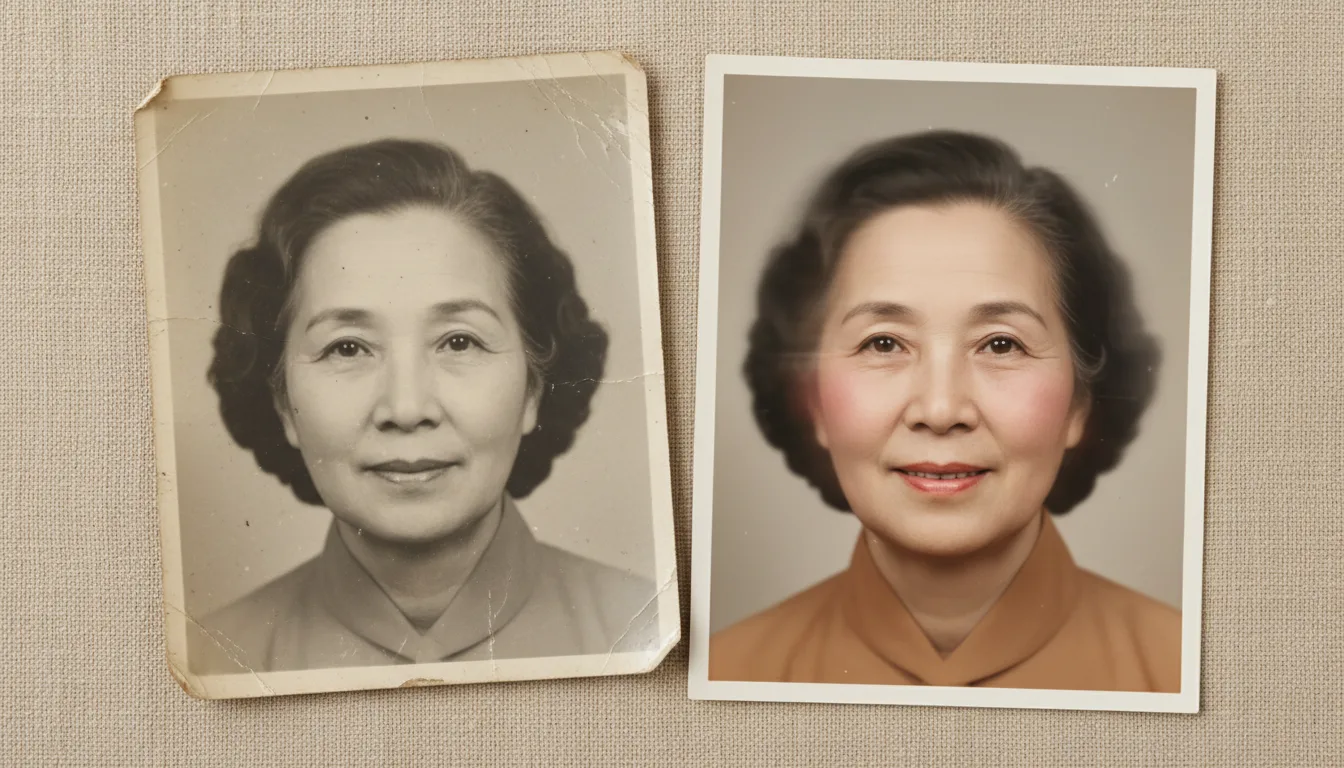
Old photos hold the people we love most. Animating them adds a few seconds of gentle life — the single most moving thing you can do with a family archive.
The most moving thing you can do with an old photo
Restoring a photo makes it clear. Colorizing makes it vivid. Animating makes it alive. For many families, seeing a grandparent’s face move for the first time is an unforgettable, emotional moment — the closest thing to seeing them again.
FotoRipple keeps the movement gentle and natural on purpose. A portrait should feel like it’s quietly breathing, not performing. That restraint is what makes it feel real rather than eerie.
Get the best animation
- Restore the print to remove damage and fading.
- Enhance the face so features are clear.
- Colorize for lifelike color.
- Animate — and set the finished clips to music.
The finished living portrait makes a profound memorial or anniversary gift. See how to animate old photos for a full walkthrough.
How it works
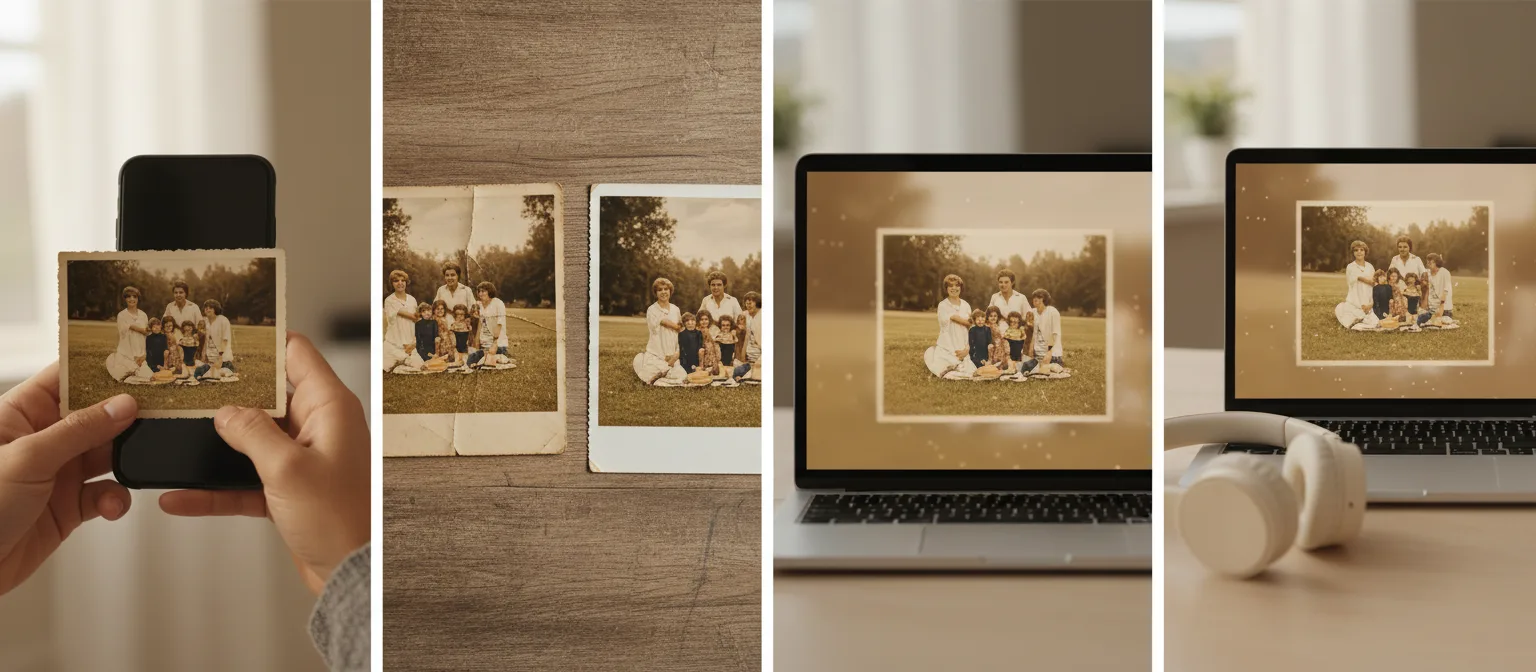
- 1Upload 3–10 old photos. Prints, scans, or phone shots of prints all work.
- 2Restore and colorize — free. Clean up fading and damage and add color for the strongest result.
- 3Animate each photo. FotoRipple adds subtle, lifelike movement. Regenerate any clip until it feels right.
- 4Add music and share. Set the clips to a song and download or share the finished video in HD.
Subtle, lifelike movement
Gentle motion appropriate to a portrait — natural and respectful, never exaggerated.
Best on a restored image
Animation shines when the photo is clean and colorful. Restoration and colorization are free, so start there.
A gift like no other
A living portrait of a parent or grandparent is a keepsake families treasure. Explore gift occasions.
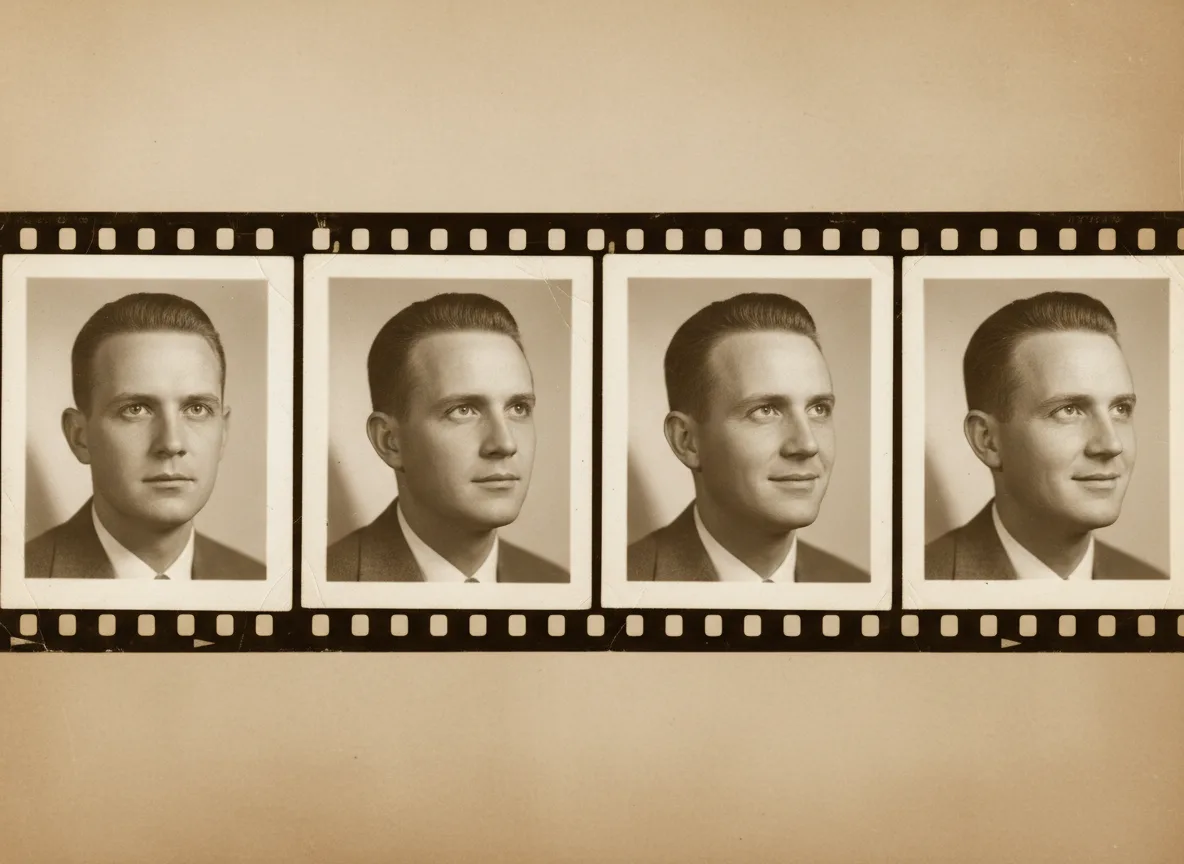
Example: a shoebox becomes a short film
Imagine inheriting a shoebox of prints from the 1960s. You pick eight: your father as a boy on a bicycle, your grandparents outside their first house, a beach day, a wedding portrait. FotoRipple restores the fading, colorizes the black-and-white shots, and animates each one — then you set them to a quiet piano track. Ten minutes of work; a film the whole family asks to watch twice.
A hypothetical scenario — see real reactions on our reviews page.
Tips for the best result
- Choose photos where the face is clearly visible and reasonably sharp — they animate best.
- Scan prints rather than photographing them under a lamp; glare confuses restoration. See how to scan old photos.
- Pick 3–10 photos from different years to give the finished video a sense of time passing.
- Restore and colorize before animating — both are free and make the motion look dramatically better.
- Not sure which photos to use? Read which photos animate best.