
Animate · Portraits
Animate old portraits
Everything a studio photographer arranged a century ago — the front-on pose, the even light, the sharp focus on the face — happens to be exactly what AI animation needs. Old portraits aren't just usable; they're the best material there is.
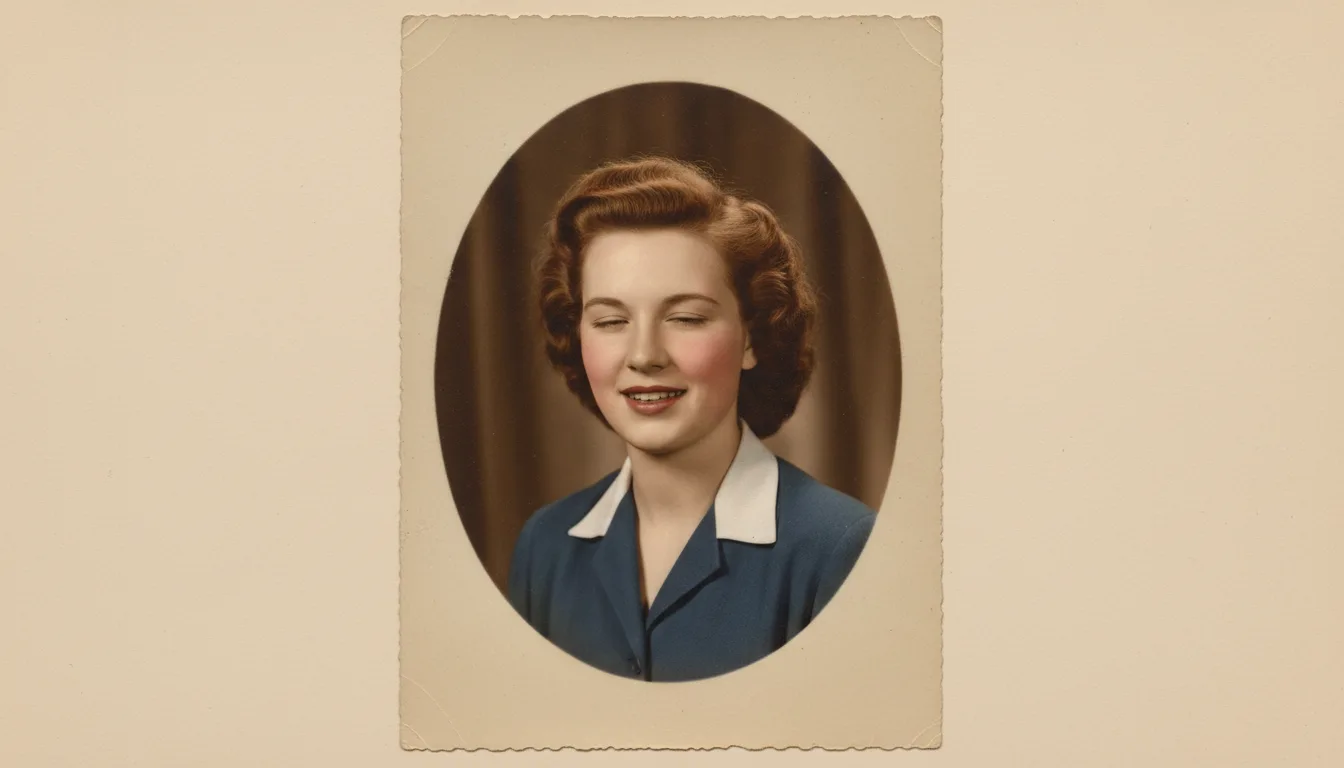
The formal portrait — school, studio, wedding, military — was designed for permanence and stillness. Animation completes it with the one quality the sitting couldn't allow: life.
The portrait’s built-in irony
Formal portraits exist because families wanted to keep someone — yet the format required suppressing everything alive about them. Sit still. Don’t smile. Hold it. The result preserved the face and discarded the presence; every family has portraits of relatives who were, by all accounts, warm and funny, staring down the decades like magistrates.
Animation resolves the irony with the lightest possible touch. The pose remains; the composure remains; but the held breath releases. What the photographer suppressed for technical reasons, the animation politely returns.
A note on respect
Portrait subjects took these images seriously — their one photograph, their best clothes. FotoRipple’s restraint honors the contract: no gurning, no performance, nothing the sitter would object to. A blink and a softening. If you’re animating portraits of the departed, the considerations here may help; for the genealogical framing, see bringing ancestors to life.
How it works
- 1Choose the portrait. Studio, school, wedding, service — any front-facing formal photo.
- 2Restore free. Fading, spots, and cracks lift off; the face's detail sharpens.
- 3Colorize if you wish — free. Formal monochrome takes color especially well.
- 4Animate. The held pose finally relaxes: a blink, a breath, the beginning of the smile the photographer forbade.
Technically ideal input
Large, sharp, evenly lit faces are what animation models read best. Studio portraits deliver all three by design.
The formality is the drama
Because the pose is so still, the smallest motion lands enormously — a blink in a stiff portrait outperforms a wave in a snapshot.
Every era of portrait
Victorian cabinet cards, 1920s studio sittings, 1950s school photos, 1970s department-store portraits — all animate after free restoration.
Example: the portrait above the stairs
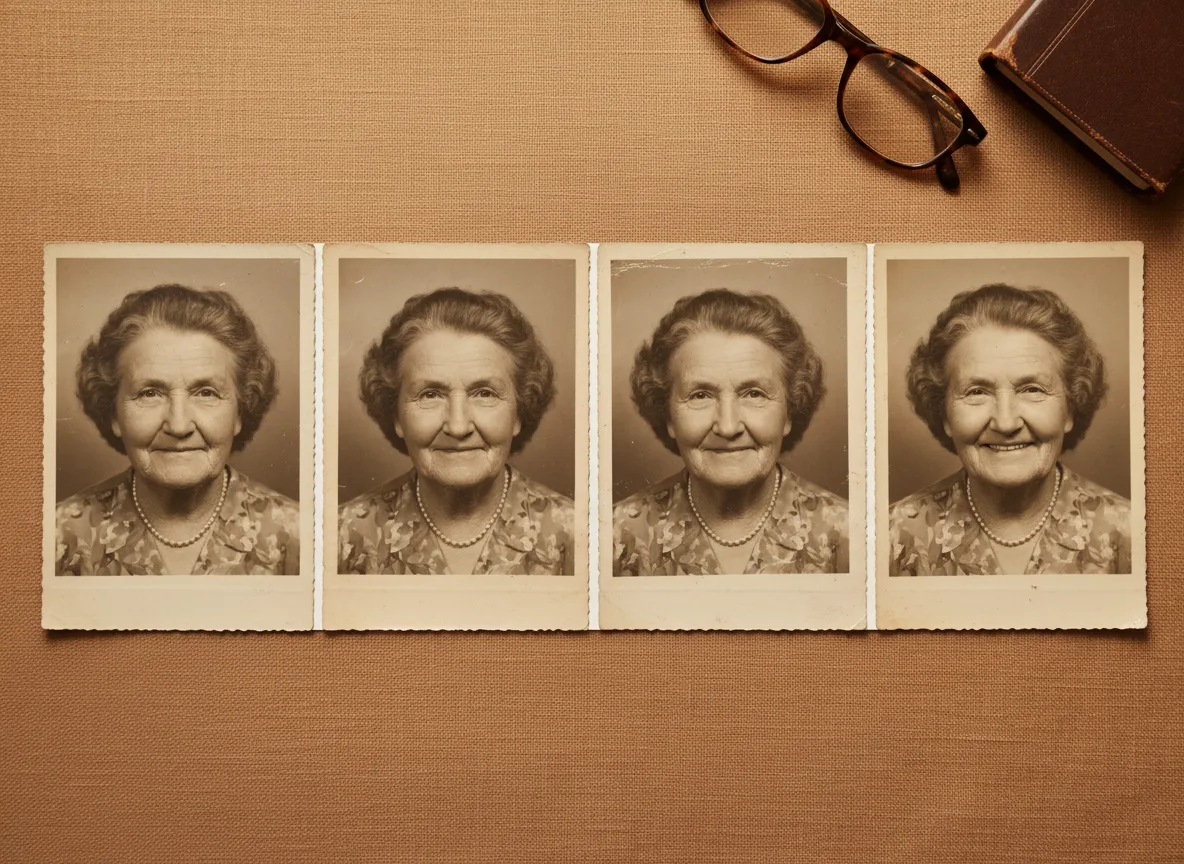
Imagine the formal portrait that has watched your family from the stairwell for fifty years — a great-grandmother, hair pinned, expression officially neutral. Restored, her face gains detail nobody knew the print held. Animated, she blinks once and her mouth softens toward amusement — and suddenly the family legend that she was 'secretly hilarious' has evidence. The clip loops on a digital frame at the reunion, right beside the original.
Hypothetical example of a portrait animation.
Tips for the best result
- Pick portraits where the eyes are open, visible, and looking near the camera — eye contact powers the effect.
- Restore first without exception; facial damage caps what motion can do. It's free.
- Oval-cropped and vignetted portraits work — the motion happens in the face, not the frame.
- Very stern subjects benefit from the smile treatment; solemn ones may want just a breath. Regenerate to taste.
- Display idea: the animated portrait looping next to the framed original — stillness and life in one exhibit.