
Animate · Smile
Make a photo smile
Old portraits are full of people who were told not to smile. FotoRipple lets the smile they were holding back finally arrive — gently, believably, the way they actually smiled.
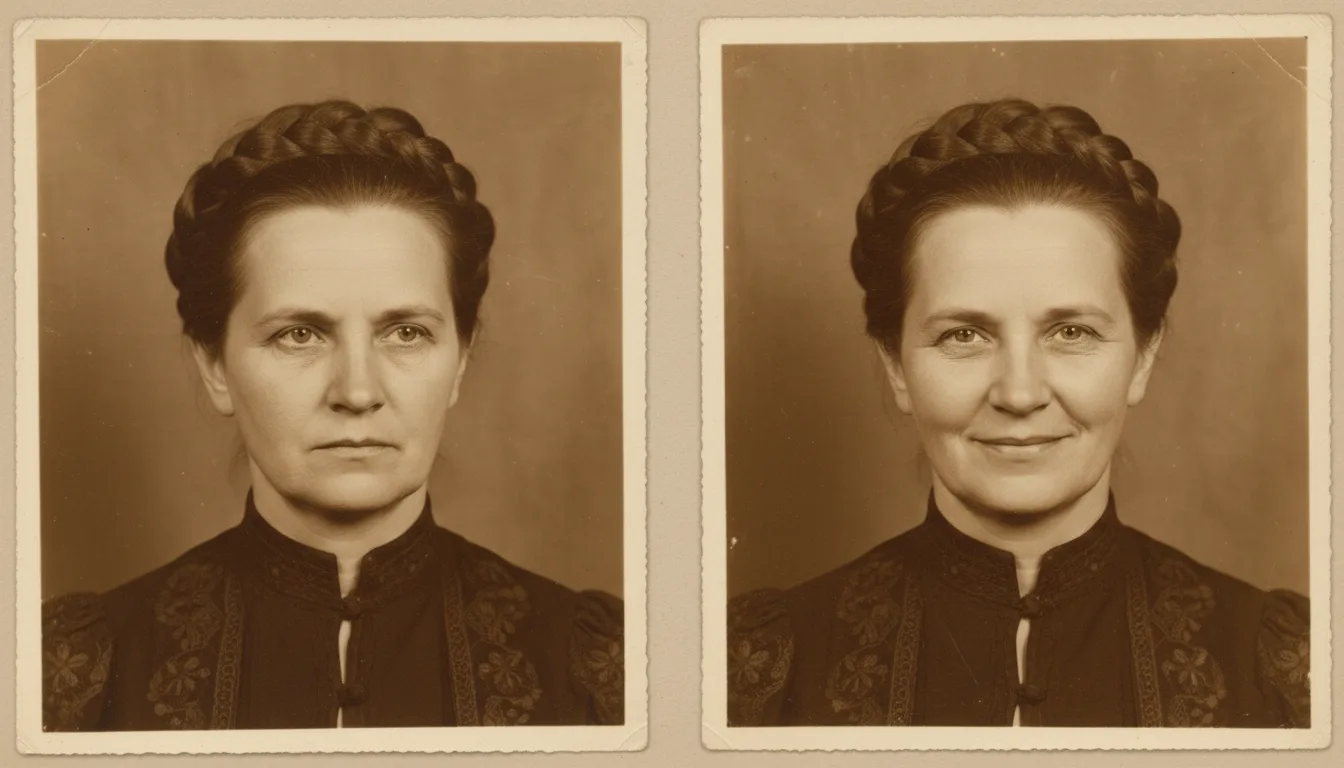
Long exposures and formal conventions kept smiles out of old photographs. Animation can give one back — a broadening at the corners of the mouth, a light in the eyes — without turning the portrait into a caricature.
Why old photos look so serious
Before the 1920s, exposures were long enough that holding a smile produced a blur — so photographers instructed stillness. Even decades later, studio portraits kept the formal convention: photographs were documents, and documents were solemn. The people weren’t; the format was.
That’s the quiet injustice animation can address. The person in the portrait smiled thousands of times in their life. The camera just never caught it.
Keeping it honest
FotoRipple’s approach is restraint. The software suggests the beginning of a smile — a softening, a warmth — because that’s what real faces do in real seconds. Anything bigger belongs to caricature, and caricature is exactly wrong for a photograph of someone you love. If you want the fuller picture of how the motion works, start at the animate hub or see examples in the gallery.
How it works
- 1Upload the portrait. Serious, formal, or stiff — those benefit most.
- 2Restore and colorize free. A clear, full-toned face gives the animation the most to work with.
- 3Animate. The expression softens naturally — smiles broaden, eyes warm. Regenerate to refine it.
- 4Keep, share, or build on it. Use the clip alone or inside a larger photo video.
Their smile, not a template
The motion works from the face in the photo — it softens what's there rather than pasting on a stock expression.
Calibrated restraint
A believable smile is small. FotoRipple deliberately avoids the exaggerated warping that makes AI animations feel wrong.
Regenerate until it's right
Expressions are personal. If the first take doesn't feel like them, run it again and keep the version that does.
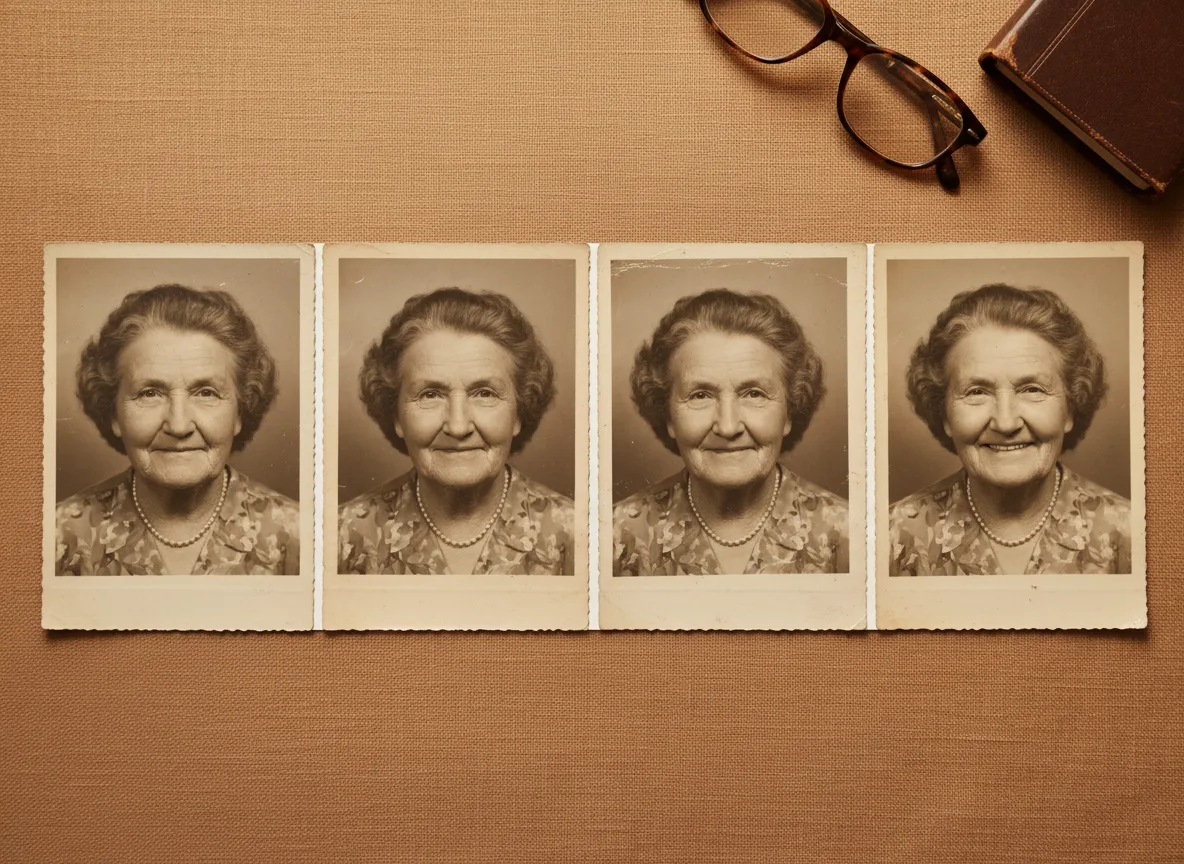
Example: the stern wedding portrait
Consider a typical 1940s wedding portrait: the couple upright, unsmiling, following the photographer's instructions. Their granddaughter knows they laughed constantly — the photo just never showed it. Animated, the groom's mouth lifts and the bride's eyes crease slightly, and for a few seconds the portrait matches the people from the stories.
A hypothetical illustration of the effect, not a customer account.
Tips for the best result
- Front-facing portraits with the full face visible respond best to expression changes.
- Restore first — creases or fading across the mouth and eyes limit what animation can read. It's free.
- Keep expectations calibrated: the result is a gentle softening, not a laugh. That's what keeps it believable.
- If a relative remembers how the person smiled, show them the regenerated options and let them pick.
- Try the effect on a photo where the person is almost smiling — those produce the most natural results.