
Restore · Damaged photos
Restore damaged photos
Cracks, creases, scratches, and missing corners don't have to be permanent. FotoRipple rebuilds damaged areas seamlessly — so the repair is invisible and the people stay untouched.
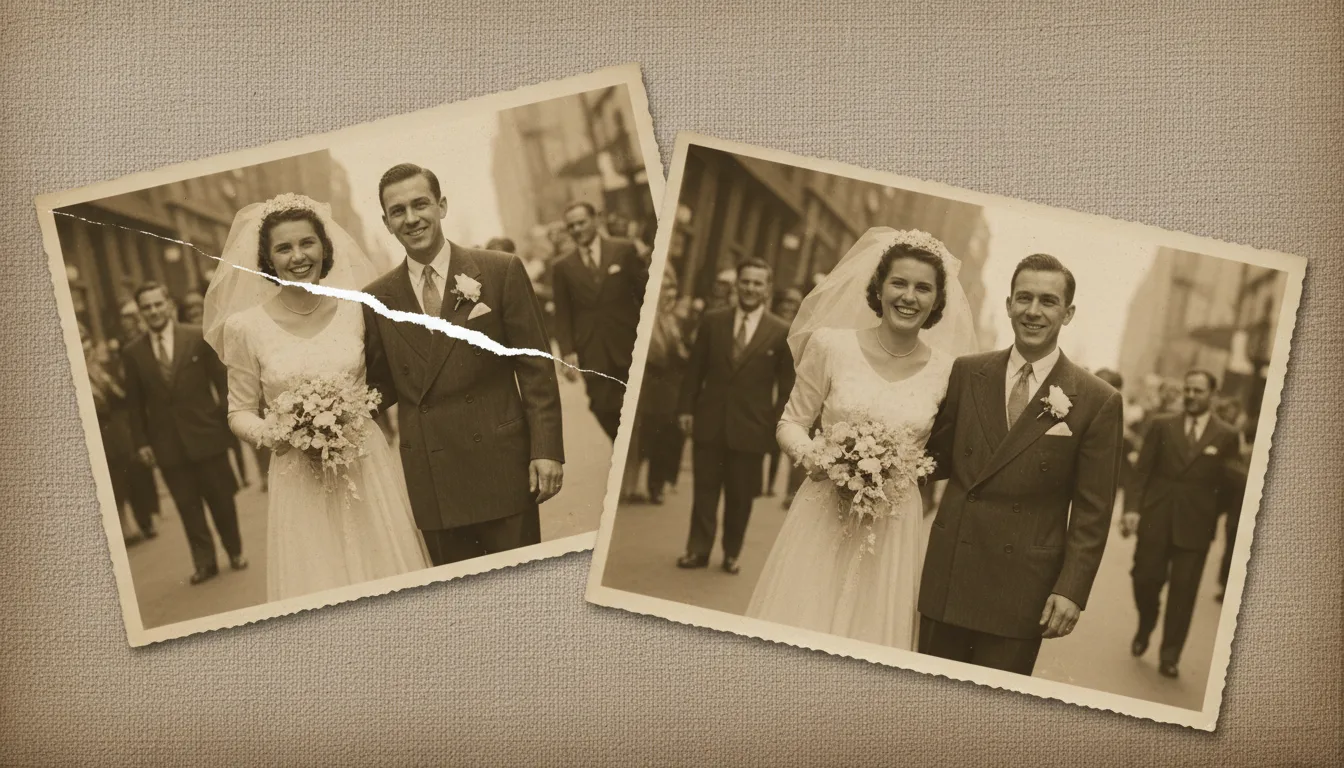
Physical damage — a crease across a face, a scratch through the sky, a missing corner — is the hardest kind to fix by hand. FotoRipple reconstructs damaged regions using the surrounding image, so repairs blend in naturally.
Repairing physical damage without repainting people
Physical damage is different from fading. A crease or scratch removes information in a hard line across the image, and a tear takes a piece away entirely. Restoring it well means rebuilding that missing information so convincingly that the eye can’t find the seam.
FotoRipple does this by reading the texture and structure around the damage — the grain of a jacket, the line of a horizon, the shape of a cheek — and reconstructing what belongs there. Crucially, it does this without restyling the people. A repaired face is still the same face.
Types of damage FotoRipple handles
- Cracks and creases in the print
- Scratches and scuff lines
- Small missing corners and gaps
- Emulsion damage and flaking
- Combined age damage (fading + scratches)
For heavily torn or water-affected prints, the specialized pages get better results: torn photos and water-damaged photos.
Seamless crack & scratch removal
White scratch lines, cracks in the emulsion, and creases are filled using the surrounding texture so nothing looks patched.
Rebuilds missing areas
Torn corners and small gaps are reconstructed plausibly from the rest of the image.
Protects faces and detail
Damage over a face is repaired carefully to preserve the person's real features — never invented or 'beautified.'
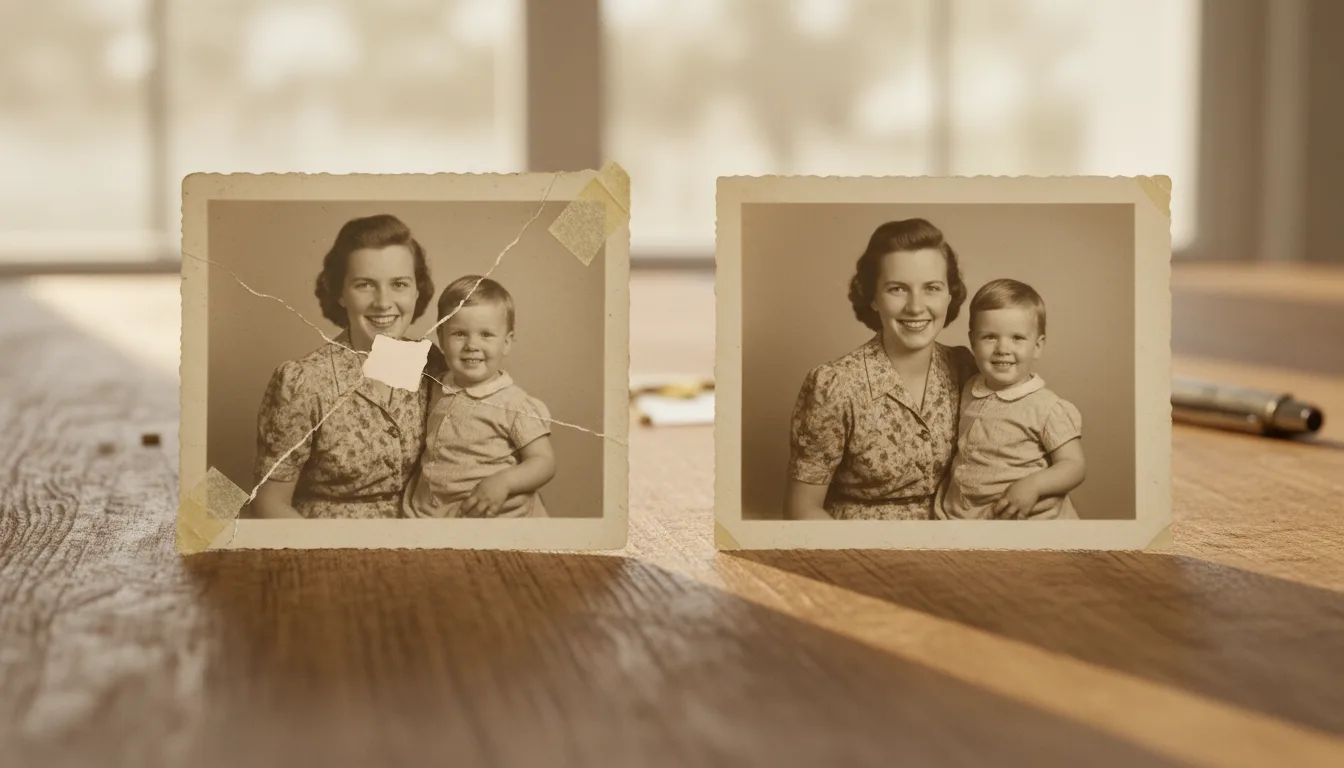
Example: the wallet photo
Think of a photo carried in a wallet for twenty years — creased into quarters, corners rounded off, a white fold-line straight through two faces. Restored, the fold lines fill in with matching skin and fabric texture, the corners rebuild, and what remains is simply the picture of two people it always was.
Hypothetical example of a typical repair.
Tips for the best result
- Handle brittle prints by the edges and scan once — repeated handling adds new creases.
- Upload the highest-resolution capture you can; fine cracks repair better when the AI can see them clearly.
- If damage covers a face, review the result closely — identity should be preserved, and you can redo it free if it isn't.
- Combined damage (fading plus cracks) is normal; one restoration pass addresses both.