
Guide · Choosing photos
Which photos animate best?
Animation quality is mostly decided before the AI ever runs — by which photo you hand it. Ten minutes of good selection beats any amount of regenerating. Here's the selector's checklist.
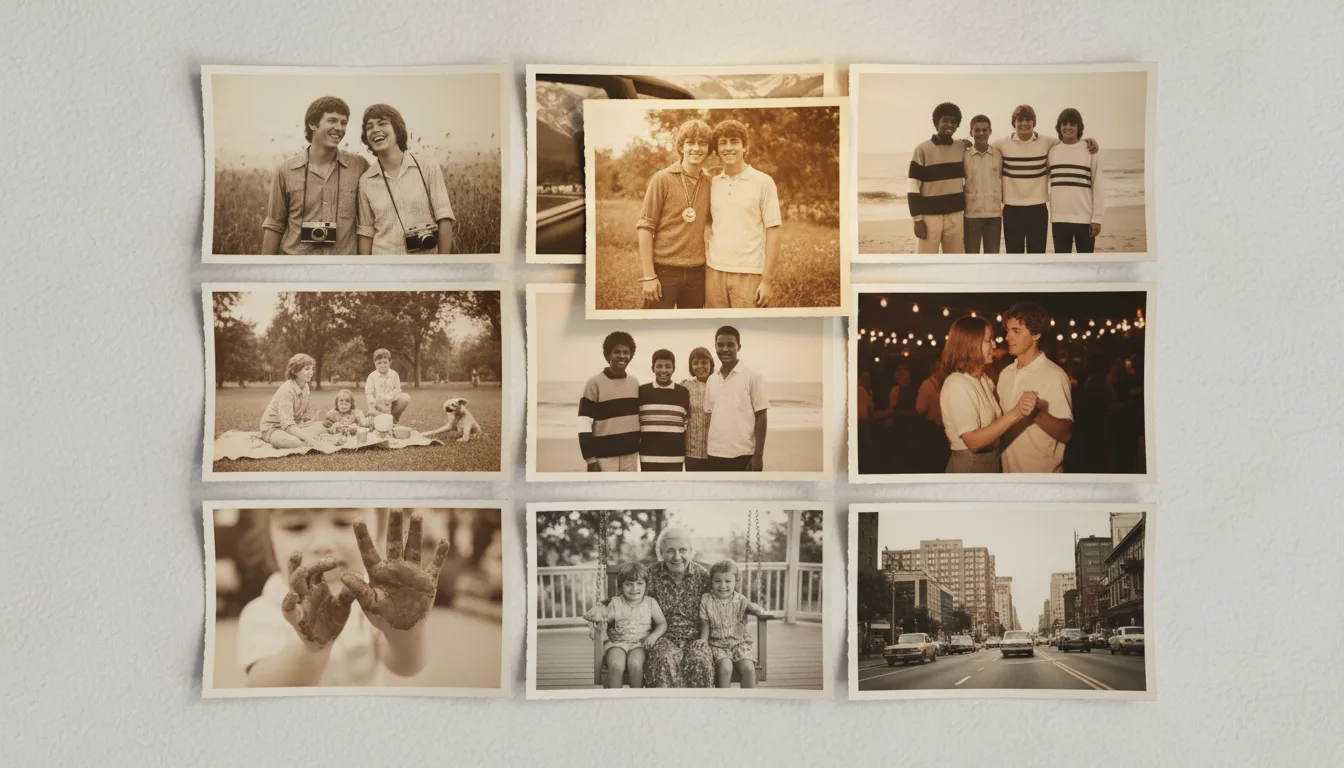
FotoRipple animates faces: smiles broaden, eyes sparkle, heads shift subtly. So the selection question is really: how well can the AI see the face? Everything below follows from that.
The selector’s checklist
Score each candidate photo against these, roughly in order of importance:
- Face size. The face should occupy a meaningful share of the frame. Rule of thumb: if you can see the eyes clearly at normal viewing size, you’re fine.
- Angle. Front-on to three-quarter. Profiles animate minimally.
- Eyes and mouth visible. Sunglasses, deep hat shadows, and hands-over-mouth all cap the effect.
- Sharpness at the face. Overall photo softness is fixable (free); a face that’s fundamentally out of focus is not.
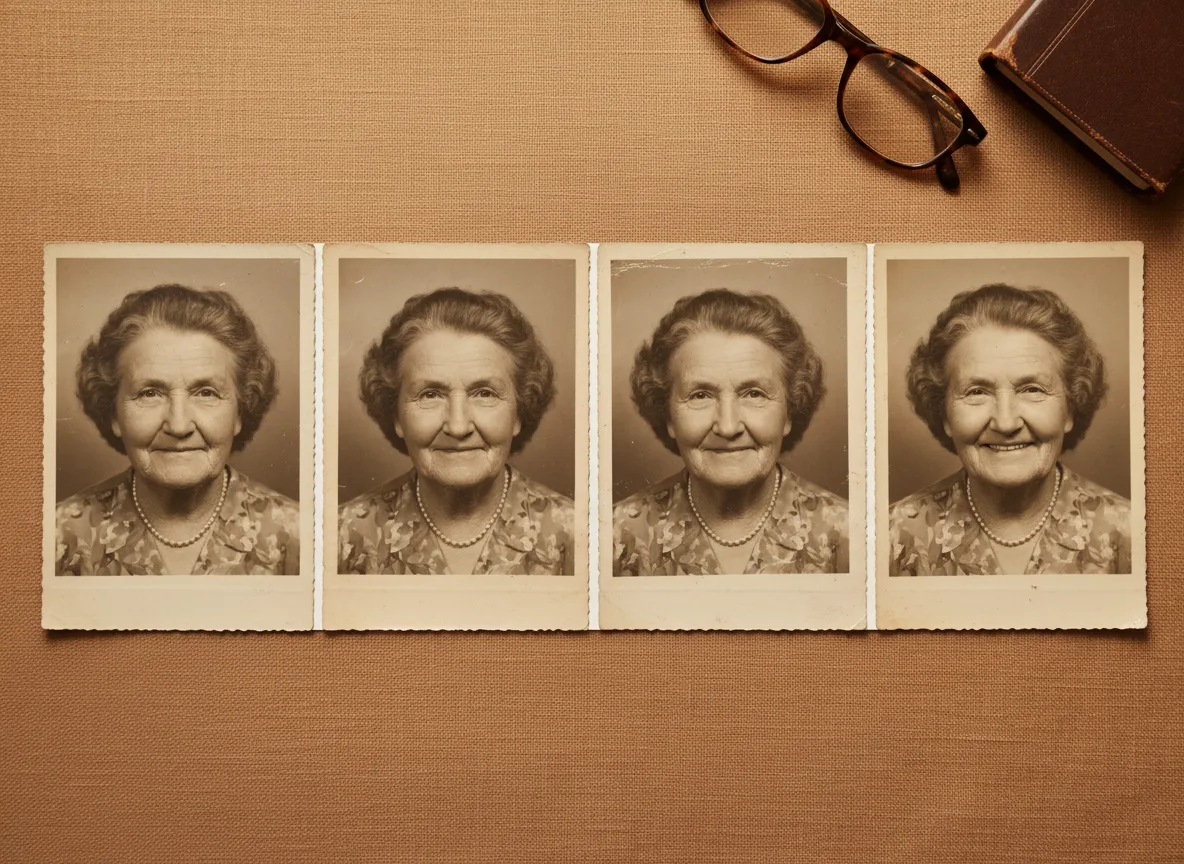
- Lighting. Even light beats harsh side-shadow. Old studio portraits win again here.
- Expression headroom. A neutral or almost-smiling face gives the animation somewhere to go; a full ear-to-ear grin is already at the destination.
Damage, fading, and monochrome are deliberately not on the list — restoration and colorization handle those free, before animation. Judge the photo under the damage, not the damage.
Building a set for a video
For a 3–10 photo memory video, you don’t need ten perfect portraits. A strong set mixes two or three checklist-perfect anchor faces (open, close, animated to full effect) with wider context shots — houses, groups, places — where subtle motion or even stillness is fine. The anchors carry the emotion; the context carries the story. If you’re mining a shoebox, pull twice as many candidates as you need and let the free restoration pass break the ties.
Tips for the best result
- Rank your candidates by face size: if the face is smaller than a postage stamp in the frame, expect subtle results.
- Front-on to three-quarter views animate best; full profiles limit the motion.
- Open eyes, visible mouth — the two features the animation works with most.
- Restore first, always: it's free, and repairing fading or damage across a face directly upgrades the motion.
- Use your 5 free animations as tests on different photo types before committing to a full project.