
Animate · Ancestors
Bring your ancestors' photographs to life
Genealogy gives you names, dates, and ship manifests. A photograph gives you a face. Animation gives you the uncanny, wonderful moment where the face looks back — and the research becomes a relative.
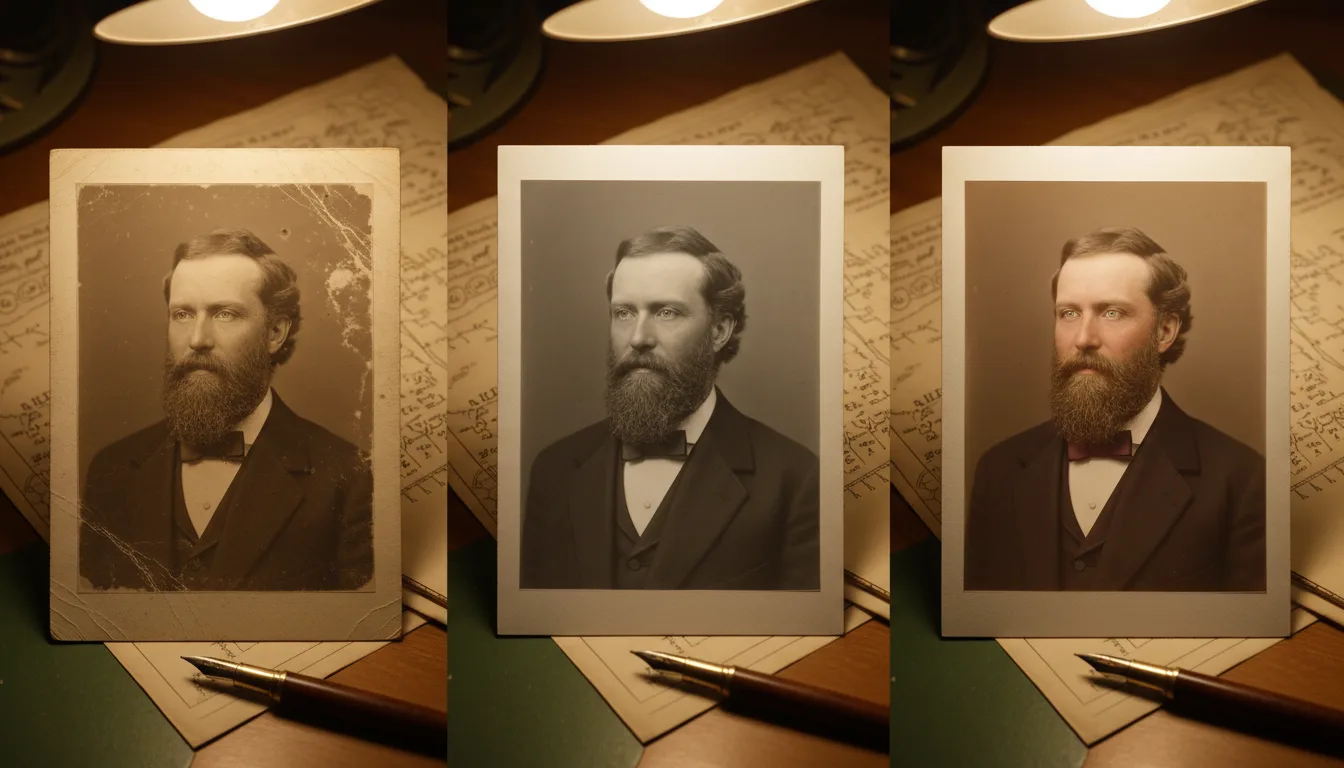
For family historians, animating an ancestor's portrait is the payoff moment: the person you've documented across censuses and certificates takes a breath. Here's how to do it well — and share it so the whole tree feels it.
From record to relative
Genealogy’s quiet frustration is that its output — trees, dates, documents — describes people without conveying them. You can know an ancestor’s occupation, address, and cause of death and still not feel them as kin. The photograph is where feeling starts; the animated photograph is where it lands. A face that turns slightly toward you is processed, neurologically, as a person in the room — which is why hardened researchers report being ambushed by emotion the first time their brick-wall ancestor blinks.
The genealogist’s advantage
You’re better positioned for this than anyone: you know which images exist, who’s in them, and what the stories are. The technical steps are the easy part — free restoration tuned for century-old damage, free colorization, and animation that runs on 5 free credits to start. The craft you bring — choosing the ancestor, writing the caption, telling the story — is what turns a neat clip into the family’s new heirloom.
How it works
- 1Choose the ancestor and the best surviving image. Studio portraits beat group shots for animation.
- 2Restore free. A century of foxing, fade, and cracks comes off first — often revealing detail you've never seen.
- 3Colorize (free) — or don't. Color makes ancestors feel contemporary; monochrome keeps archival gravity. Try both.
- 4Animate gently and share with the tree. The clip travels to every branch faster than any research summary ever did.
The research payoff
Years of records culminate in seconds of presence. It's the artifact that makes non-genealogist relatives finally ask about the work.
Old portraits are ideal input
The formal studio portraits ancestors sat for — front-facing, well-lit, sharp — are technically the best animation material there is.
Recruitment engine for family history
One animated ancestor in the family chat converts more relatives to the cause than any spreadsheet. The archive grows from there.
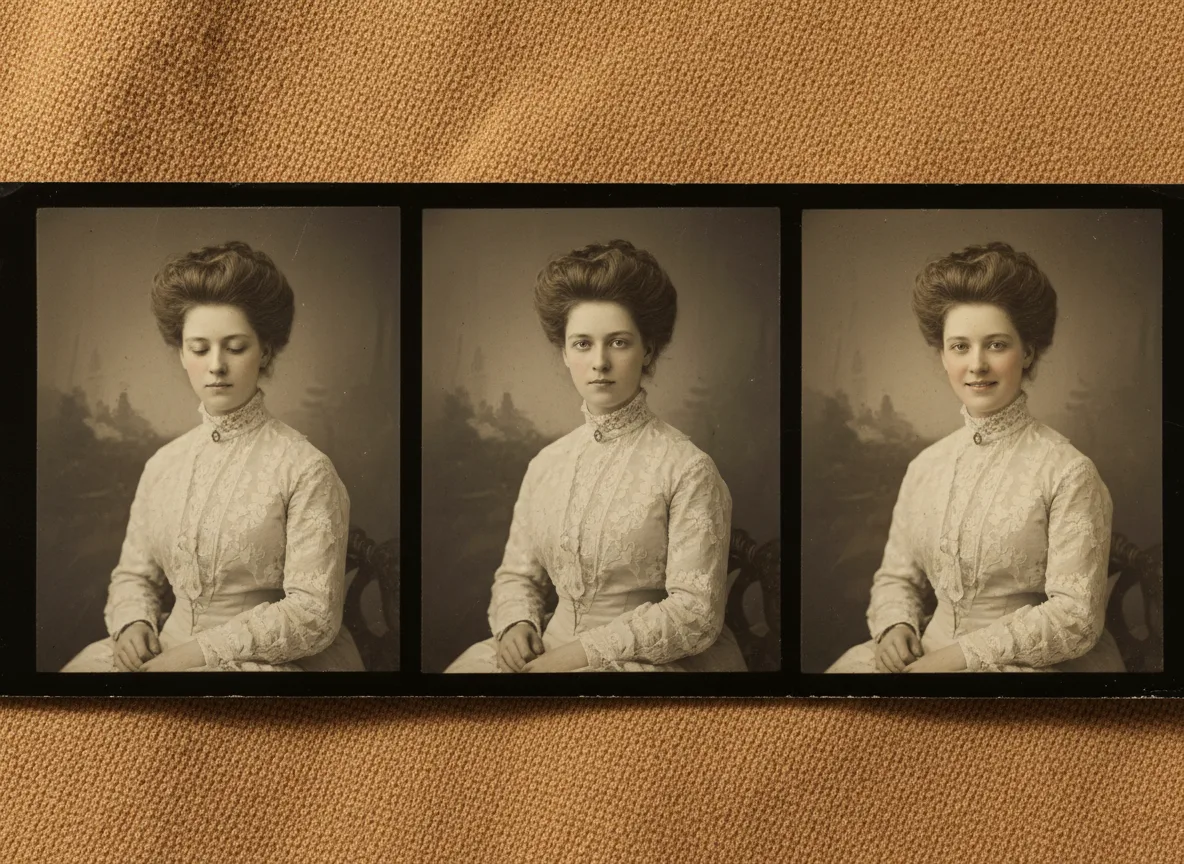
Example: the emigrant, 1893
Suppose your research traced the family to one man who left Naples in 1893, and one photograph survives: a stiff studio portrait taken before departure. Restored, his face sharpens out of the foxing. Colorized, he acquires the family's olive skin and dark eyes — your eyes. Animated, he draws one breath and steadies, and the ancestor becomes a young man about to gamble everything. You share it with a caption of his dates; three cousins reply within the hour asking for the full story.
Hypothetical genealogy scenario.
Tips for the best result
- Animate the ancestor with the best story first — impact recruits helpers for the rest.
- Pair every shared clip with names and dates; wonder without context evaporates.
- Source the highest-quality version of a portrait — a cousin may hold a sharper copy of the same photo.
- Respect the material: gentle motion suits ancestors; novelty effects don't. FotoRipple only does the former.
- Build toward a full family history video once several ancestors are restored.