
Memories · Genealogy
Do more with your genealogy photos
Your genealogy research has a photo problem: scans scattered across drives, faces without names, and relatives who glaze over at the tree. The fix for all three runs through the same workflow.
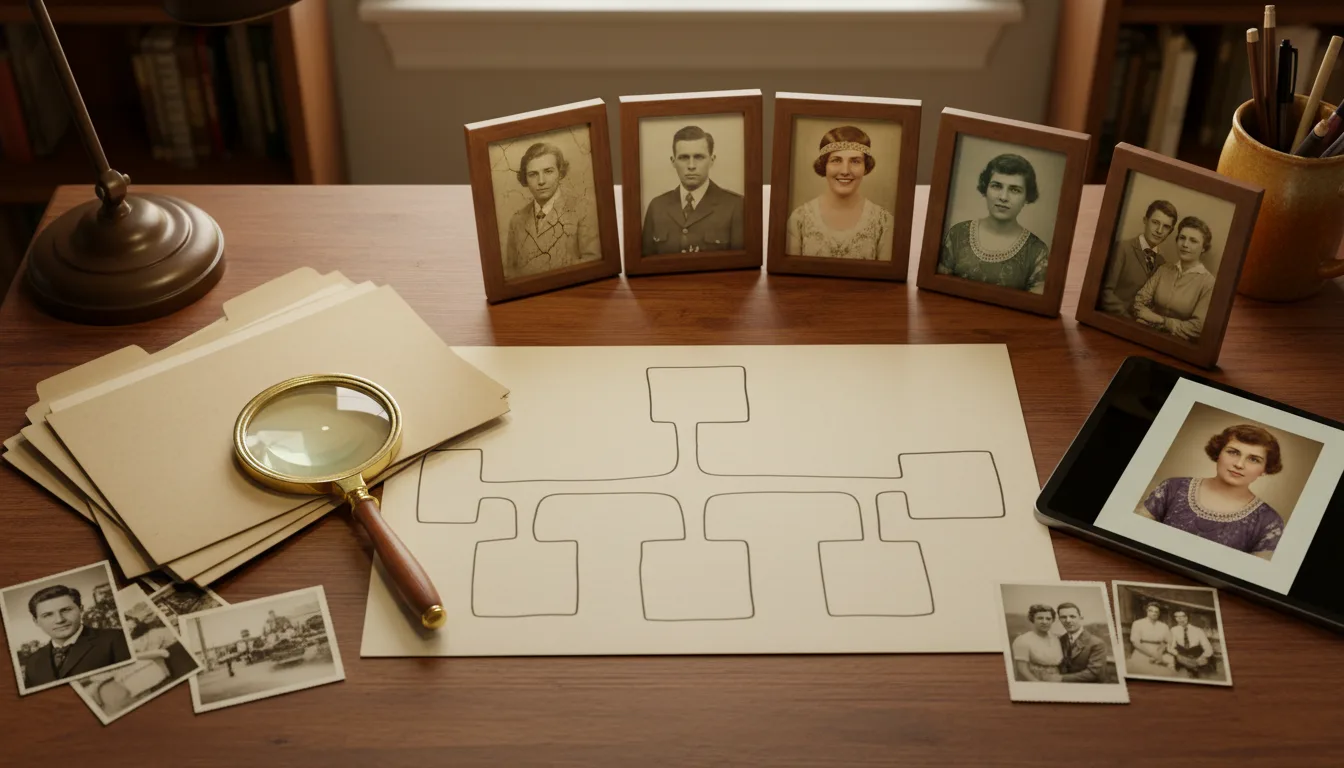
This page is the genealogist's photo workflow: getting the images organized and identified, restoring them free, and converting the best into the shareable, moving artifacts that finally make the family care.
The photo layer is genealogy’s soft underbelly
Records get databases, sources get citations — but the photo layer of most family research is chaos: duplicate scans at three resolutions, faces identified only in a late aunt’s memory, treasures sitting unrestored in formats nobody opens. Yet photos are the only genealogical asset non-genealogists care about. The discipline’s most shareable material gets its least disciplined treatment.
An afternoon fixes most of it: consolidate, name properly, restore everything free, and record identifications while the identifiers live. The result upgrades both the research (details revealed, faces comparable) and the audience (relatives who suddenly engage).
Research rigor meets emotional payoff
These two goals — archival correctness and family engagement — usually compete. Here they stack: the same restored scan serves as your working source and feeds the animated portrait that recruits the next cousin. Keep the monochrome original for the record; share the colorized, breathing version at the reunion. The tree grows both ways.
How it works
- 1Consolidate. Pull every ancestor image into one folder structure, named by person and date — see organizing digital photos.
- 2Identify while you can. Sit the oldest relatives down with the unidentified faces; record everything.
- 3Restore free. Run the whole archive through restoration — foxing, fade, and damage off every scan.
- 4Animate the key figures. The tree's anchors, gently brought to life, become the artifacts relatives actually share.
Free at archive scale
Restoration and colorization cost nothing, so the entire collection gets the treatment — not just the favorites.
The engagement problem, solved
Trees inform; moving faces recruit. One animated ancestor converts more relatives into contributors than years of charts.
Research-grade habits
Keep raw scans beside restored versions, log sources, note identifications — the workflow respects genealogical standards.
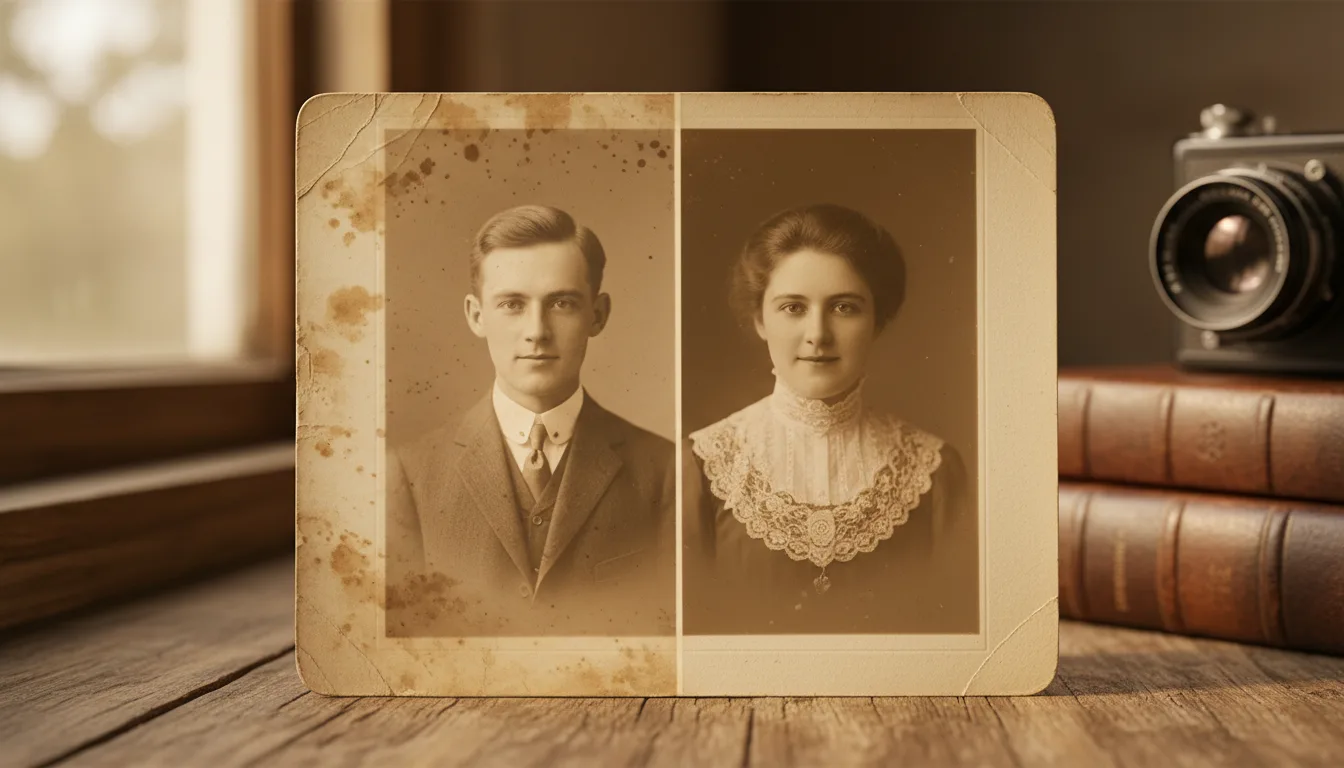
Example: the brick-wall ancestor goes viral (family-scale)
Imagine a researcher stuck for years on one line — until a second cousin, prompted by an animated clip of their shared great-great-grandmother posted in the family group, mentions a box of photos in her attic. The box contains the missing generation: labeled, dated, one with an address on the back that cracks the wall open. The animation didn't do the research; it recruited the person who could.
Hypothetical — but the recruit-by-wonder dynamic is the most reliable trick in family history.
Tips for the best result
- Name files 'surname-firstname-year-place' — future you will weep with gratitude.
- Scan the backs of every print; stamps and pencil notes are primary sources.
- Restore before you share scans with matches and cousins — clean images get responses.
- Post one animated ancestor to the family chat before asking anyone for photos. Ask after the wonder.
- Anchor the output: a family history video per line, refreshed as research grows.