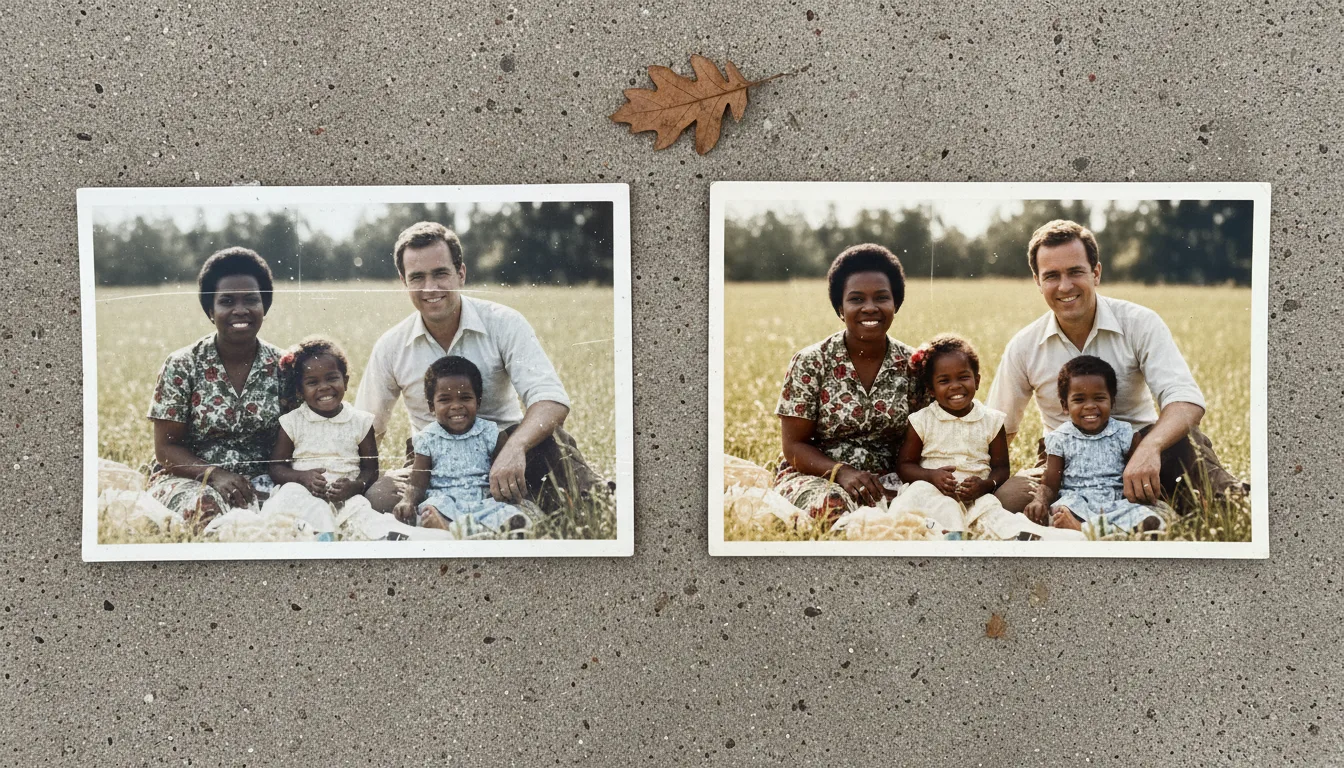
Guide · Scanning
How to scan old photos on Android
Any modern Android phone can digitize old prints beautifully. Here's how to set up the camera, light the photo, and get sharp, glare-free scans ready to restore.
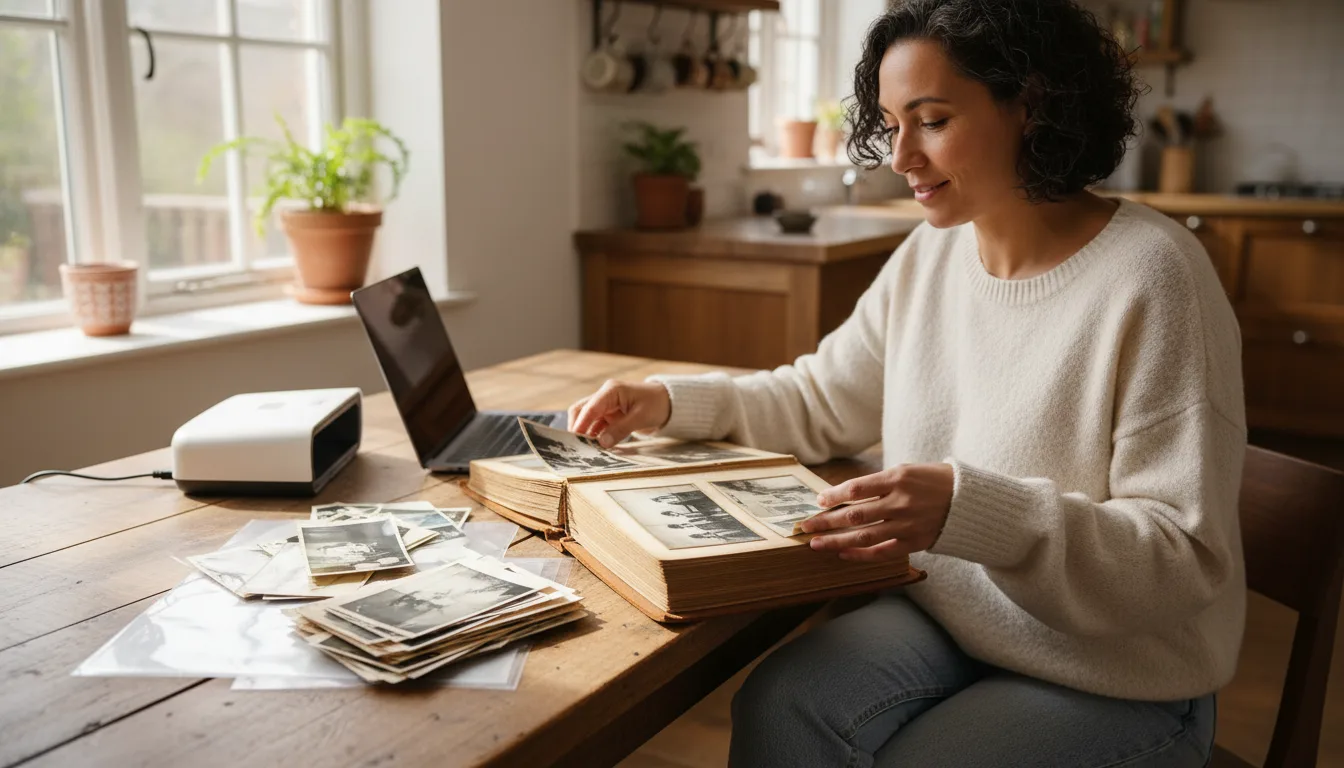
Android phones have superb cameras, and a good phone scan rivals a flatbed for family photos. The essentials are the same on every device: even light, a steady hand, and full resolution.
Camera settings that matter
- Use the main rear lens — not ultra-wide (distorts edges) and not digital zoom (loses detail).
- Flash off. It bounces off prints and blows out detail.
- Tap the print to focus, and if your phone supports it, lock focus/exposure (AE/AF lock).
- Turn HDR on for balanced shadows and highlights.
- Set the camera to its maximum photo resolution.
Light and position
Lay the print flat on a matte surface. Light it with soft daylight from a window or two lamps at 45°. Hold the phone directly overhead and parallel to the print so edges stay straight, and fill the frame while keeping all corners visible. Brace your elbows or use a tripod to avoid shake.
For albums and batches
A scanning app with auto-crop speeds up large collections. Capture your most treasured photos carefully in the stock camera for the best source image to restore and colorize.
Next steps
Upload your scans to restore old photos, then animate them. Planning to enlarge? Read scanning in high resolution first.