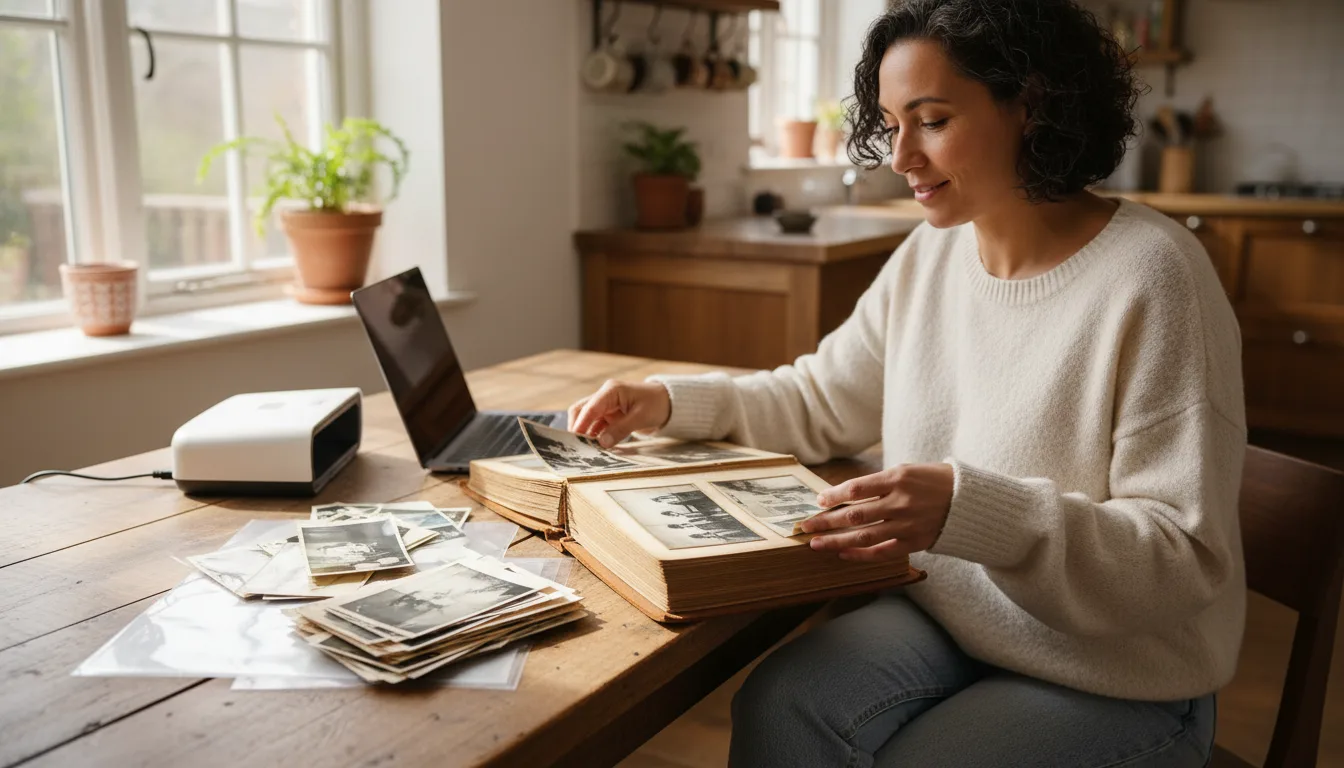
Guide · Preserve
How to preserve family photos
Photos fade, drives fail, and boxes get lost. This guide shows how to protect your family photos for the long term — digitizing, organizing, backing up, and storing prints safely.
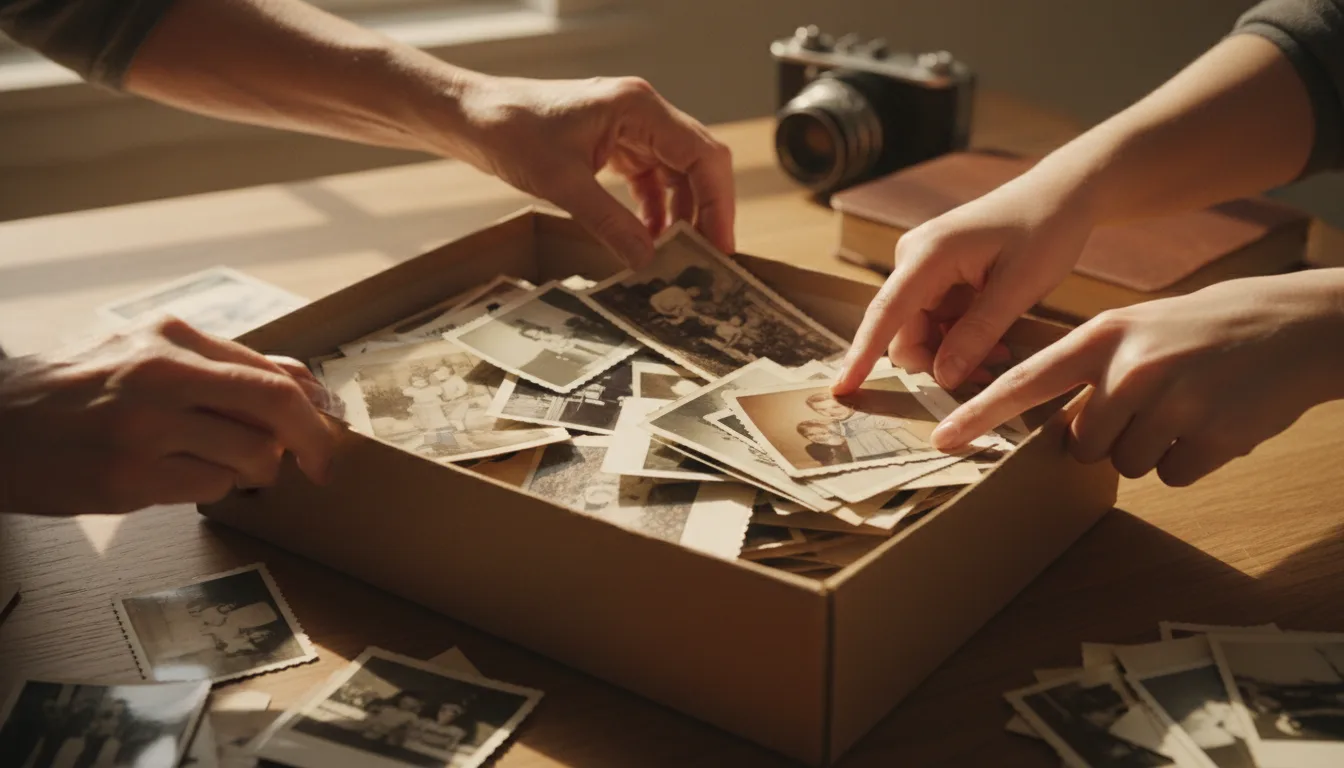
Preserving photos is about redundancy and care: a good digital copy, sensible organization, reliable backups, and safe storage for the originals. Here's the full system.
The four pillars of preservation
- Digitize. A digital copy is the ultimate insurance — it can’t yellow, tear, or burn. Start with how to scan old photos, then restore the results so your safety copies look their best.
- Organize. A simple, consistent folder-and-naming system means your photos are findable for decades, not lost in a chaotic camera roll.
- Back up. Follow the 3-2-1 rule so a failed drive or lost phone never costs you a memory.
- Store the originals. Keep prints cool, dark, dry, and in acid-free materials to slow further aging.
Why digitize first
Every day, physical photos fade a little more, and accidents — floods, fires, moves — happen. Digitizing turns fragile, one-of-a-kind objects into copies you can back up infinitely. It’s the single most important preservation step, and it unlocks restoration, colorization, and animation too.
Connect photos to your family history
Preserved photos are even more meaningful attached to names and relationships. See building a family tree with photos to give your genealogy a face.