
Memories · To life
Bring your family photos to life
"Bring them to life" sounds like a figure of speech until you watch it happen: your grandmother's photo takes a small breath, her eyes find the light, and the kitchen she's standing in feels one step away.
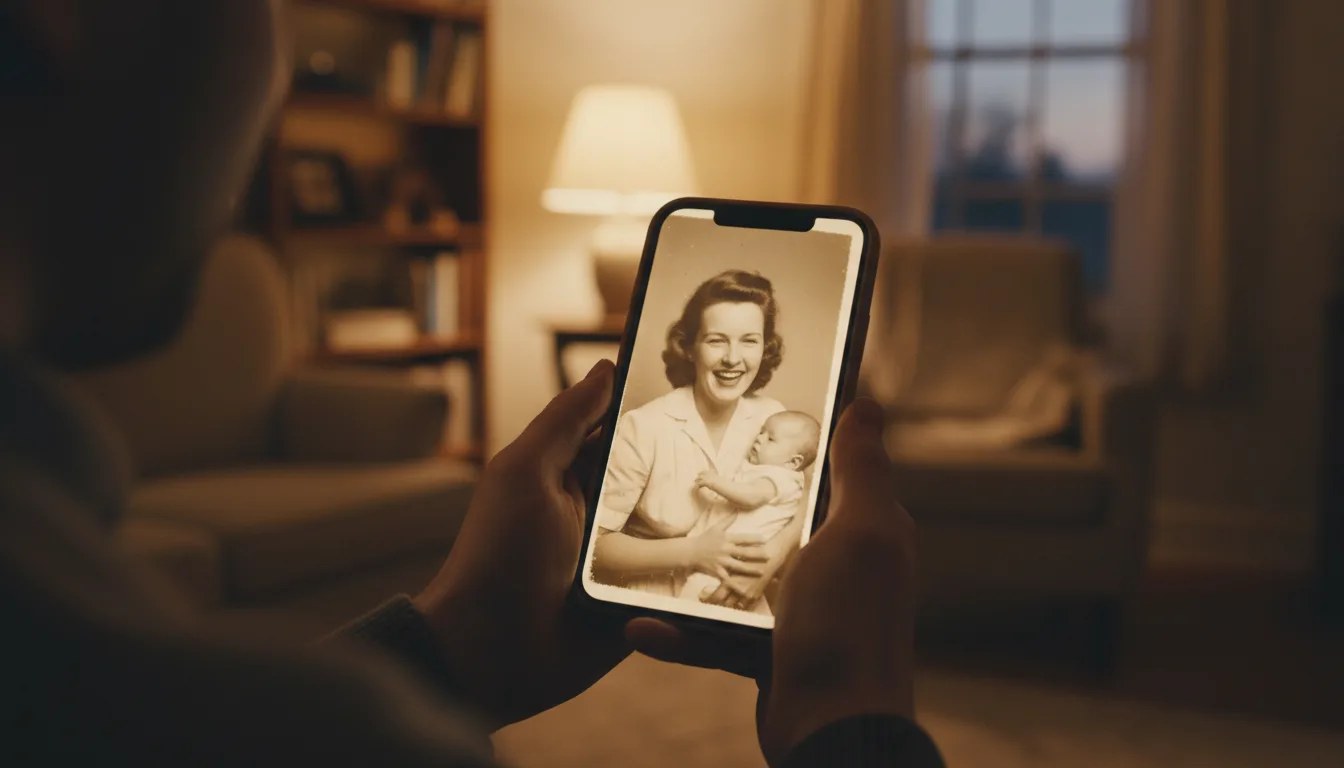
This page is for the search you typed with someone specific in mind. Here's what bringing a family photo to life actually involves, what it honestly can and can't do, and how to start with the photo you're thinking of right now.
What “to life” means — precisely
When FotoRipple brings a family photo to life, three things happen. The print’s damage and fading are restored so the person is clear. Color is added if the photo is monochrome, collapsing the distance that black-and-white creates. And then motion: a few seconds of gentle, natural movement generated by AI that has learned how real faces move.
What does not happen matters equally: no invented features, no voice, no exaggerated performance. The photograph stays recognizably itself — just no longer frozen.
Why families do this
The still photo asks you to remember. The moving one lets you watch — and that shift, small as it sounds, is why people describe first viewings in physical terms: chills, tears, silence. It’s also why the finished videos become gifts more often than keepsakes: the strongest reaction usually belongs to someone else in the family.
How it works
- 1Choose the photo — or 3–10 of them. The one on the mantel is usually the right instinct.
- 2Free restoration and color. Age damage is repaired and monochrome can become natural color.
- 3Animation. Gentle movement — a smile broadening, eyes sparkling, hair stirring. Regenerate until it feels like them.
- 4Music, then share. A song turns clips into a keepsake video the whole family can have today.
Honest magic
The motion is AI-interpreted, not recovered footage — and we keep it subtle precisely so it feels true rather than theatrical.
It's reversible and repeatable
Nothing happens to your original photo. Don't like a take? Regenerate. Love it? It downloads in HD.
One photo or the whole story
Start with the single photo that matters most; grow it into a full memory video when you're ready.
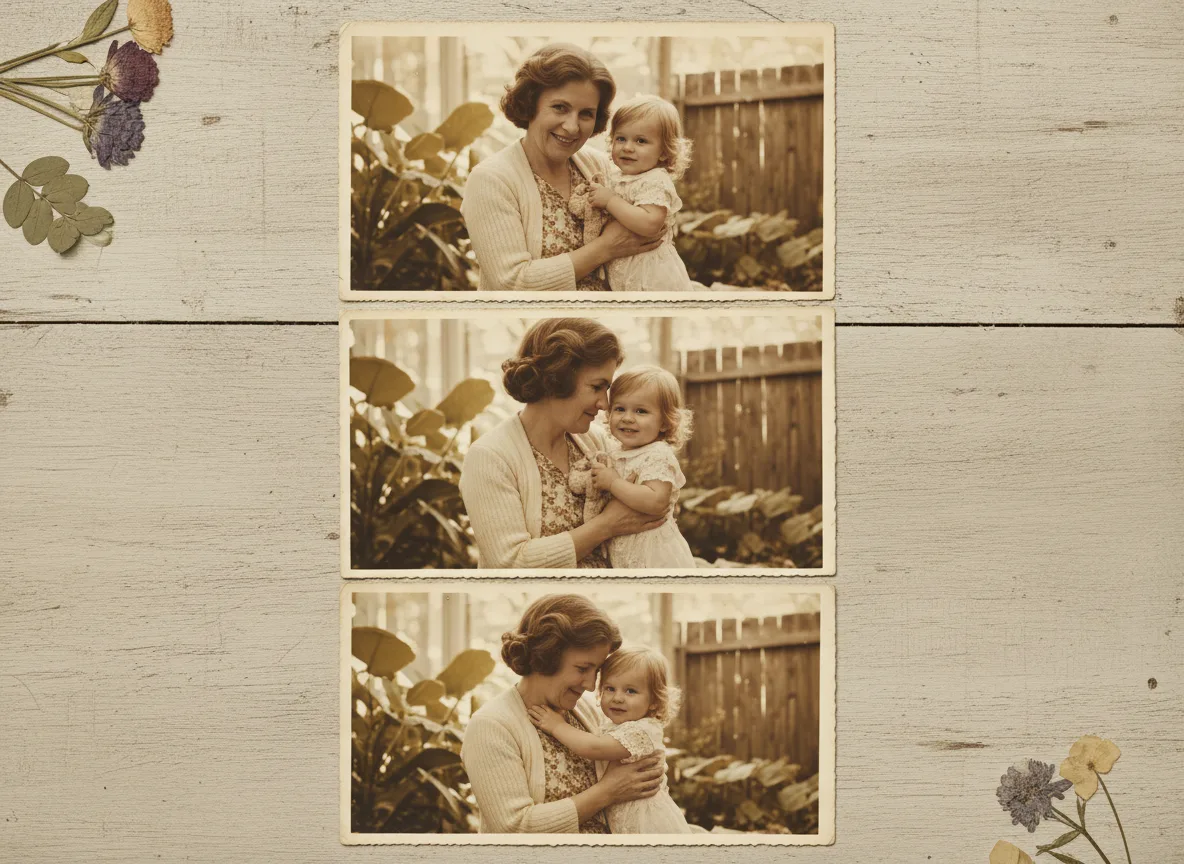
Example: the photo on the mantel
Nearly every family has a mantel photo — say, your grandmother at thirty, holding your infant father, squinting into 1954 sunlight. You've looked at it ten thousand times. Brought to life, she shifts slightly and smiles into the camera, and family members who watch it tend to go quiet, then ask you to play it again.
Hypothetical scene; real reactions are on the reviews page — including Lucas from Brazil: "The result was just... wow, no words."
Tips for the best result
- Start with the photo you'd rescue in a fire — strong feelings make the best first test.
- A clear, front-facing face gives the most lifelike result; see which photos animate best.
- Restore first (free) — damage on a face limits the animation's realism.
- Watch the result alone before showing others; you'll want to choose the take that feels most like them.
- Pair the clip with the still original when you share it — the transformation is half the gift.