
Guide · Animate
How to bring old photos to life
"Bringing a photo to life" means adding gentle, natural motion so a still portrait seems to breathe. Here's what that looks like — and how to create it from your own photos.
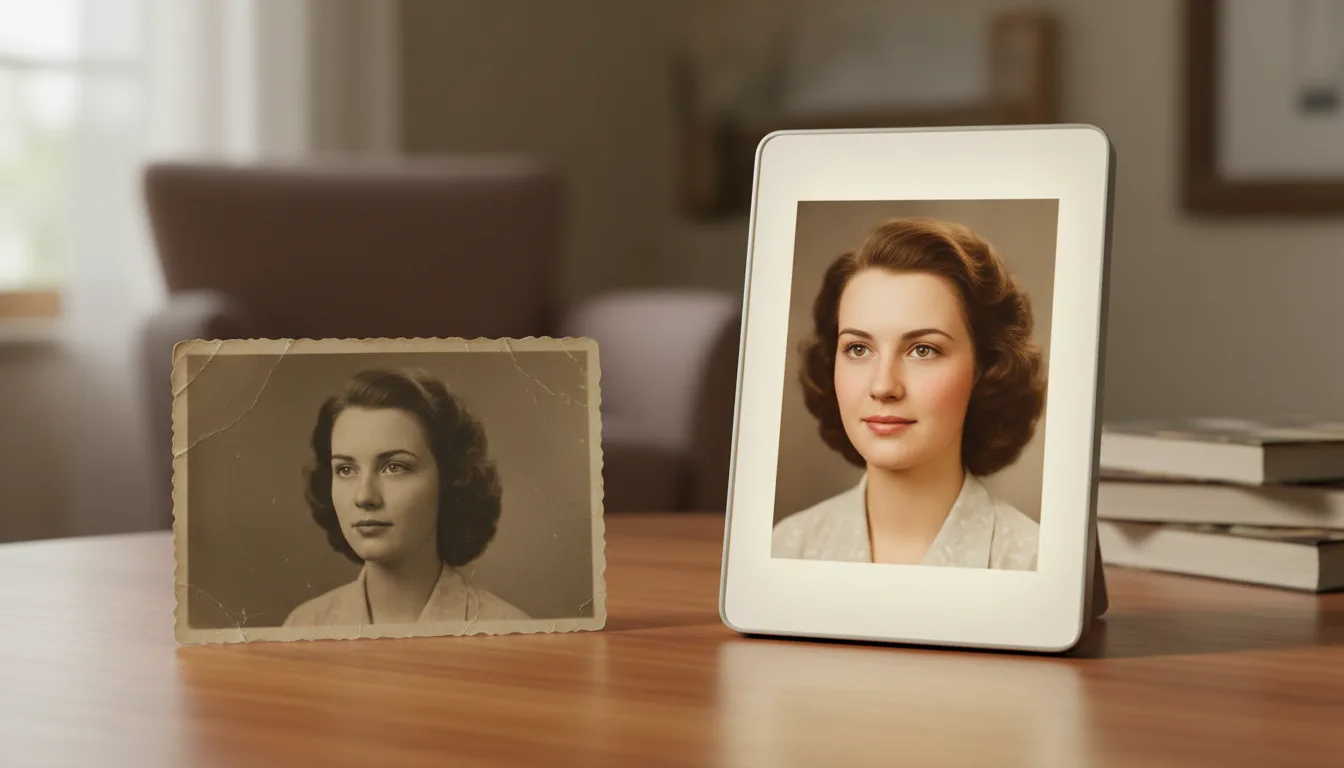
The phrase is emotional for a reason. Seeing a face you've only known as still suddenly move — softly, naturally — is a genuinely moving experience. Here's how it works.
What “bringing a photo to life” means
It’s exactly what it sounds like: taking a still photograph and giving it a few seconds of gentle, natural movement. A face that has only ever been frozen in a frame appears to breathe, shift slightly, and hold a soft expression — as if the moment were happening now.
The emotional impact is hard to overstate, especially for photos of grandparents, great-grandparents, or loved ones who have passed.
How to create it
- Choose a clear portrait. Front-facing photos with a visible face work best.
- Restore and colorize it first for the most lifelike look.
- Animate it — FotoRipple adds subtle motion automatically.
- Add music and share, or combine several into a memorial or anniversary video.
Gentle by design
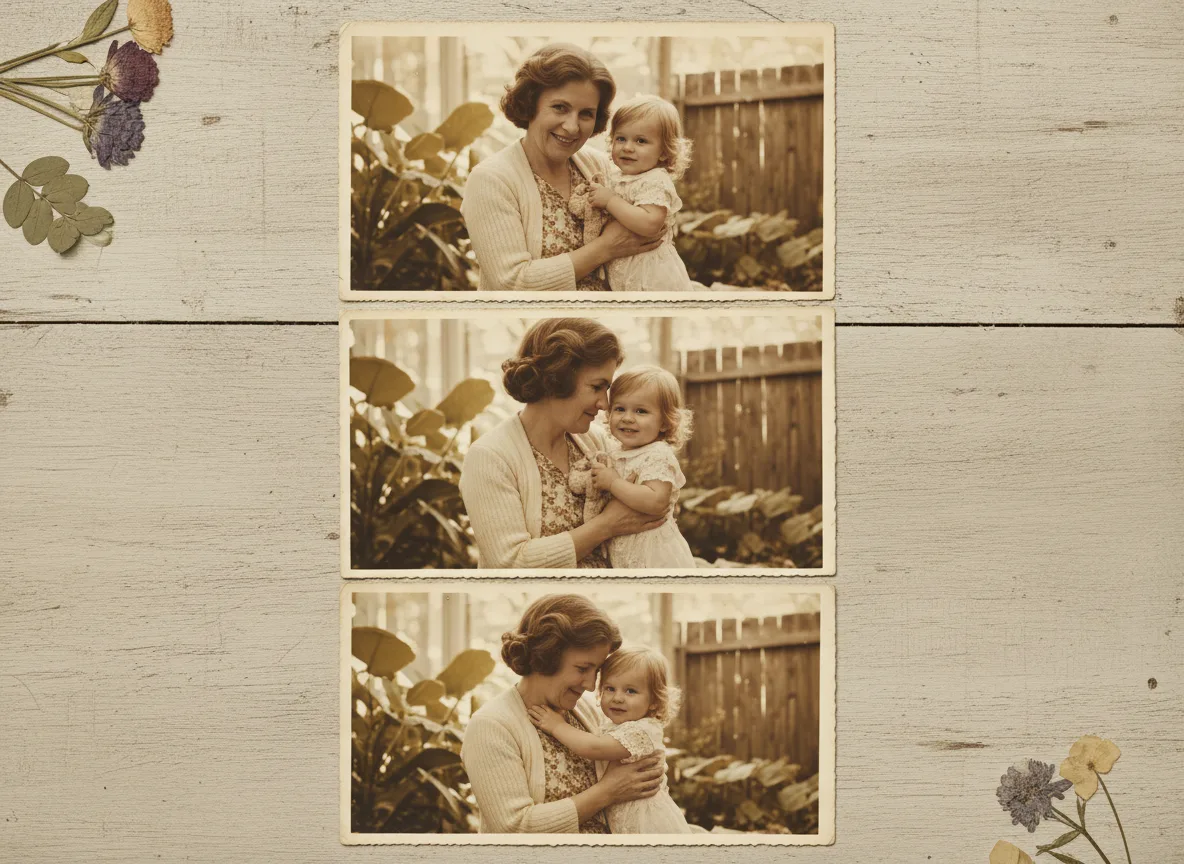
The reason FotoRipple’s animation feels moving rather than strange is restraint. The movement is soft and lifelike, never exaggerated. For the technique behind it, read make a photo move; for treasured photos of those we’ve lost, see bringing deceased loved ones to life.
Tips for the best result
- Start with the photo that means the most — emotional stakes make the best first test.
- Restore and colorize first (both free) for the most lifelike result.
- Watch alone before sharing; choose the take that feels most like them.
- For the family-oriented version of this journey, see bring family photos to life.