
Guide · Scanning
How to digitize a photo album
Albums are the hardest digitizing job in the family archive: photos trapped under plastic, glued at the corners, welded to 'magnetic' pages. The rule that prevents every disaster: digitize in place — never fight the album.
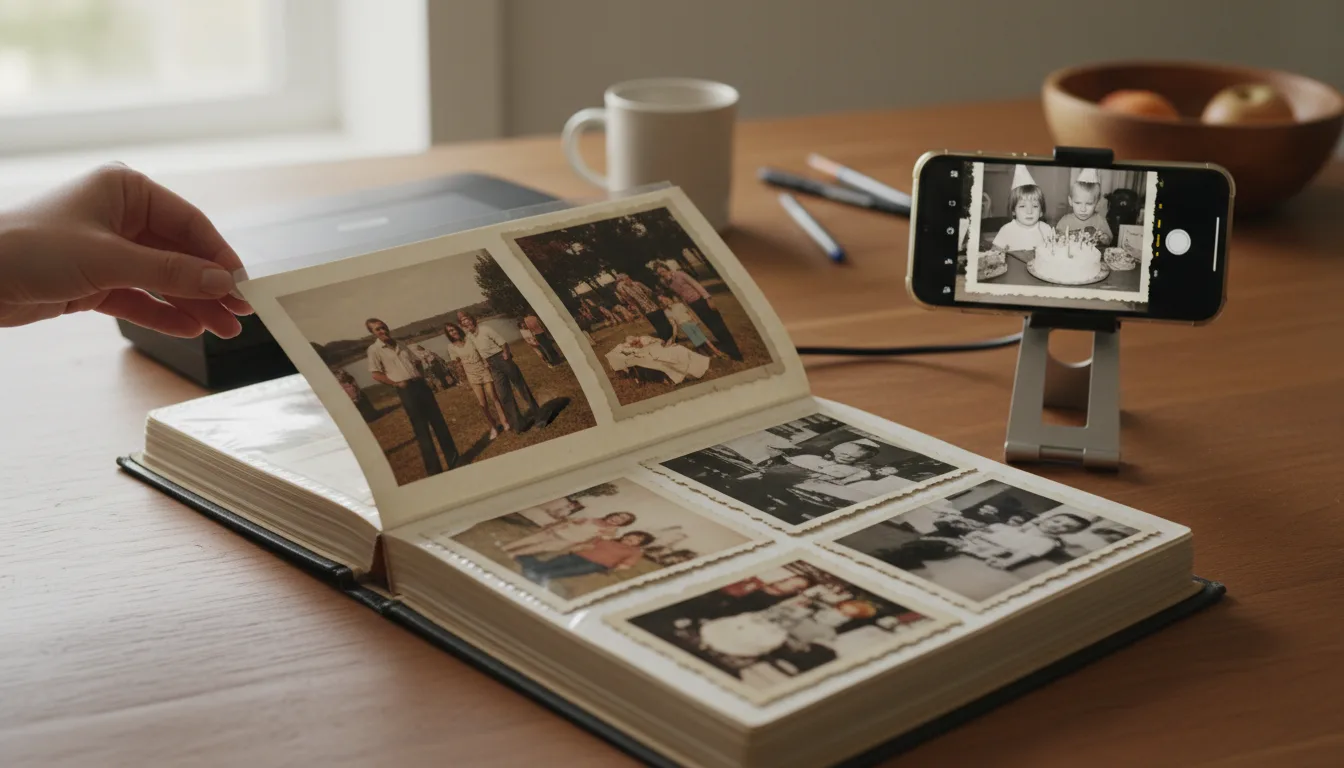
This guide covers album-specific digitizing: the page types and their hazards, the capture technique, and the free restoration pass that removes what the album's plastic and glue did to your photos.
Know your enemy: the three album types
Corner-mounted albums (mostly pre-1960s): photos held by paper corners on black or cream pages. The safe one — photos usually lift out freely for individual scanning, and the pages themselves, with white-ink captions, deserve their own captures.
Sleeve and pocket albums (1980s onward): photos slide into plastic pockets. Slide them out gently for scanning if they move freely; scan through the plastic if they’ve stuck — free restoration handles the sheen.
“Magnetic” self-adhesive albums (1965–1995, the majority of family albums): photos pressed onto adhesive-striped pages under plastic film. The dangerous one. The adhesive yellows photos and bonds harder every year; peeling takes emulsion with it. Capture in place, always. These albums are also why album digitizing is urgent rather than optional — the pages are slowly consuming their contents.
After the capture: the album’s second life
A digitized album yields three artifacts. The archive: full page scans, captions included, restored free and backed up — the album made permanent. The shares: individual restored photos distributed to the family. And the film: the album maker already sequenced the story, so 3–10 key pages drop directly into an animated album video — the album, finally, with a play button. The physical album then returns to the shelf, retired from active duty with honors.
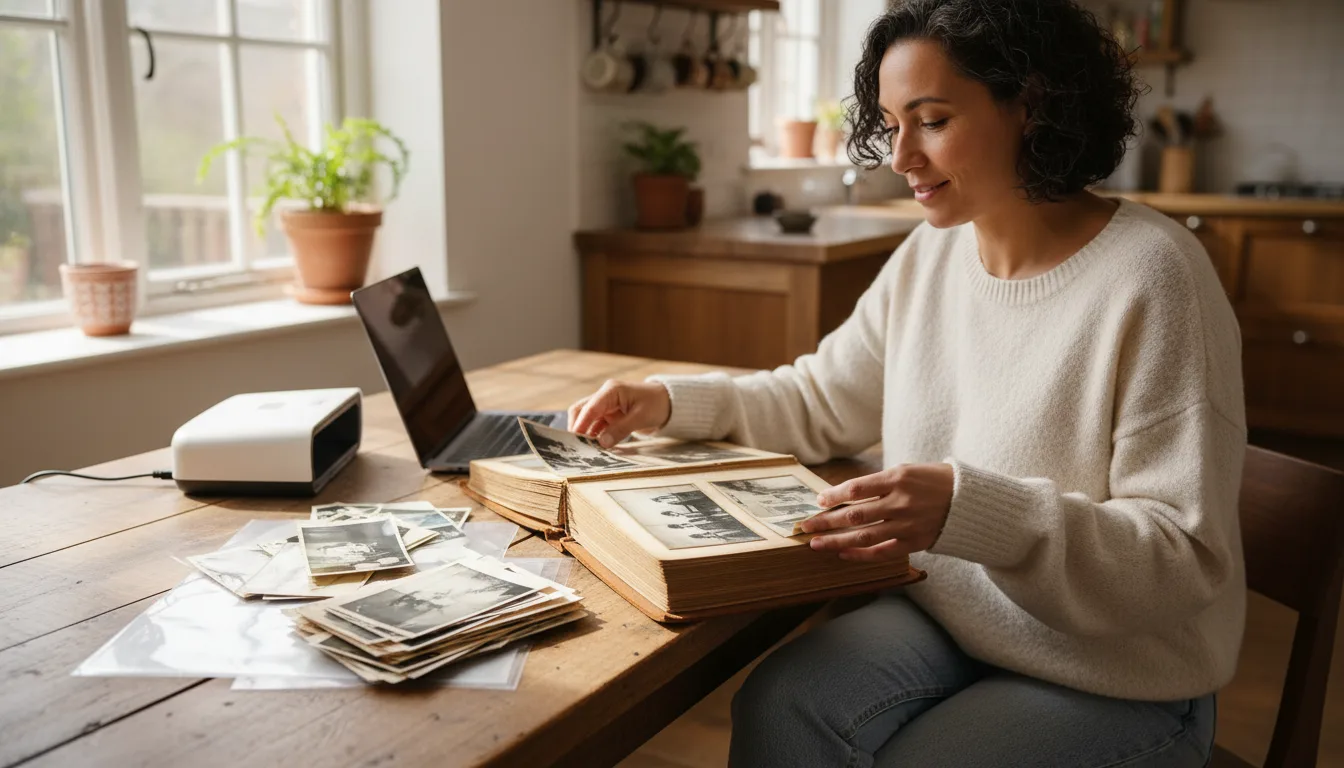
How it works
- 1Identify the album type first. Corner-mounted (photos lift out safely), sleeve/pocket (slide out gently), or 'magnetic' sticky pages (DO NOT peel — capture in place).
- 2Capture page by page. Flatbed scanner where the album lies flat; otherwise phone camera, straight-on, in bright indirect light, plastic overlay lifted only if it lifts freely.
- 3Capture the captions. Photograph every labeled page and photo back — the handwriting is data.
- 4Restore the scans free. Plastic haze, glue yellowing, and page-color casts lift off; the photos return to themselves.
- 5Make something from the best pages. The album's own sequence is a ready-made album video.
Tips for the best result
- Test one corner gently: if a photo resists at all, it stays in — capture through/around the plastic instead.
- Kill glare by turning off overhead lights and shooting near a window at an angle-then-straighten, or use a scanner.
- Name files by album and page ("blue-album-p12") to preserve the maker's order.
- Digitize the album cover and any inscriptions too — the object is part of the archive.
- Magnetic albums actively damage photos over time; once digitized, consider the scan the primary copy.