
Animate · Music
Turn photos into a video with music
Pictures carry the memory; music carries the feeling. FotoRipple joins gently animated photos with the song that belongs to them — and the result plays like a memory, not a file.
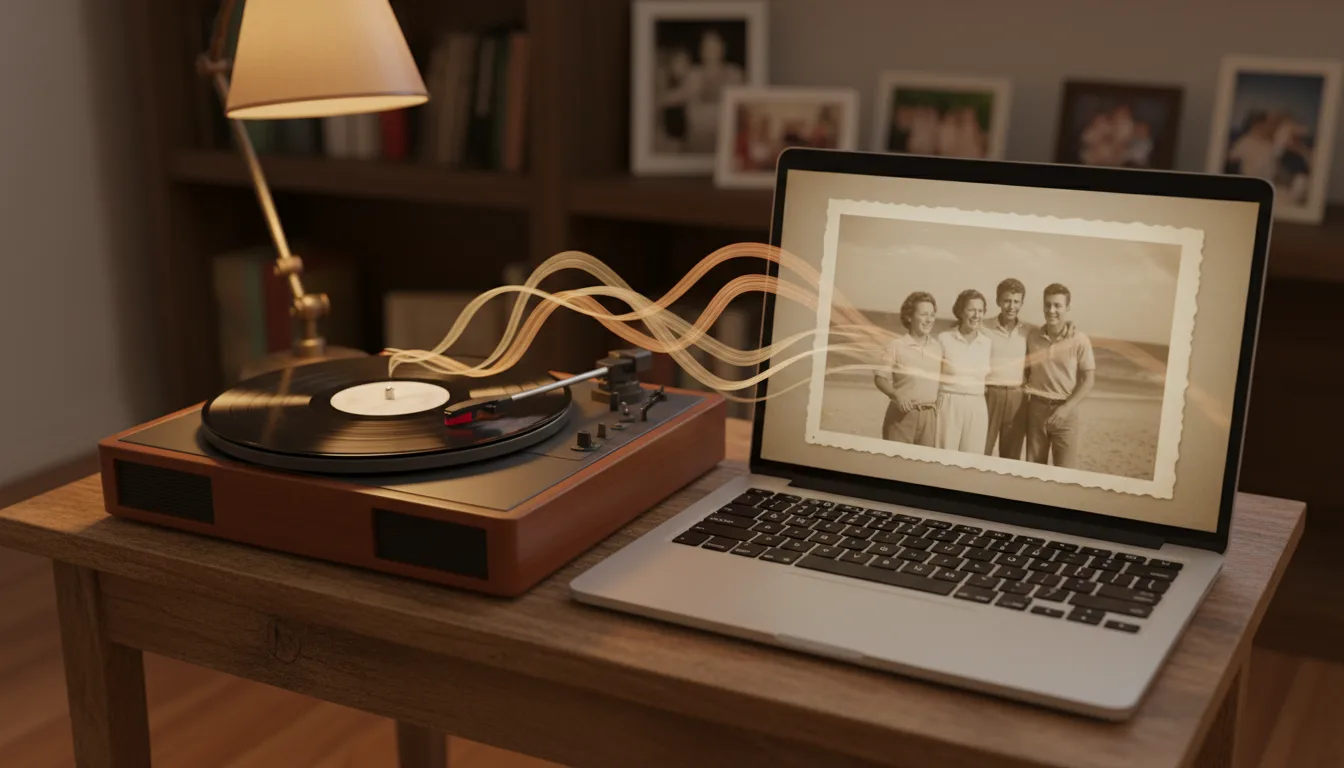
A silent video of moving photos is impressive. The same video with the right music is the one that gets rewatched — soundtrack is the difference between showing photos and telling a story.
Why music changes everything
Film editors have known it for a century: the same footage lands completely differently depending on the score. Your family photos work the same way. A sequence of animated portraits over silence is watched; over the right song, it’s felt.
Music also does practical work. It sets the pace of viewing, covers the transitions between clips, and tells the audience how to feel about ambiguous images — the empty house, the unlabeled group photo — that pictures alone can’t explain.
Building the video around the song
The strongest approach is to choose the track before finalizing photo order. A song has its own arc — intro, build, peak, resolve — and slotting your strongest photo at the song’s peak is the closest thing to a professional editing trick this workflow needs. Start from photo to video if you’re assembling the clips first, or read which photos animate best while you shortlist.
How it works
- 1Upload 3–10 photos. Free restoration and colorization bring old prints up to strength.
- 2Animate each photo with subtle, natural motion — regenerate any clip you want to refine.
- 3Add your soundtrack. Pick music that matches the person, the era, or the occasion.
- 4Share the finished video in HD — by link, at the party, or as a gift.
Music as the thread
One song across 3–10 clips is what turns separate animations into a single film with a beginning and an end.
Mood control
The same photos read as celebration or remembrance depending on the track — you choose the emotional register.
Done in one sitting
No audio editing, no syncing timelines. Choose the track, and the video comes together in minutes.

Example: the song does the remembering
Imagine making a video for your father's 75th from seven photos of his youth. Silent, it's a nice montage. Set to the Beatles song he played every Sunday morning of your childhood, the same seven clips become something else entirely — the first chord places every viewer in that kitchen before the first photo even moves.
A hypothetical example of how soundtrack changes reception.
Tips for the best result
- Pick a song the subject loves, not the current charts — recognition is the emotional trigger.
- Match tempo to mood: slower tracks suit remembrance; brighter ones suit birthdays and reunions.
- Songs from the era of the photos double the time-travel effect.
- Plan around one song length — 3–10 animated clips fill a typical track naturally.
- More on this craft in how to add music to a photo video.